Skip to content

Time Tracker

App for iPhone, iPad and Android to log the time you spend on projects and clients: focus timer, hourly rates and VAT, dashboard and PDF and CSV reports. No account. Free, with no ads or in-app purchases.

dimpemekug
Published date:

Official Time Tracker Wiki & Documentation

Explore 5 dedicated guides covering installation, features, and shortcuts.

Browse Docs →

What is Time Tracker?

Time Tracker is for anyone who needs to know exactly where their time goes, and what it’s worth. Freelancers, developers, consultants and students log hours in seconds, organize them by project and see billable hours and revenue, all without creating an account.

Key Features

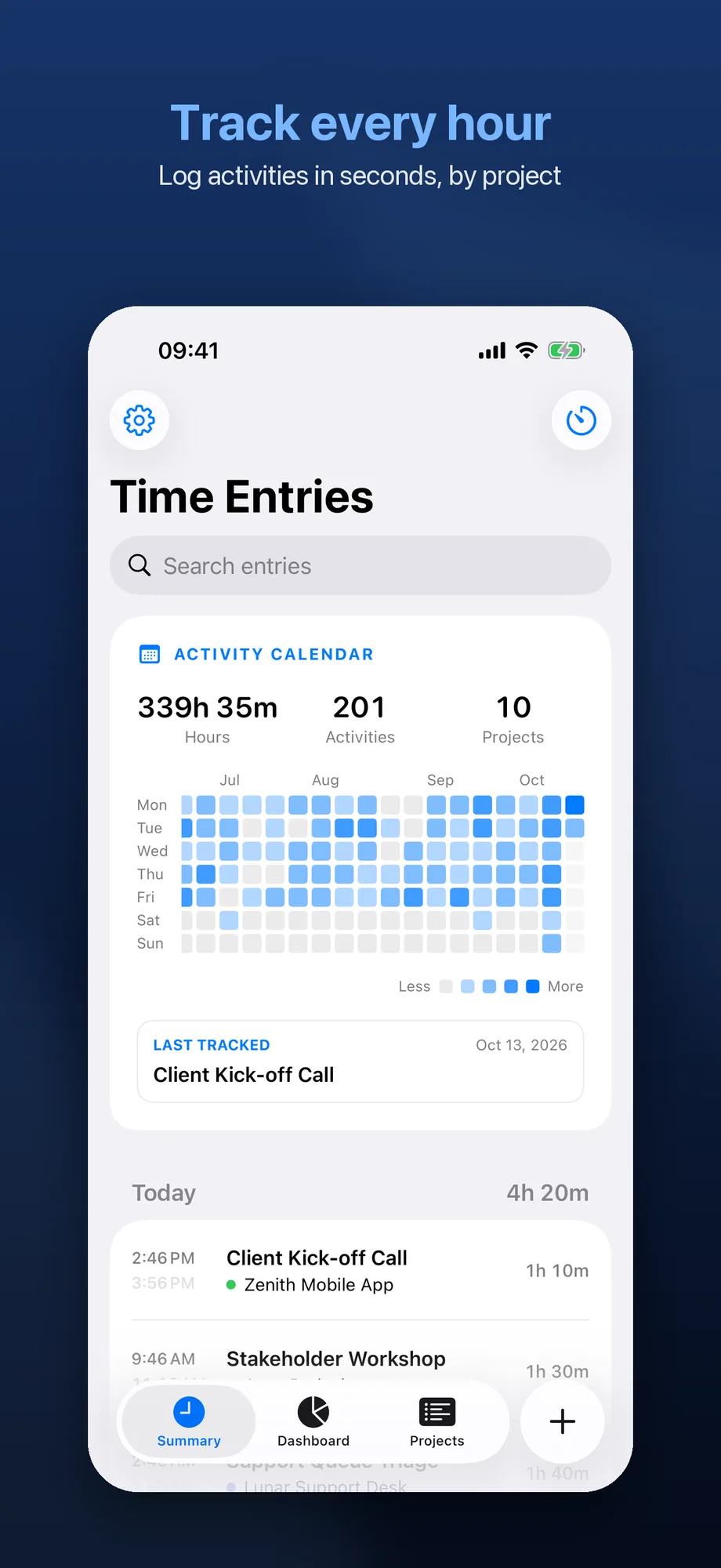
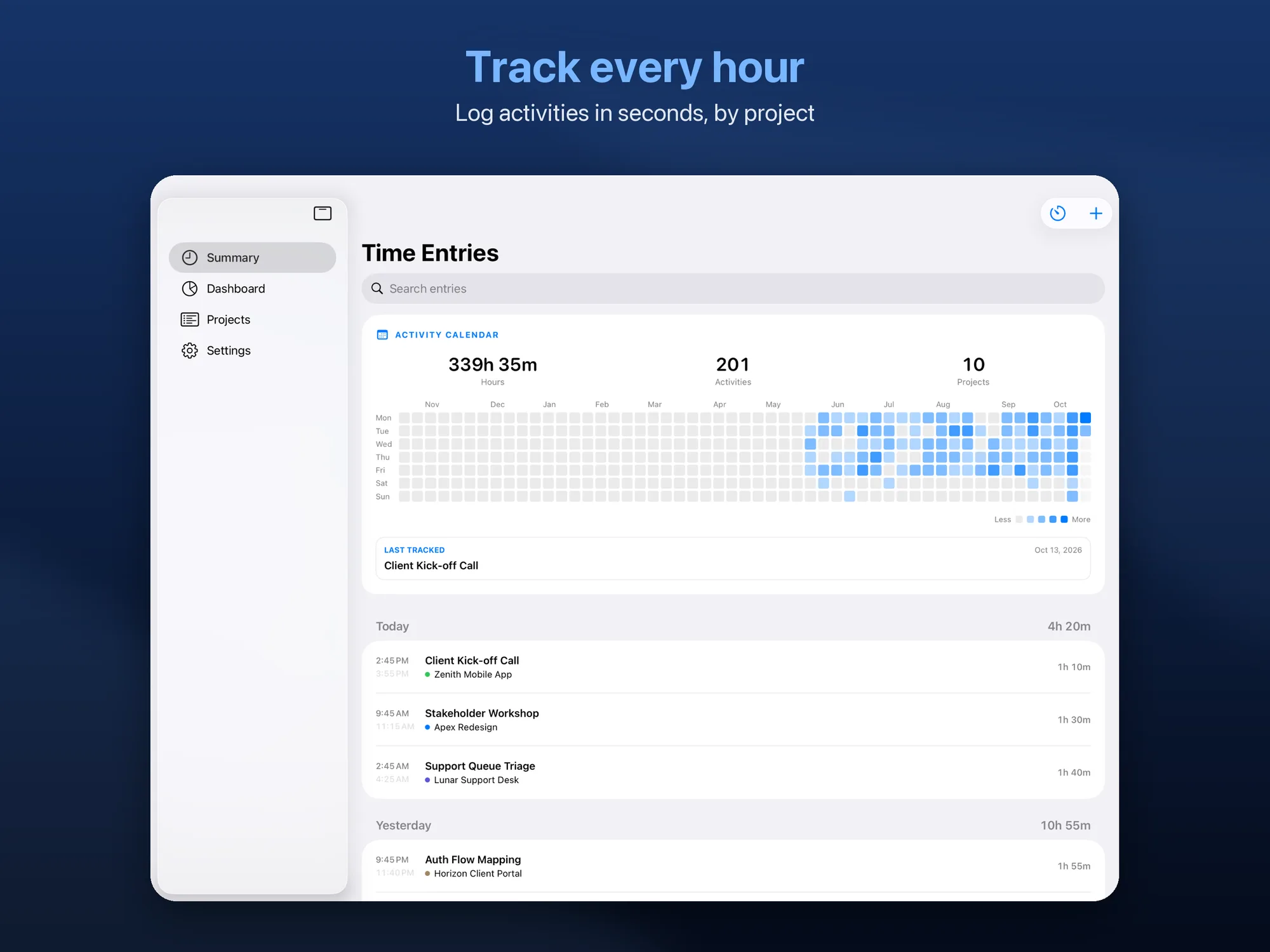
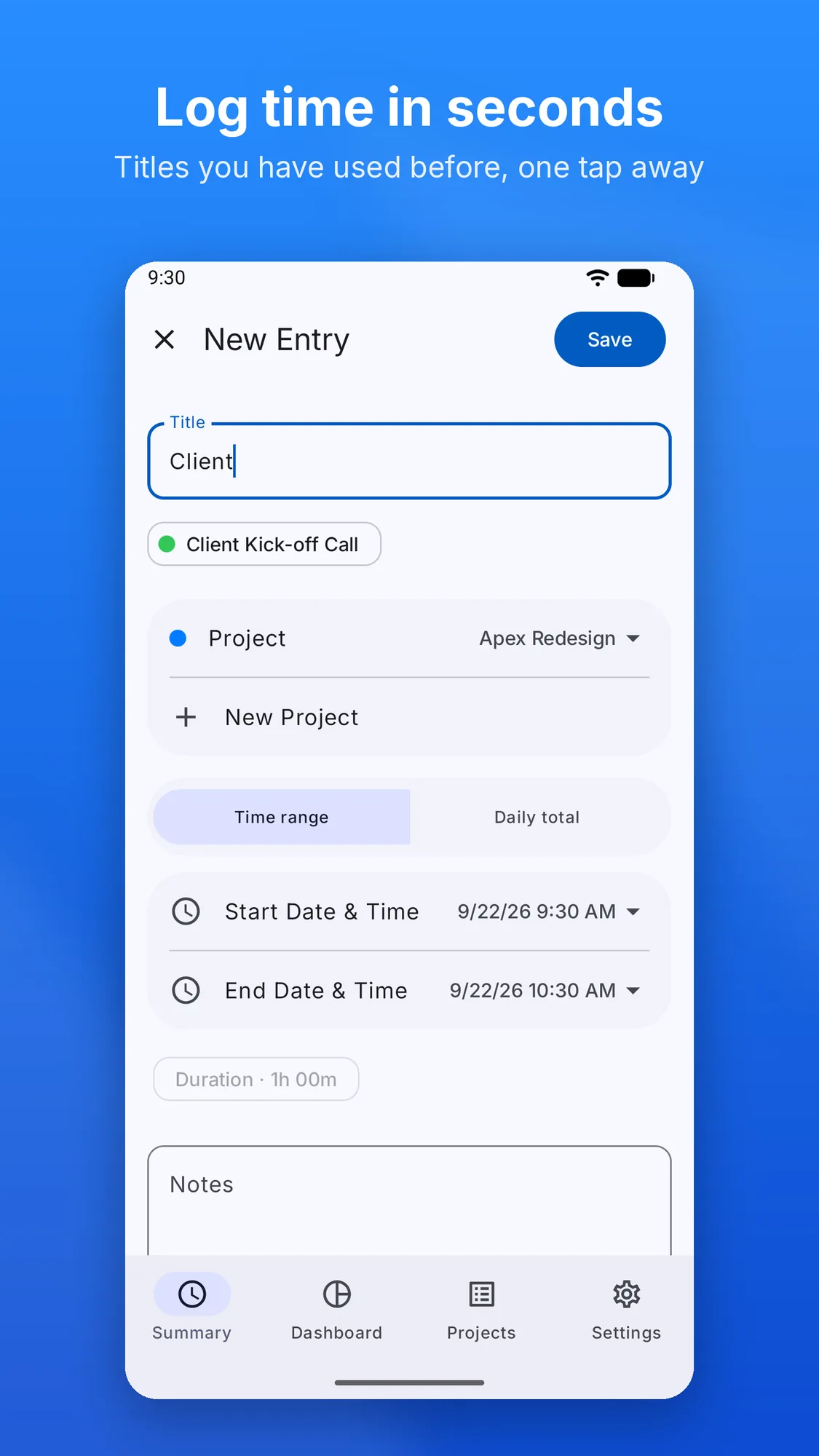
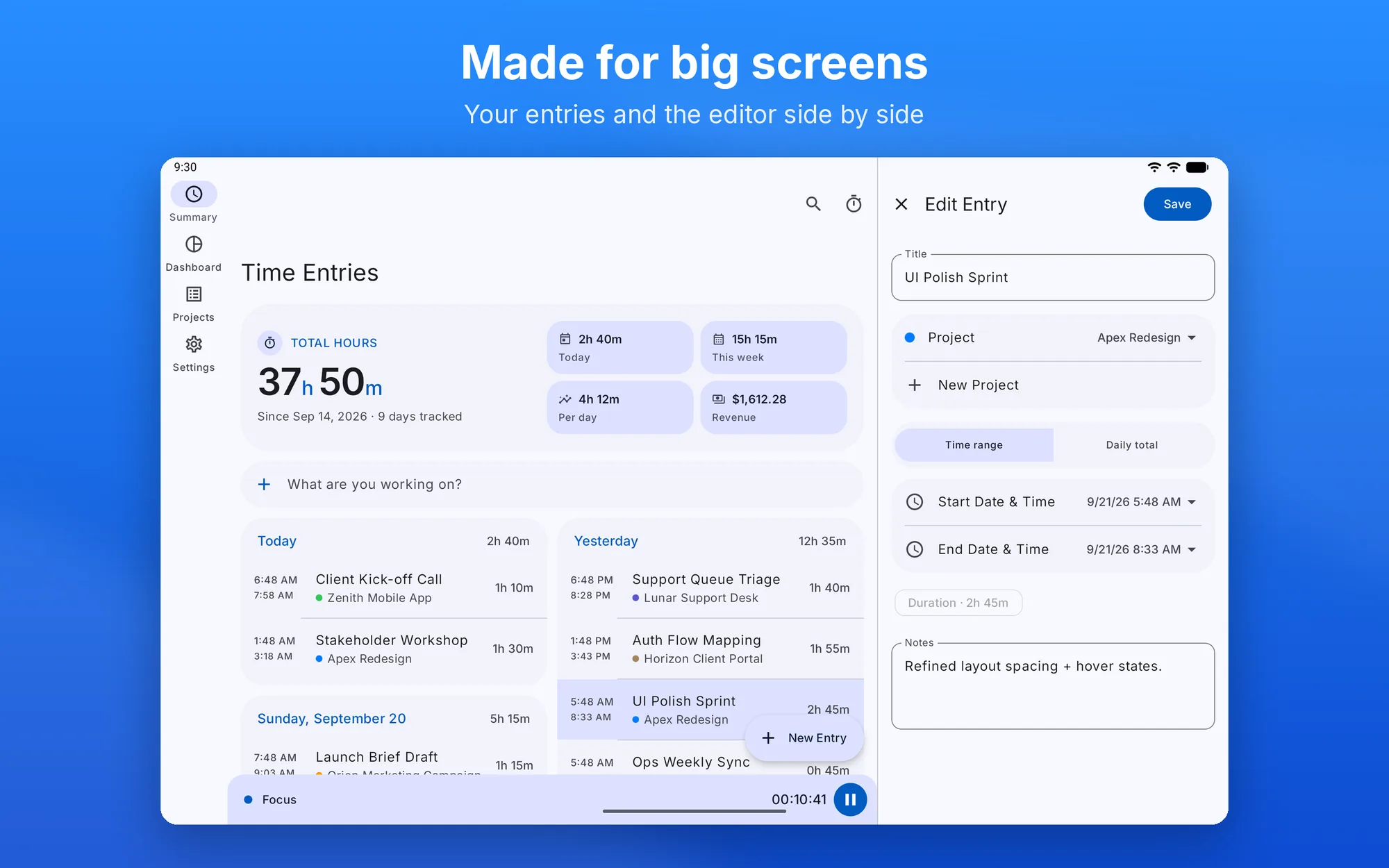
  • Activities in seconds — with a start and end time or as a daily total, with titles you’ve used before offered as suggestions
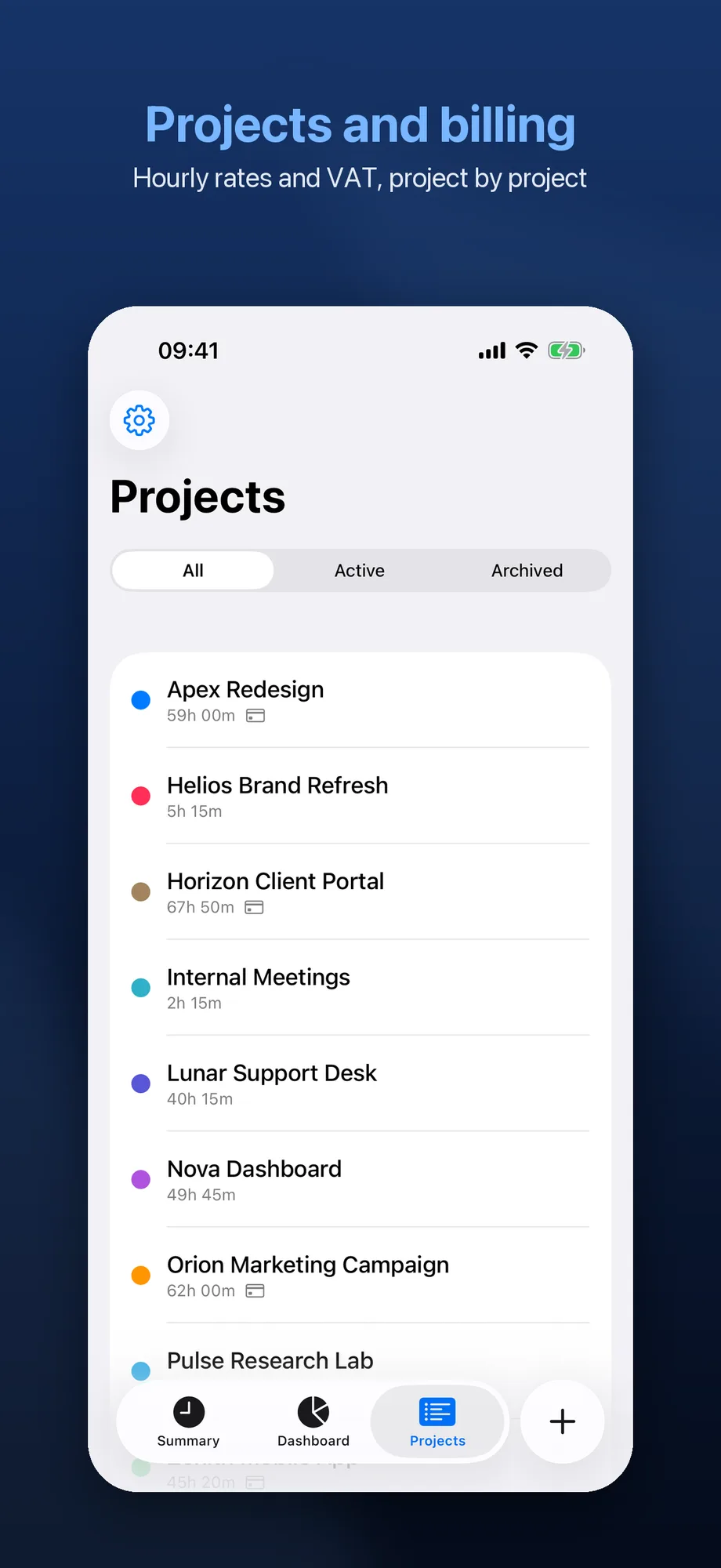
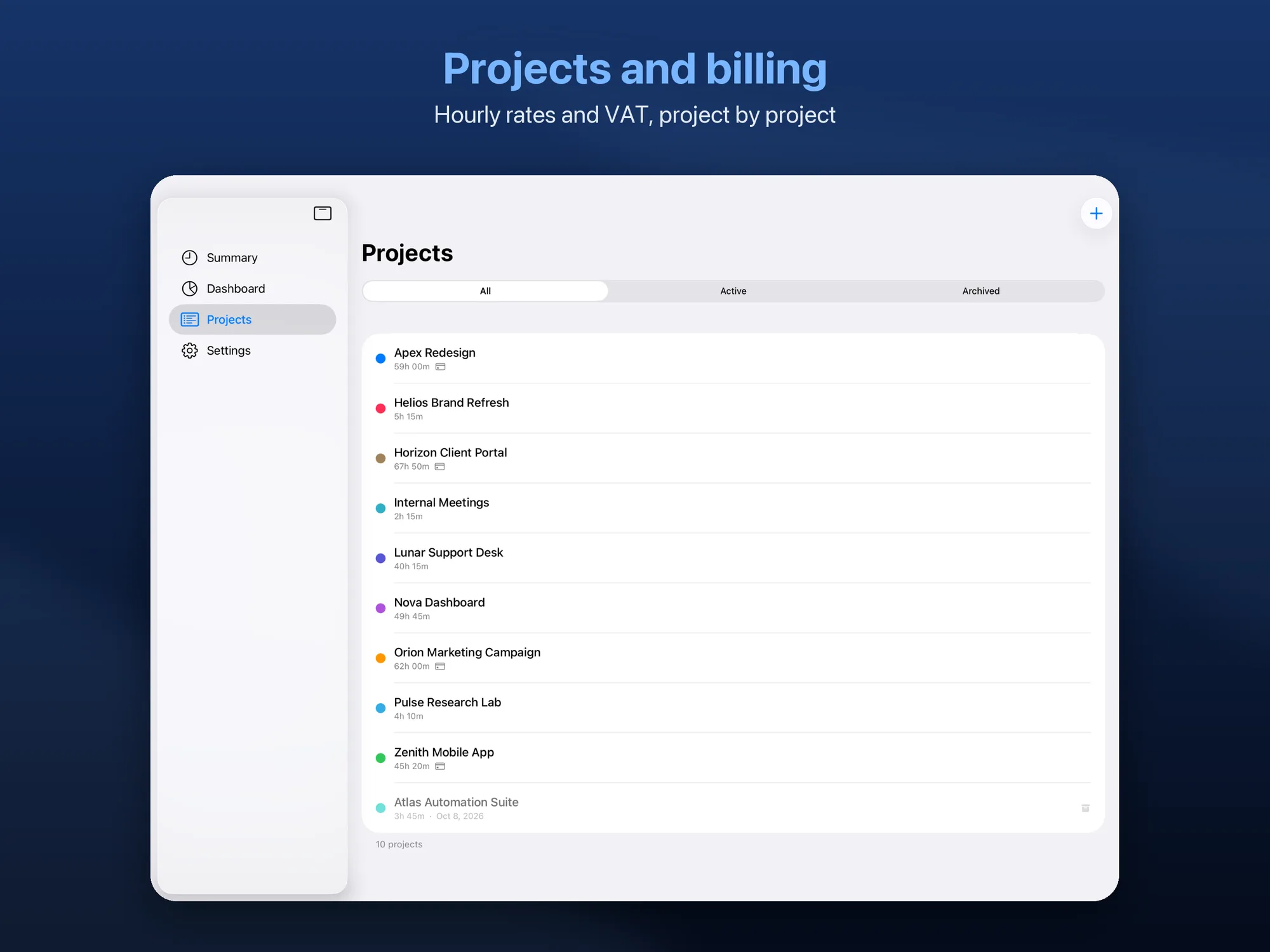
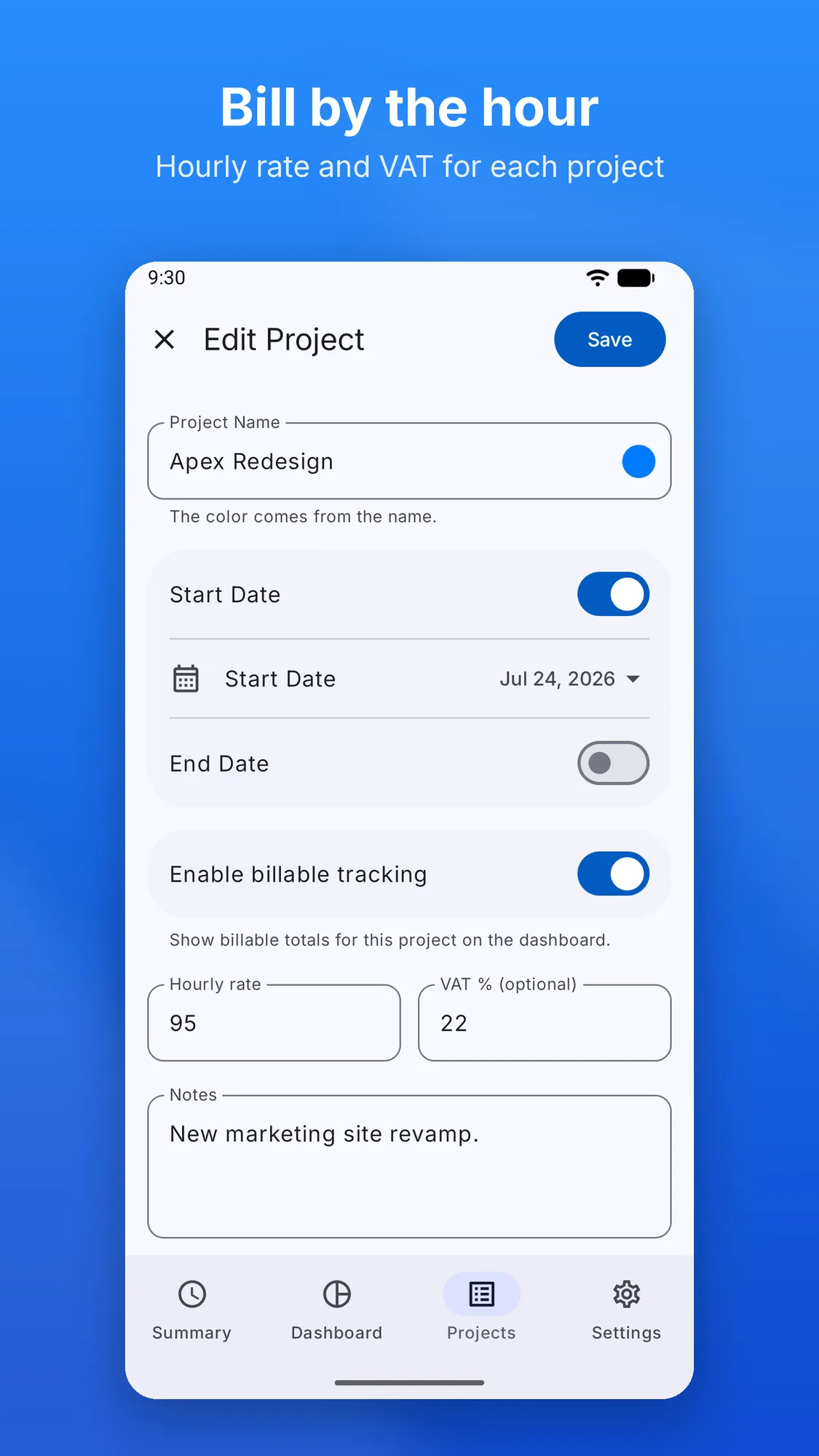
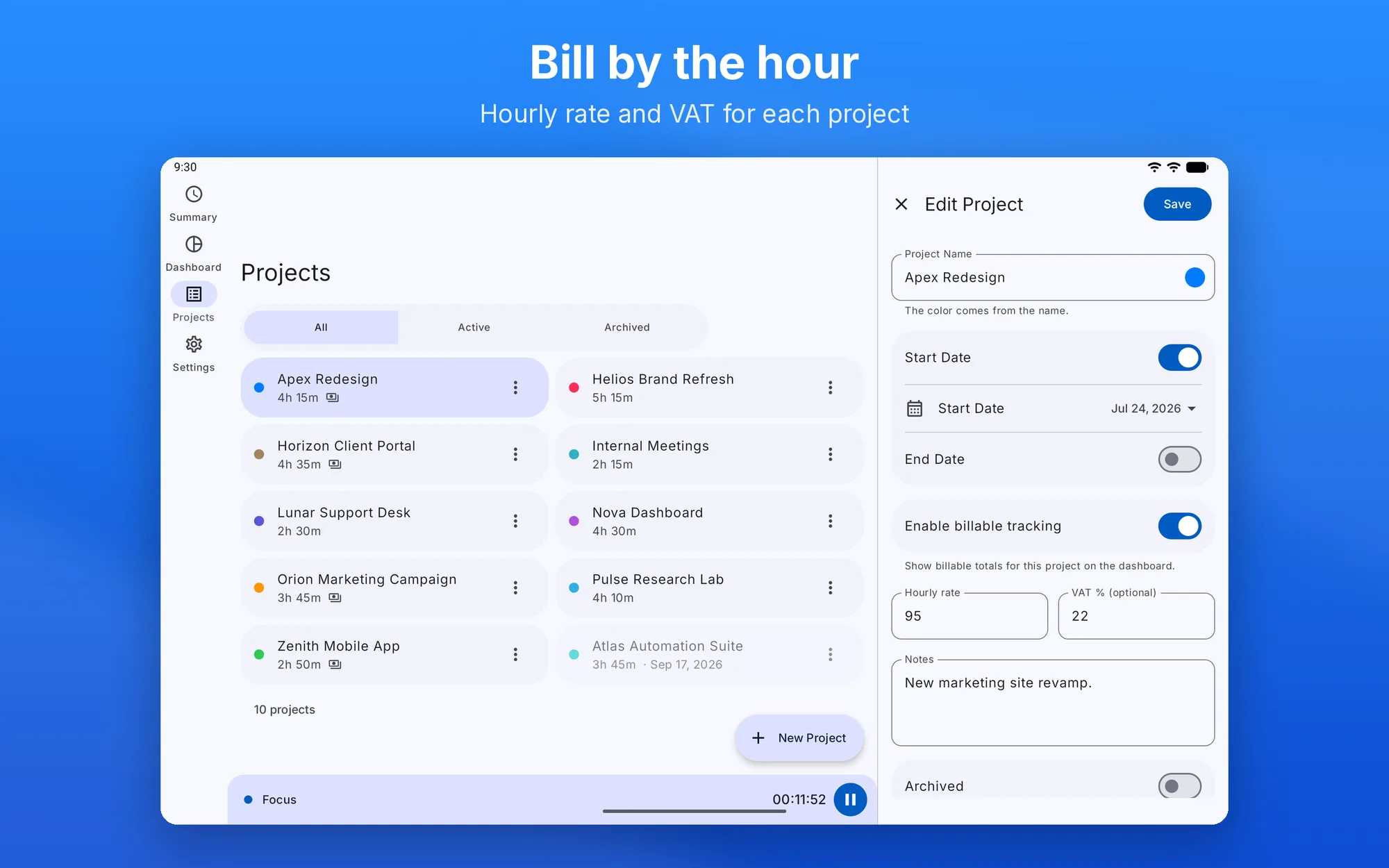
  • Projects — color, notes, start and end dates, hourly rate and VAT; finished projects can be archived
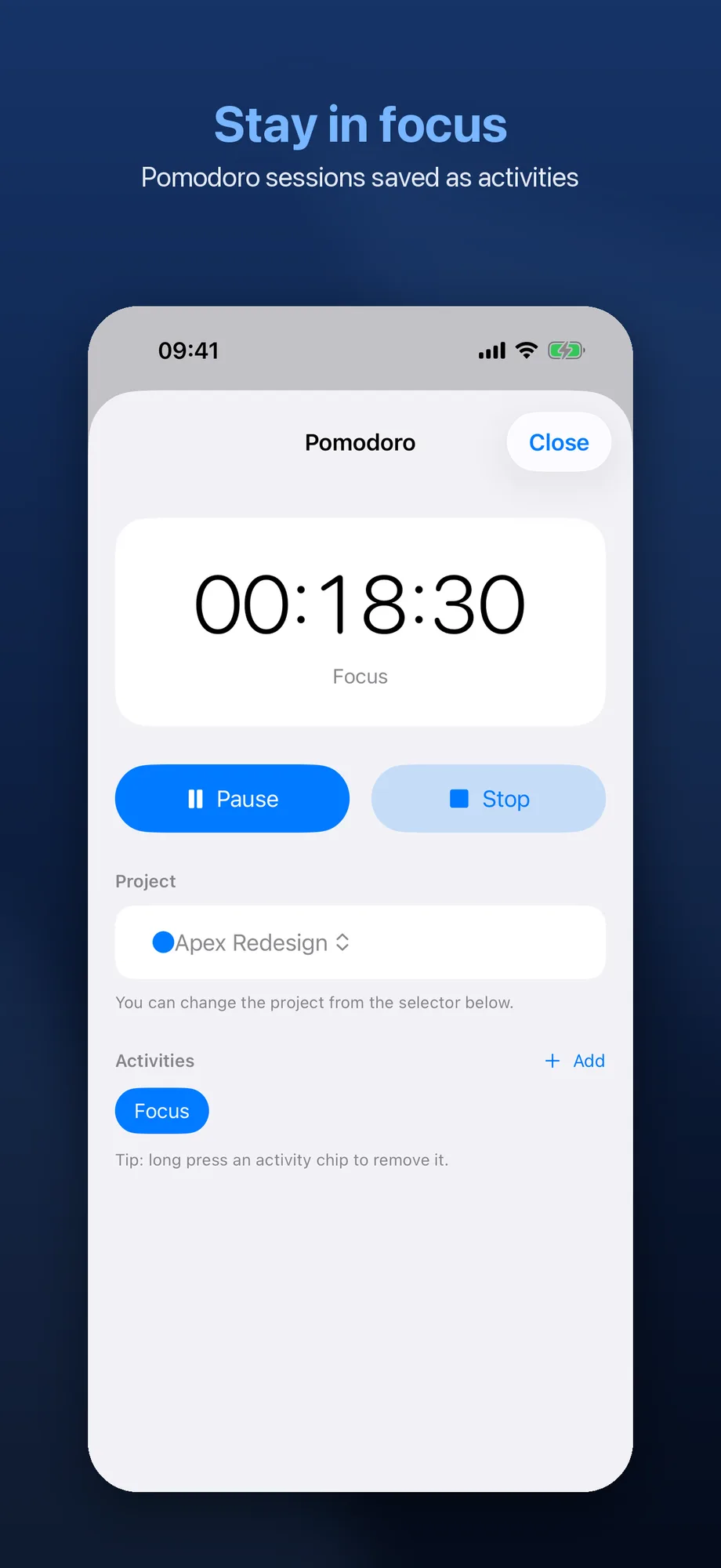
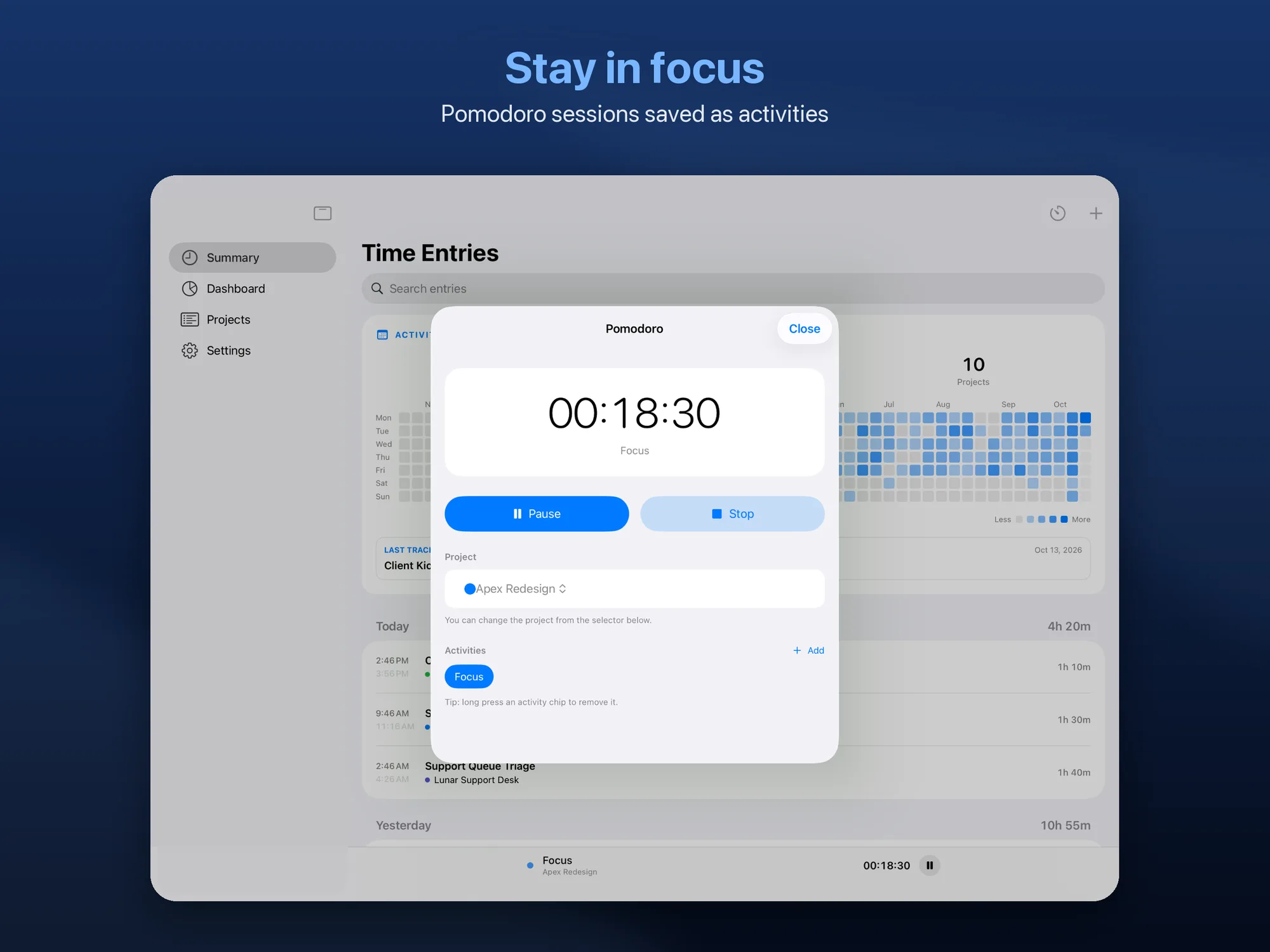
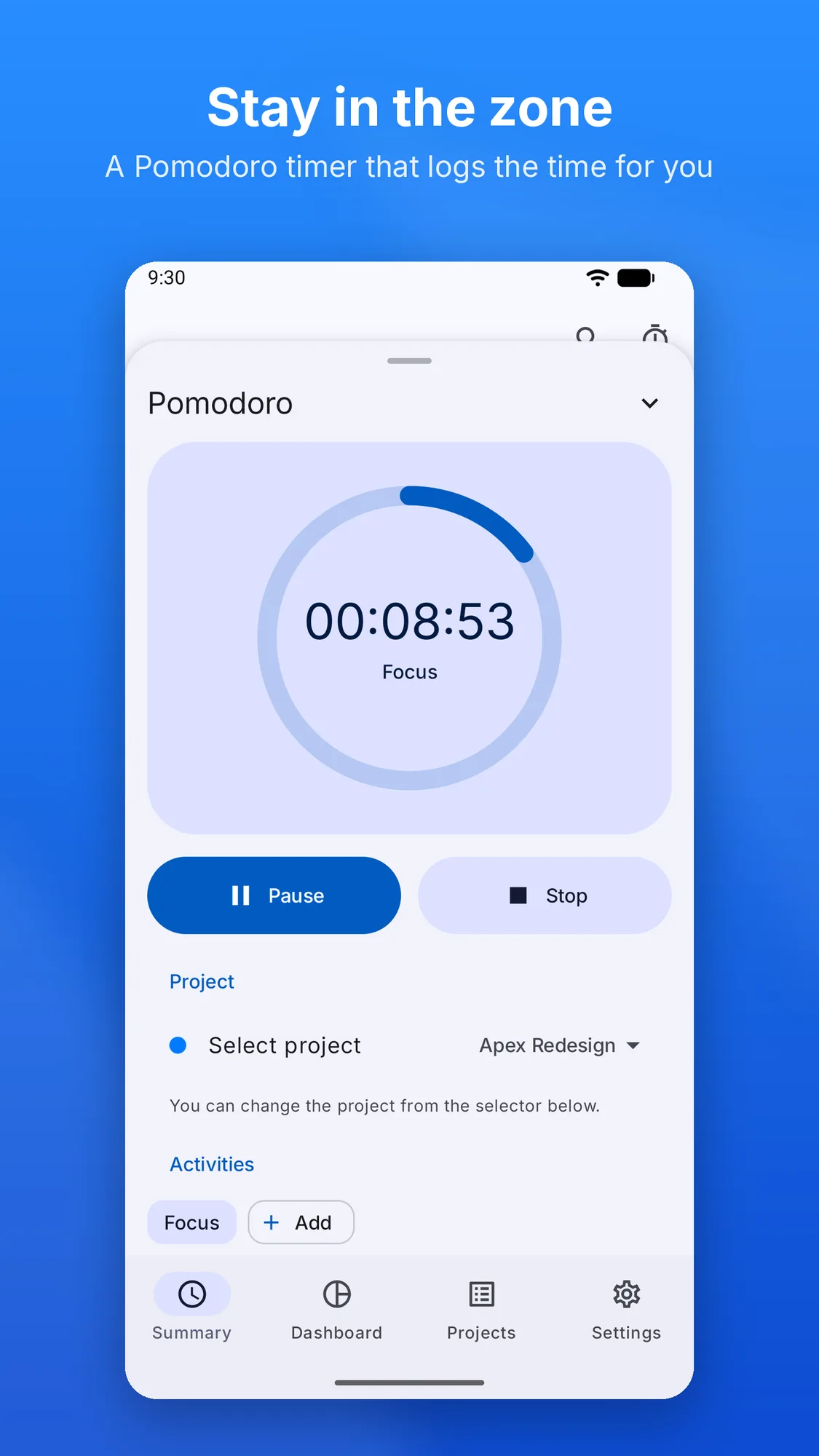
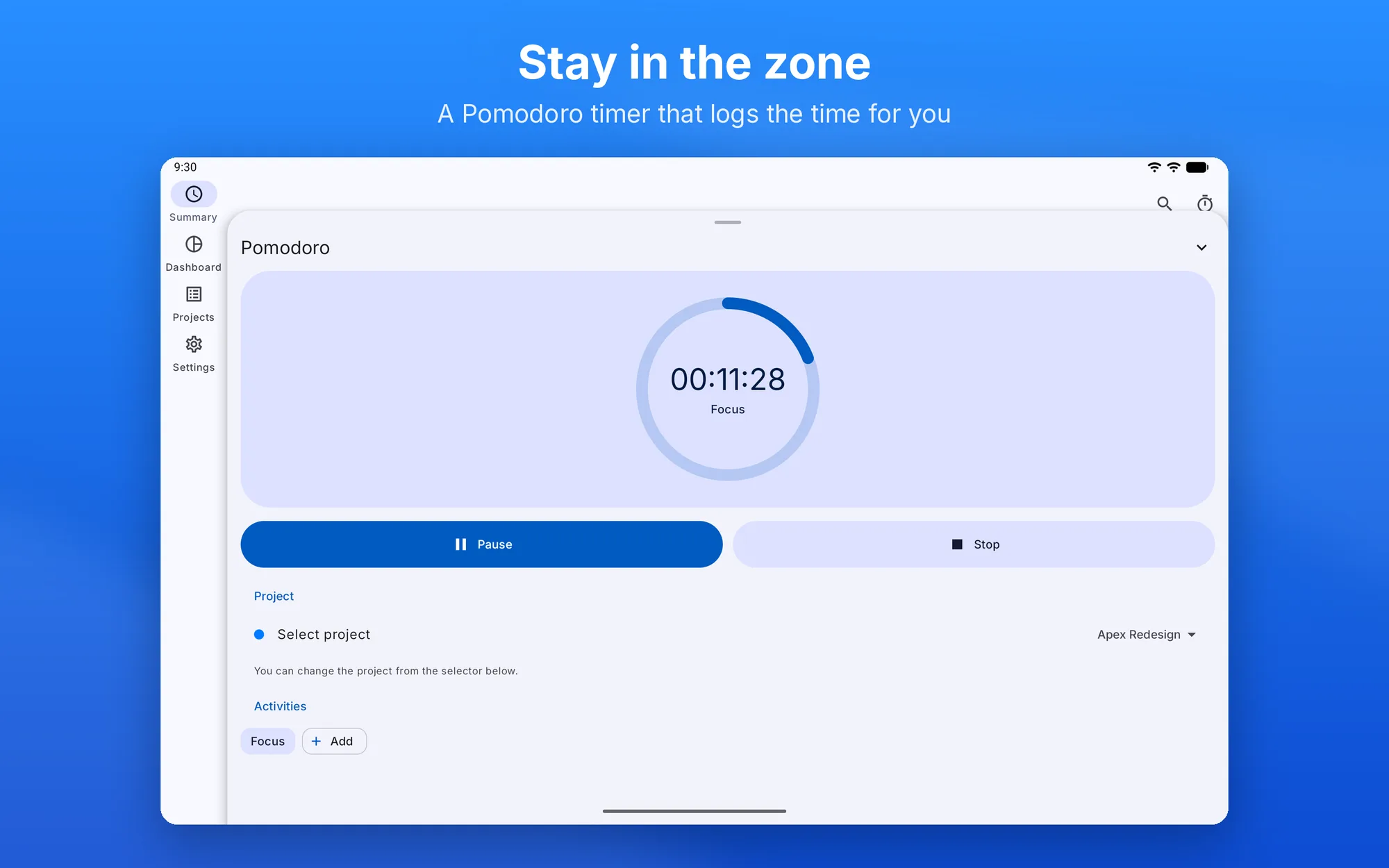
  • Focus timer — a stopwatch anchored to the system clock, always visible in a bar inside the app and, outside it, in the Dynamic Island (iOS) or a notification with Pause, Resume and Stop (Android); when you stop it, the session becomes an activity
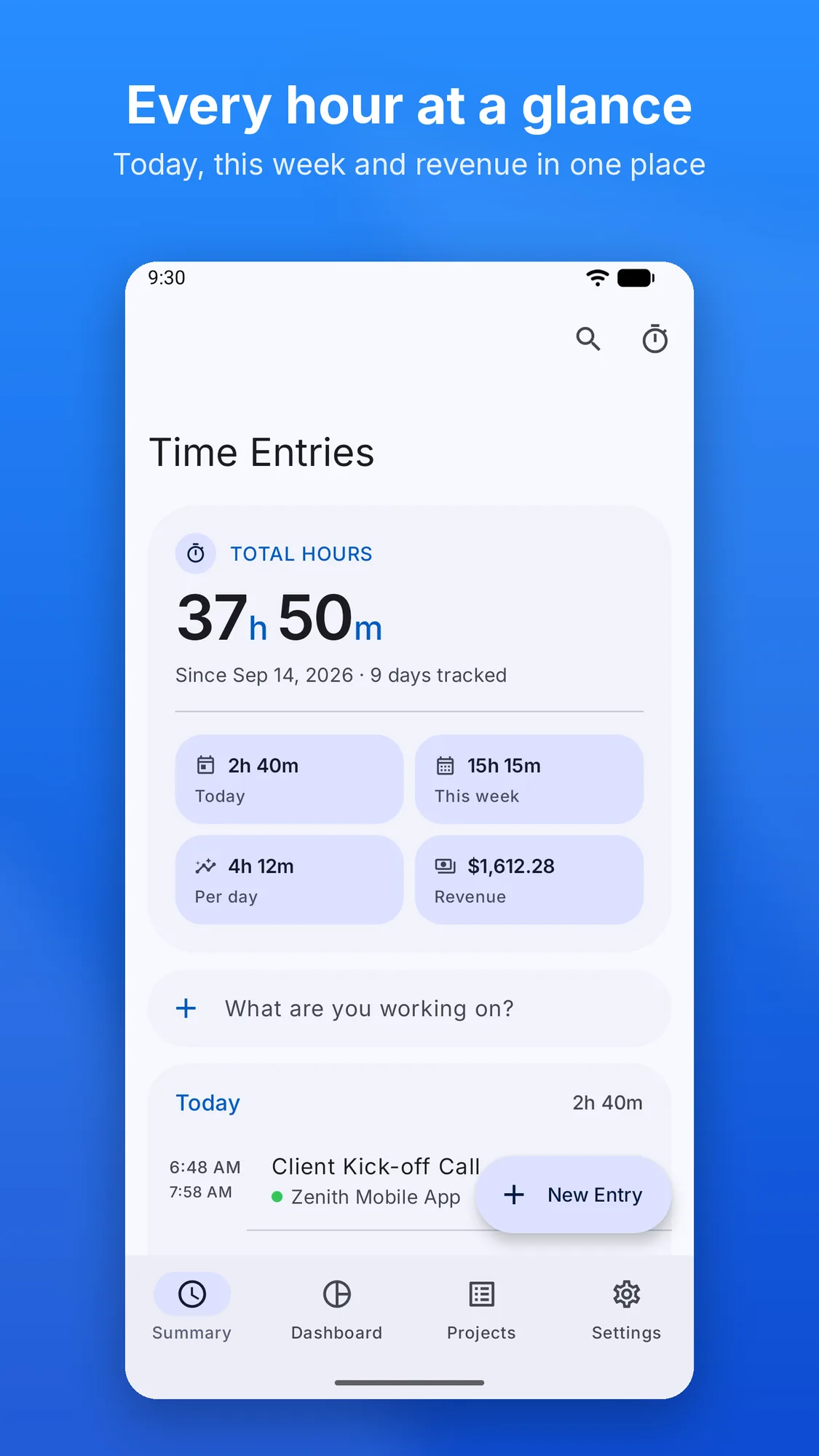
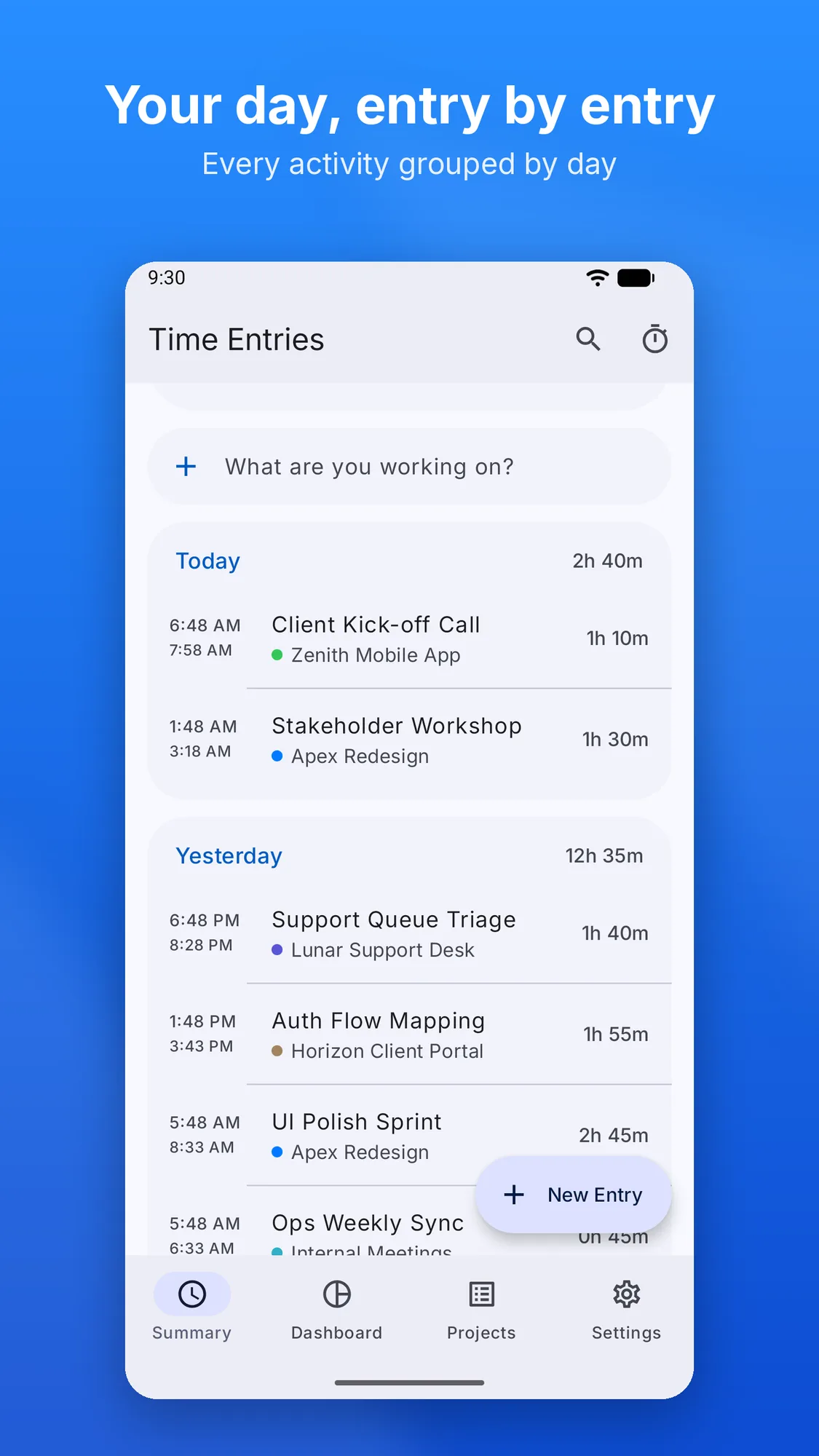
  • Summary — activities grouped by day, with search across title, notes and project
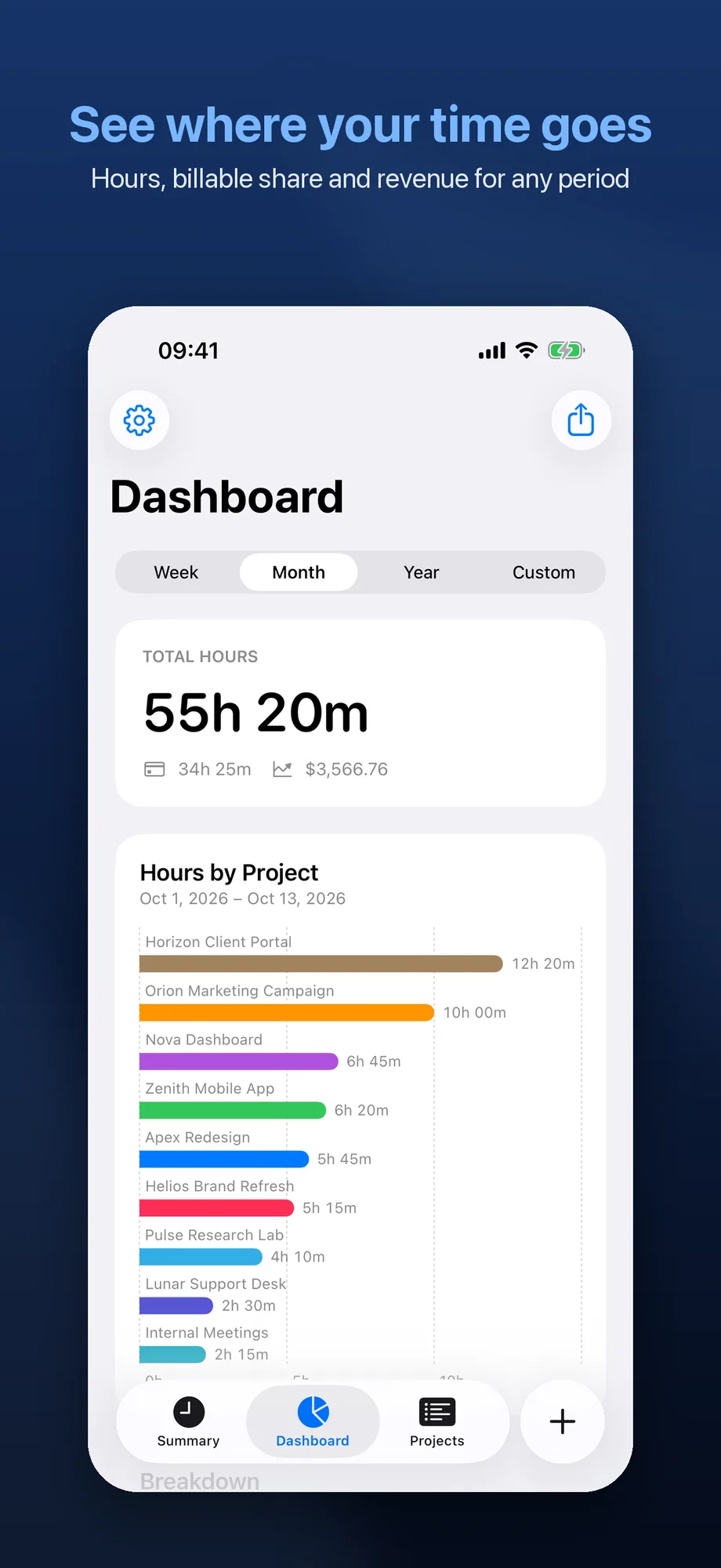
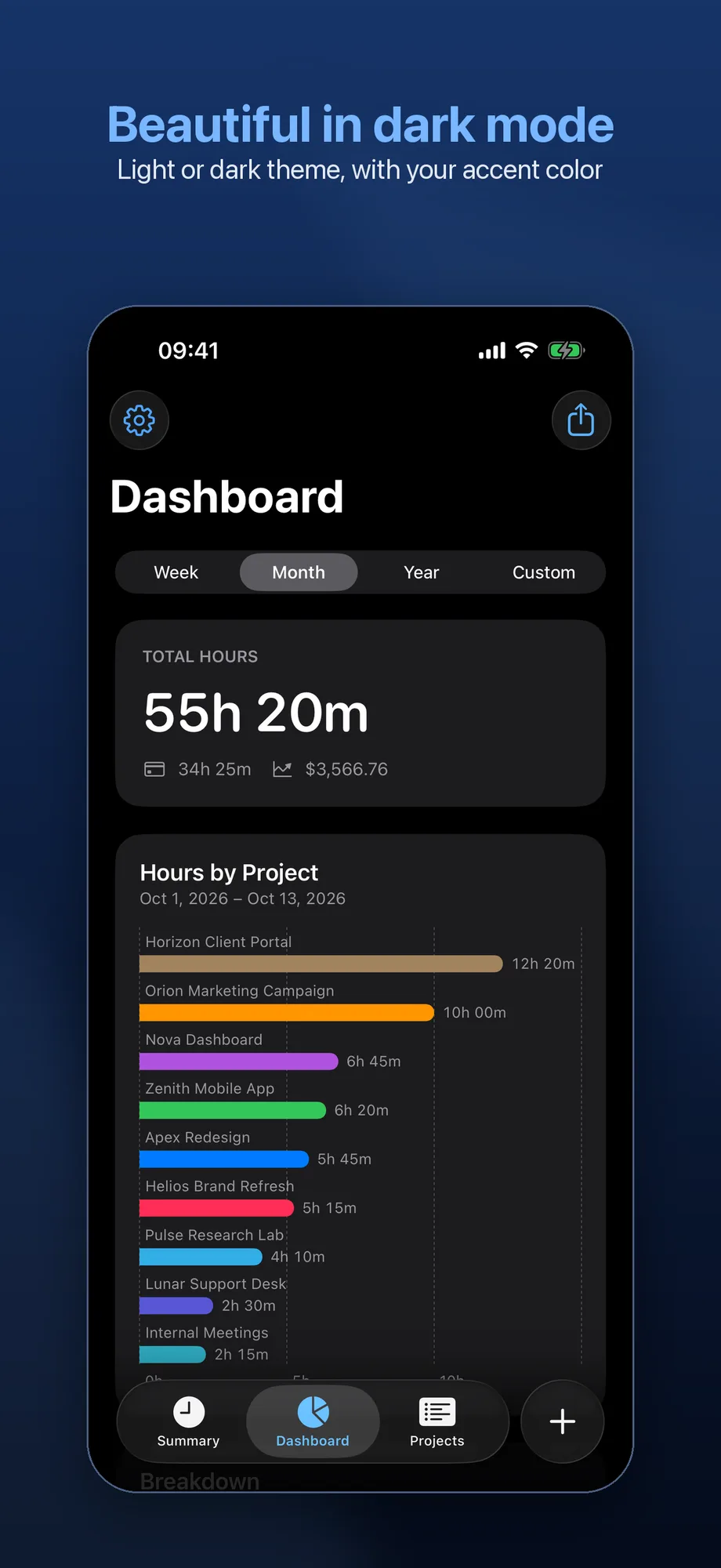
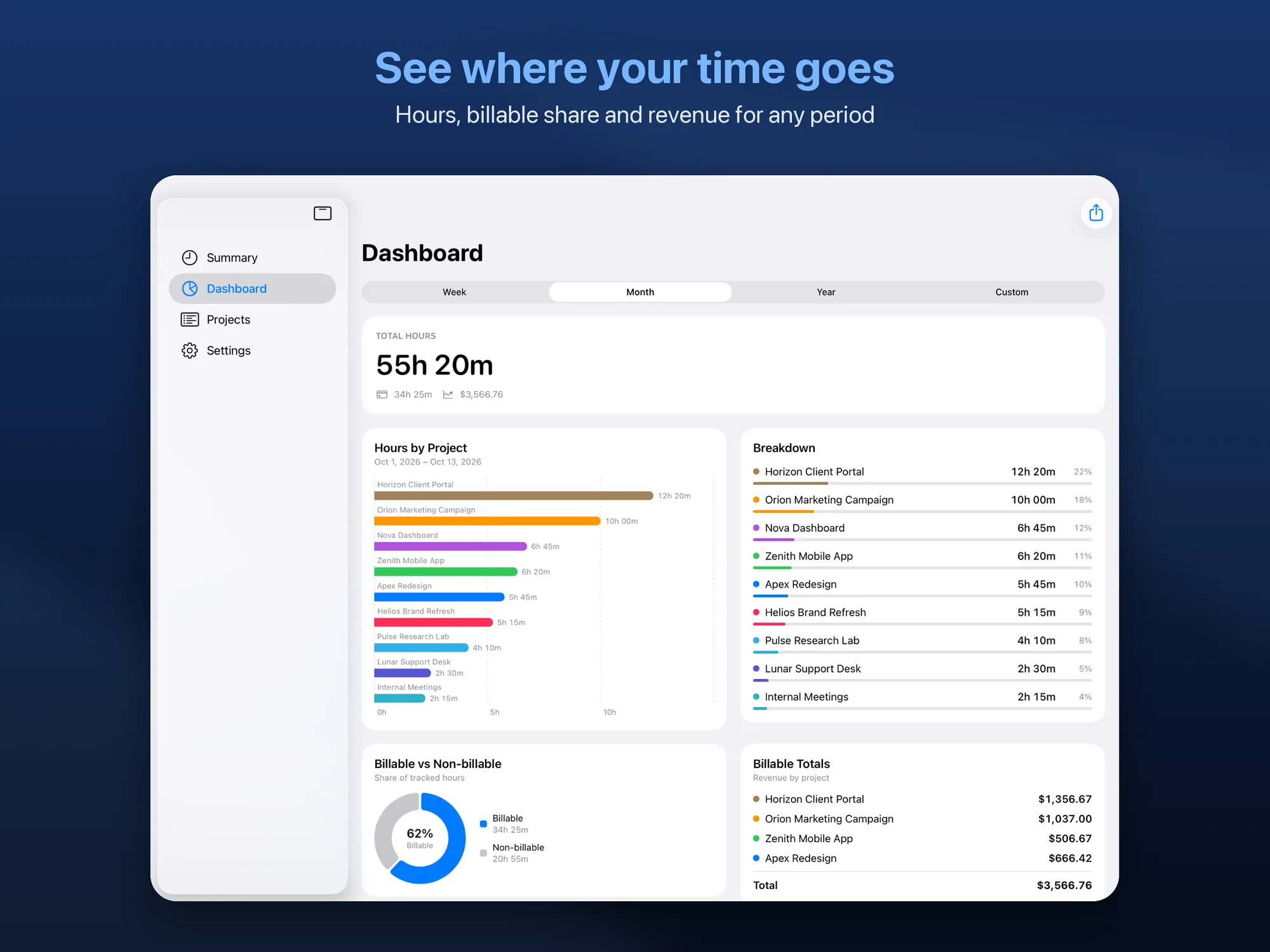
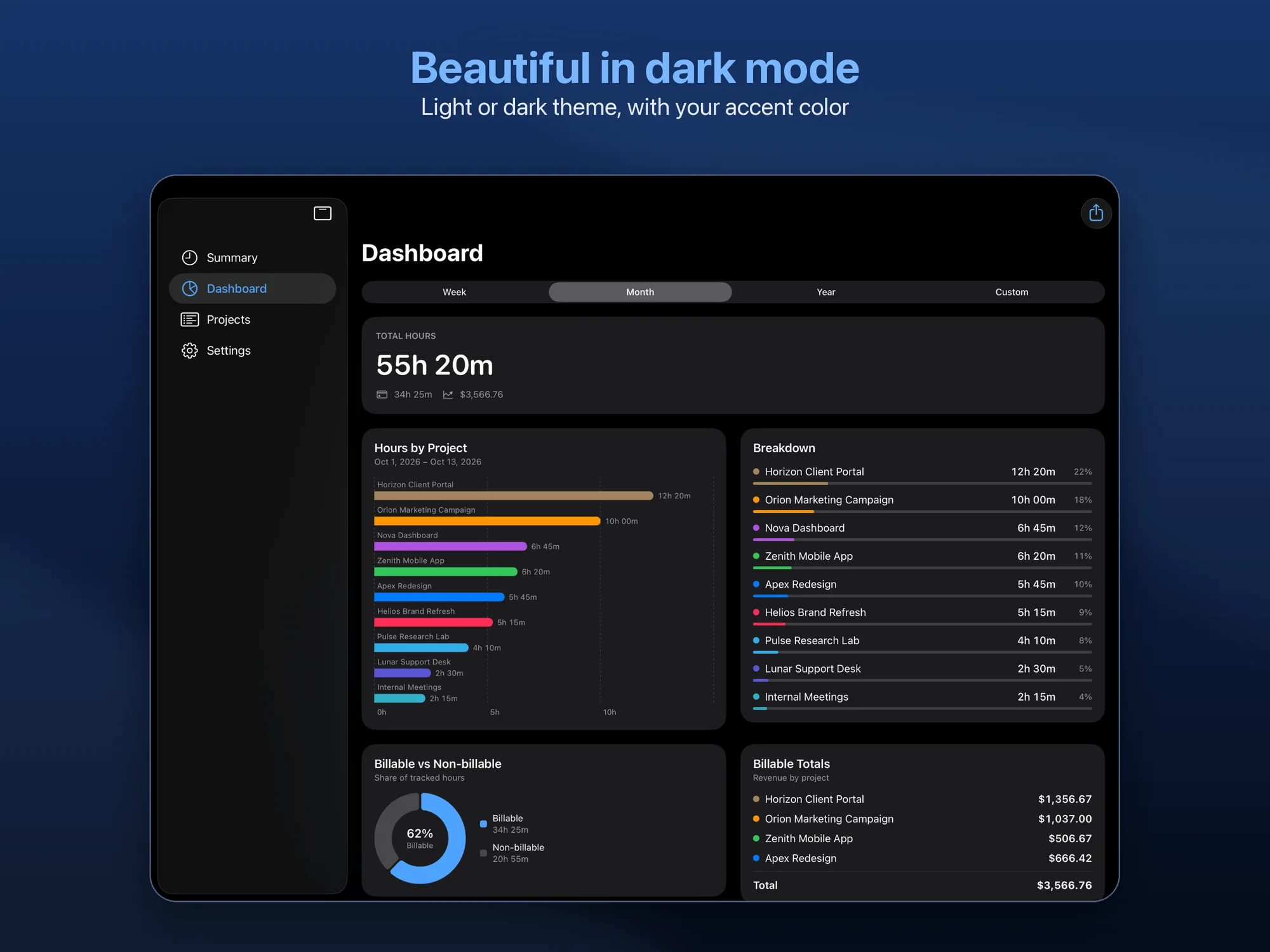
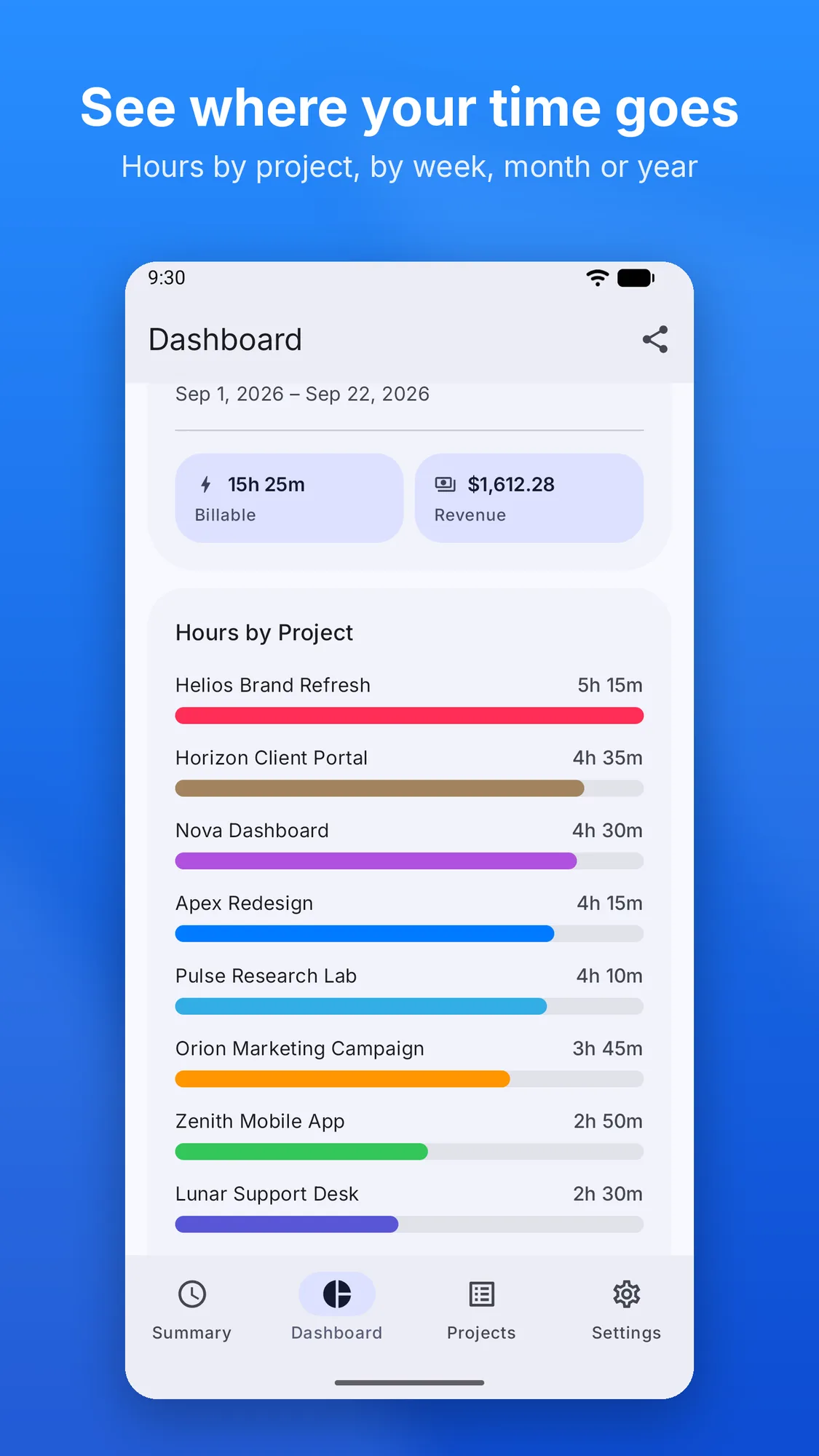
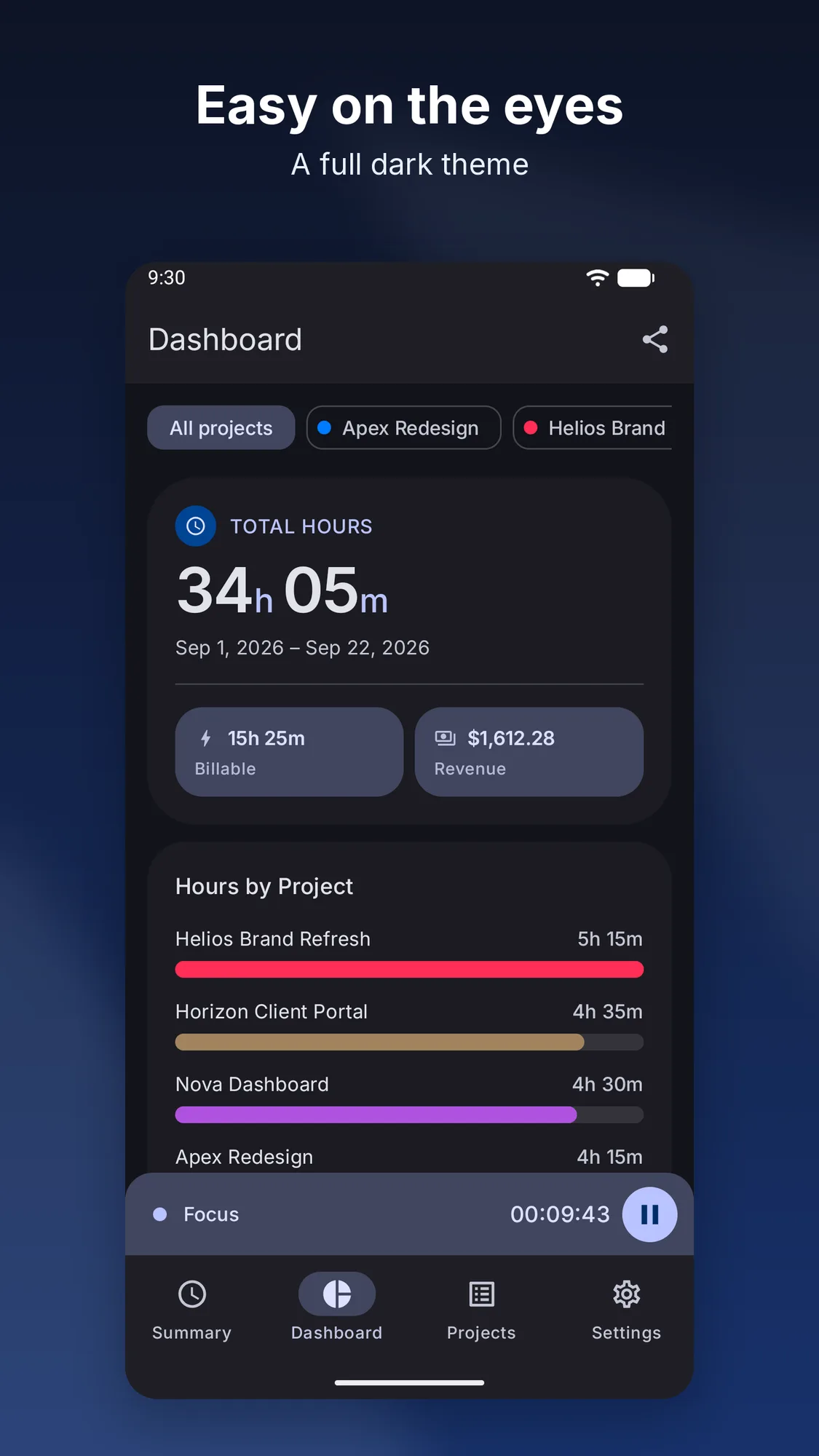
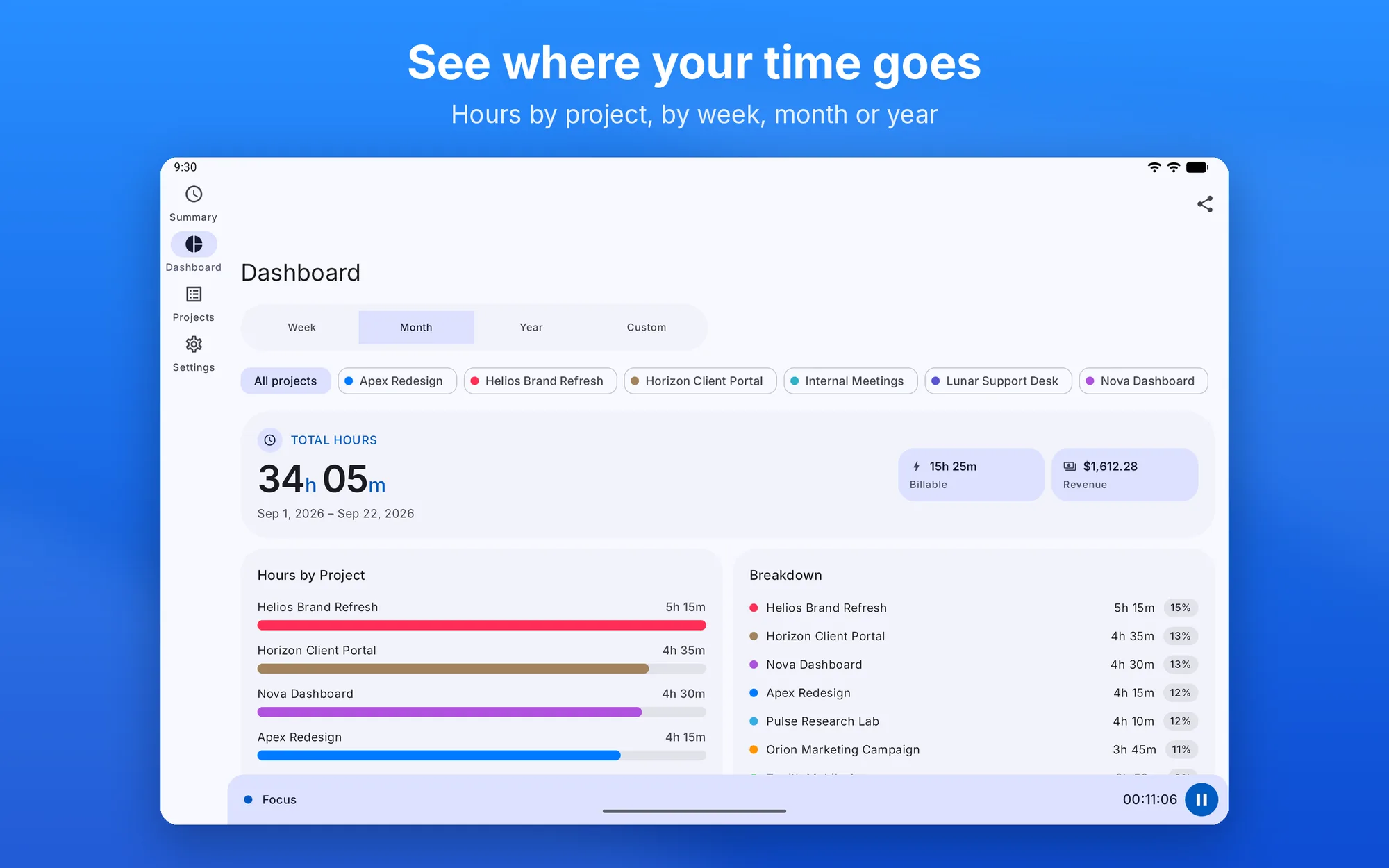
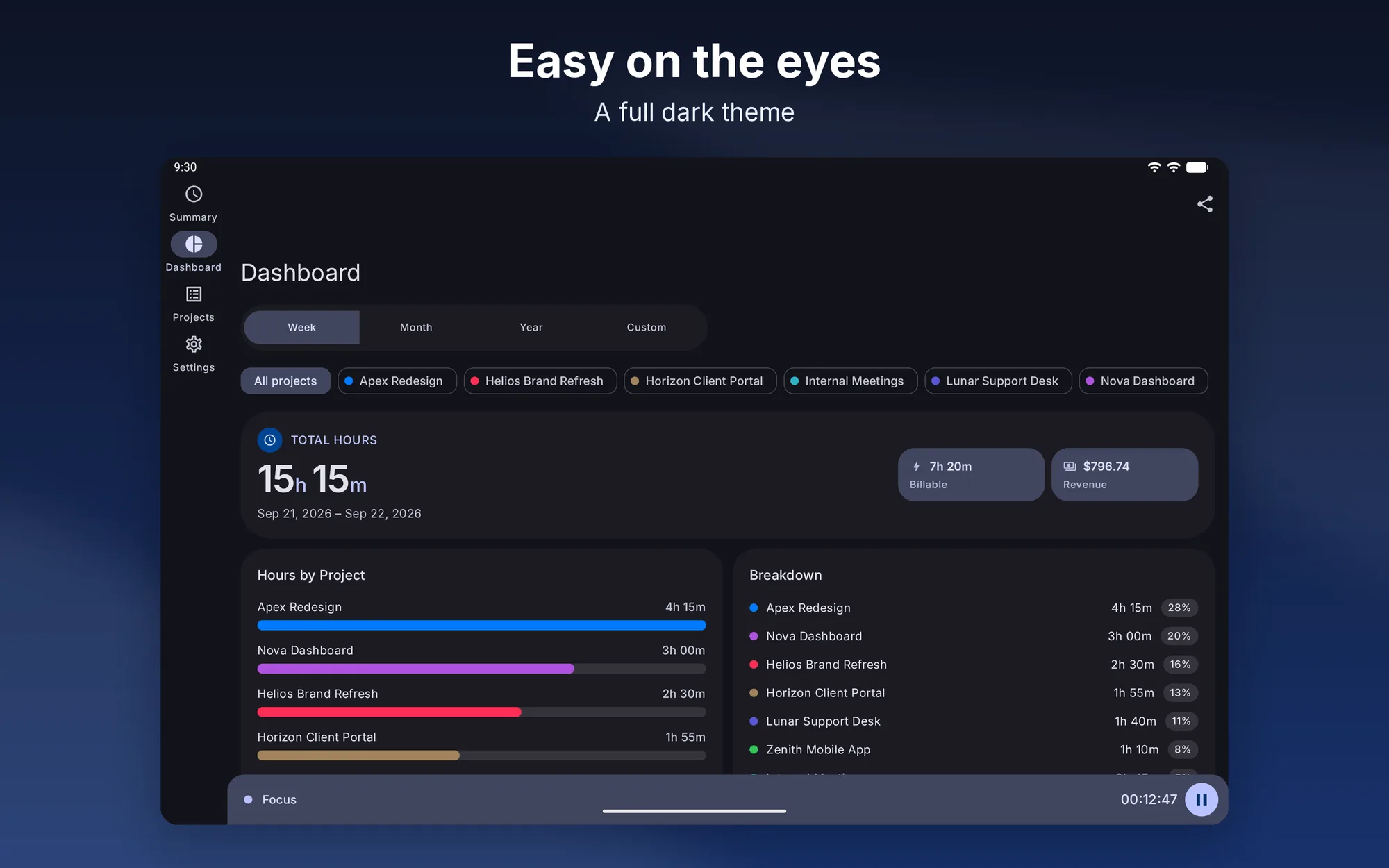
  • Dashboard — hours by week, month, year or a custom range, hours per project, billable share and revenue
  • PDF and CSV reports — to send to clients or open in a spreadsheet
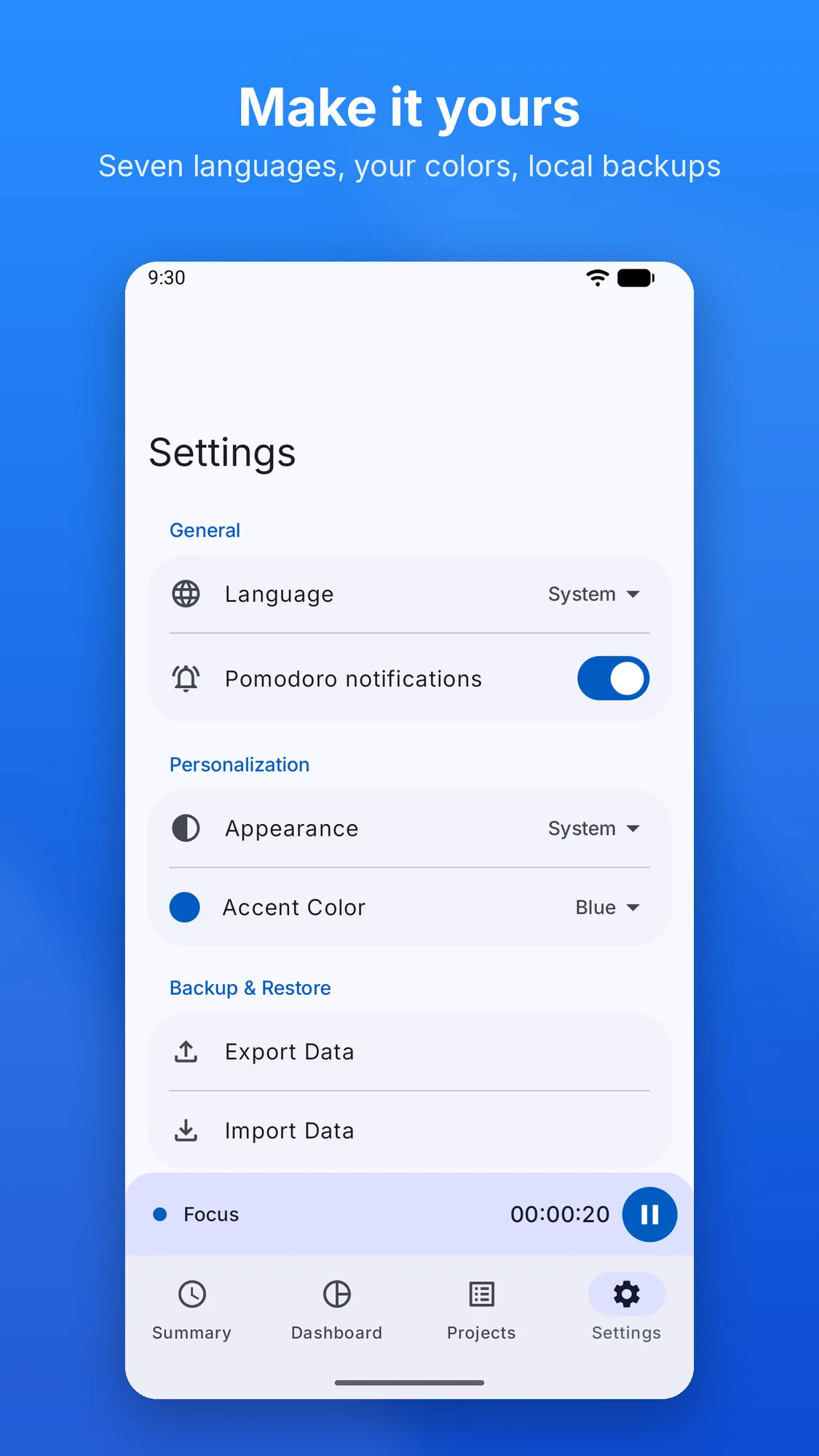
  • JSON backup — export and import your data whenever you like, even between iPhone and Android; on iOS there’s also optional iCloud sync
  • Your way — light, dark or system theme, a choice of accent color, seven languages
  • No subscription — free, with no ads and no in-app purchases

Platforms

Available on iPhone and iPad with iOS/iPadOS 18 or later and on Android 7.0 or later.

Privacy Policy

Updated: October 13, 2026

Data Collected
The app processes information you enter directly: projects, activities, time intervals, and preferences. We do not collect sensitive data (health, payments, location, contacts, biometrics). No account or registration required.
Advertising & Tracking
No in-app advertising. No tracking or analytics — data is never sent to external servers for profiling.
Data Storage
All information stays on your device. Backups are JSON files saved locally at your choice — no automatic transmission to our servers. Backup files are not encrypted: we recommend storing them in a secure location.
Third-Party Sharing
We do not sell or share data with third parties.
Your Rights
You can access, modify, and delete your data directly within the app.
Read the full privacy policy

Support

Contact
For questions, bug reports, or feedback: dimpemekug.app@gmail.com — We'll get back to you as soon as possible.
Reporting a Bug
Please include: device model, OS version, and steps to reproduce the issue.
All projects