What is Documenta?
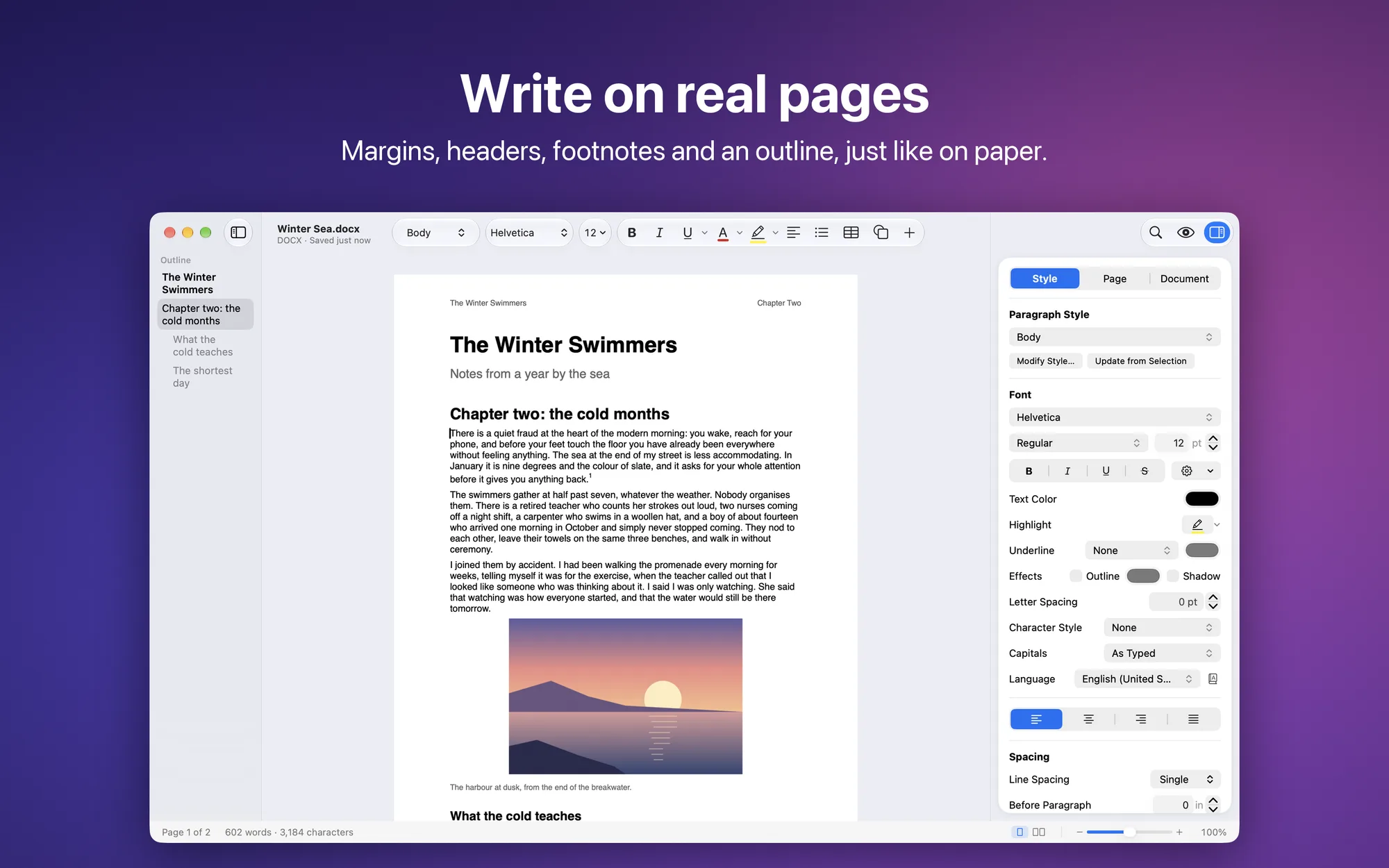
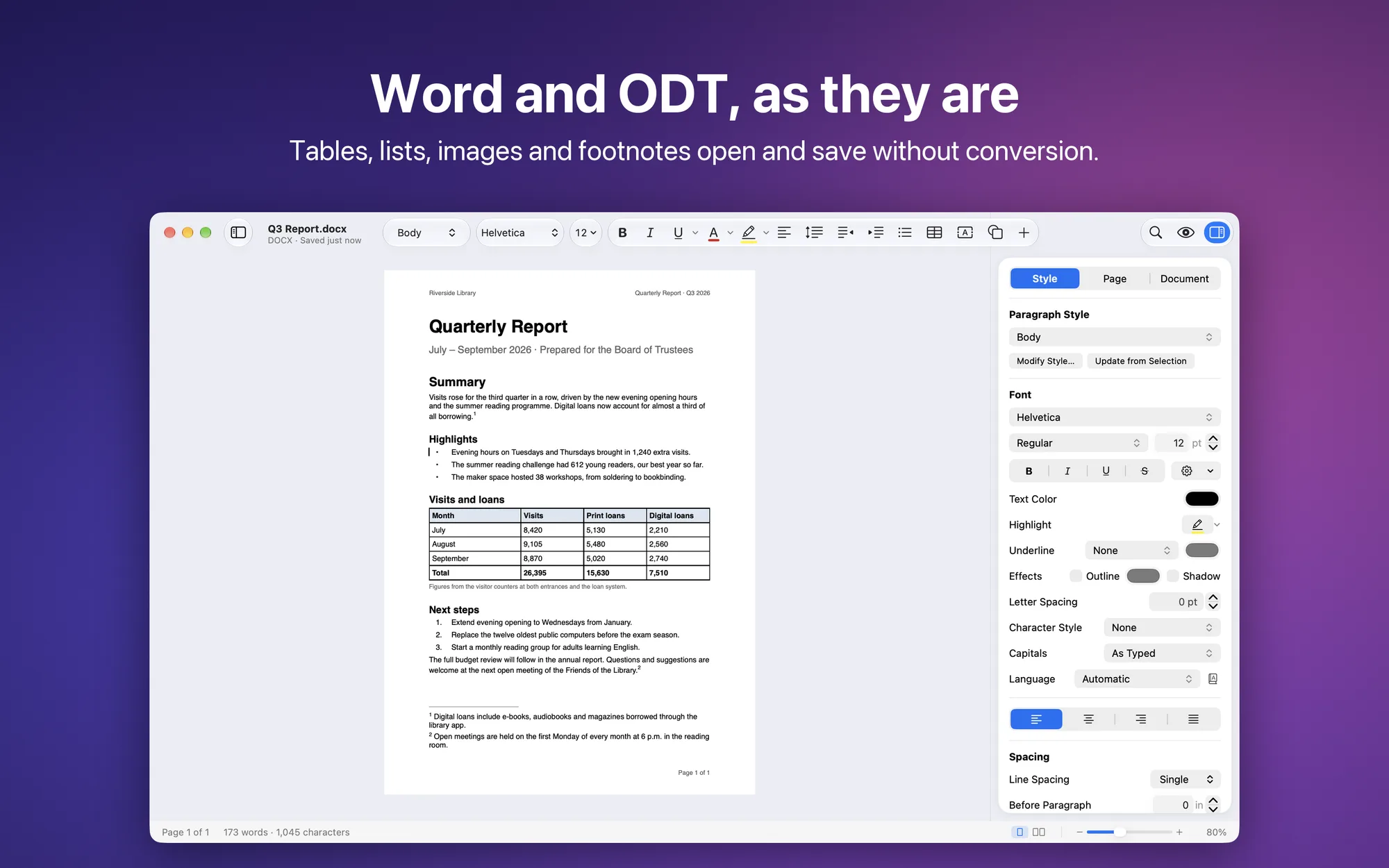
Documenta is a native word processor for Mac. Write on pages laid out like paper, with margins, headers and notes, and open, edit and save the documents you receive in their own format: Word, OpenDocument, RTF or plain text. DOCX and ODT are read and written without a conversion step, so styles, tables, images and page setup stay in place.
Key Features
- Your formats: Word documents (.docx and .doc), OpenDocument (.odt), RTF and plain text, opened and saved as they are; export to PDF, EPUB, web page and Markdown
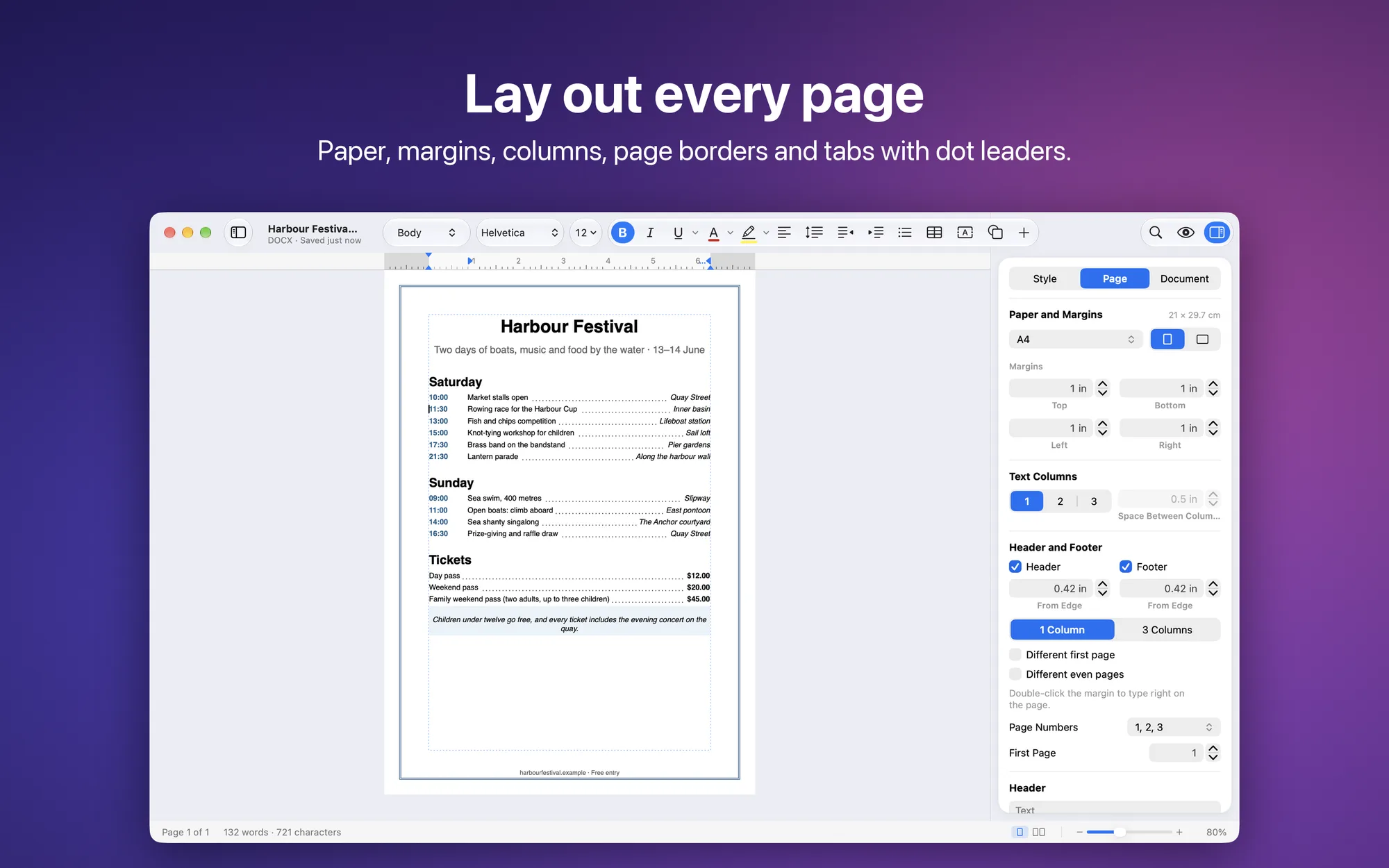
- Real pages: margins and a ruler, portrait or landscape, one page below the other or two side by side; paper sizes from A3 to Tabloid, text columns, page borders, watermarks, line numbers and automatic hyphenation
- Headers and footers: in three parts, with page number and total, different on the first page and on even pages, typed right on the page with a double-click
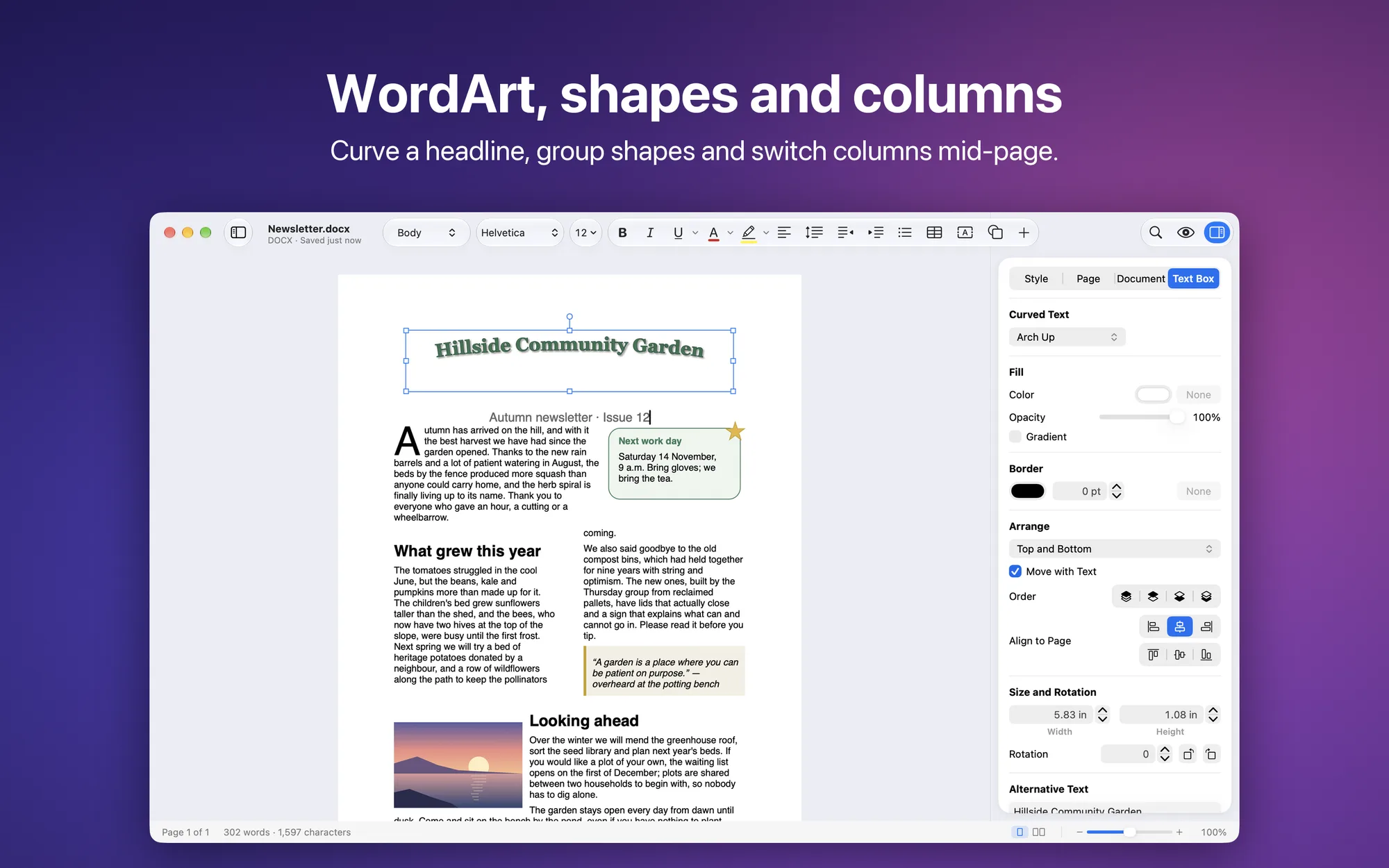
- Sections: different paper, orientation, columns and headers in different parts of the document; columns can change mid-page
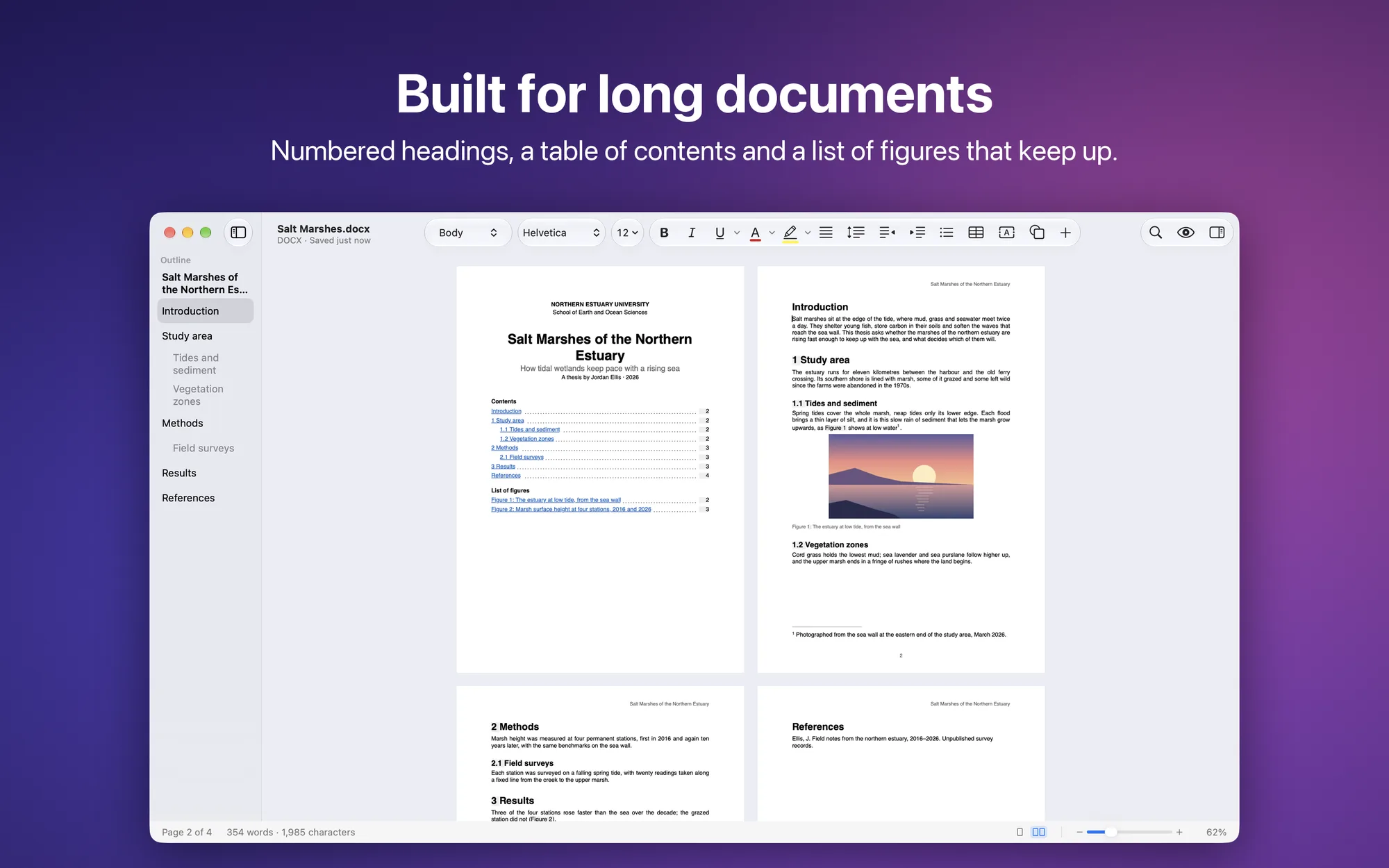
- Long documents: numbered headings, a table of contents and a table of figures with page numbers, numbered captions, cross-references, bookmarks, footnotes and endnotes
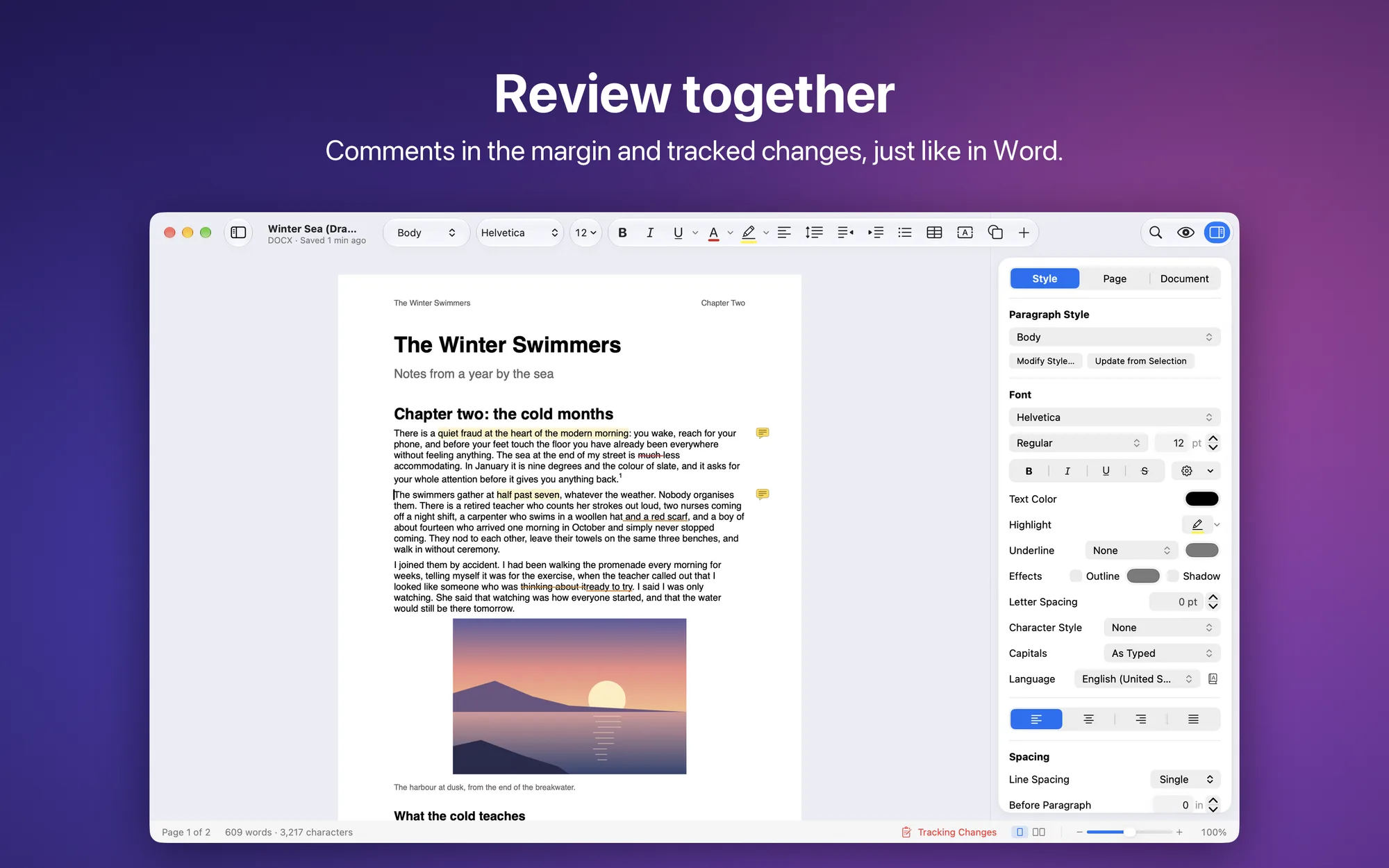
- Comments and tracked changes: margin comments, as in Word and LibreOffice; record your edits and accept or reject everyone else’s
- Outline in the sidebar: click to jump to a heading, drag to move a whole chapter
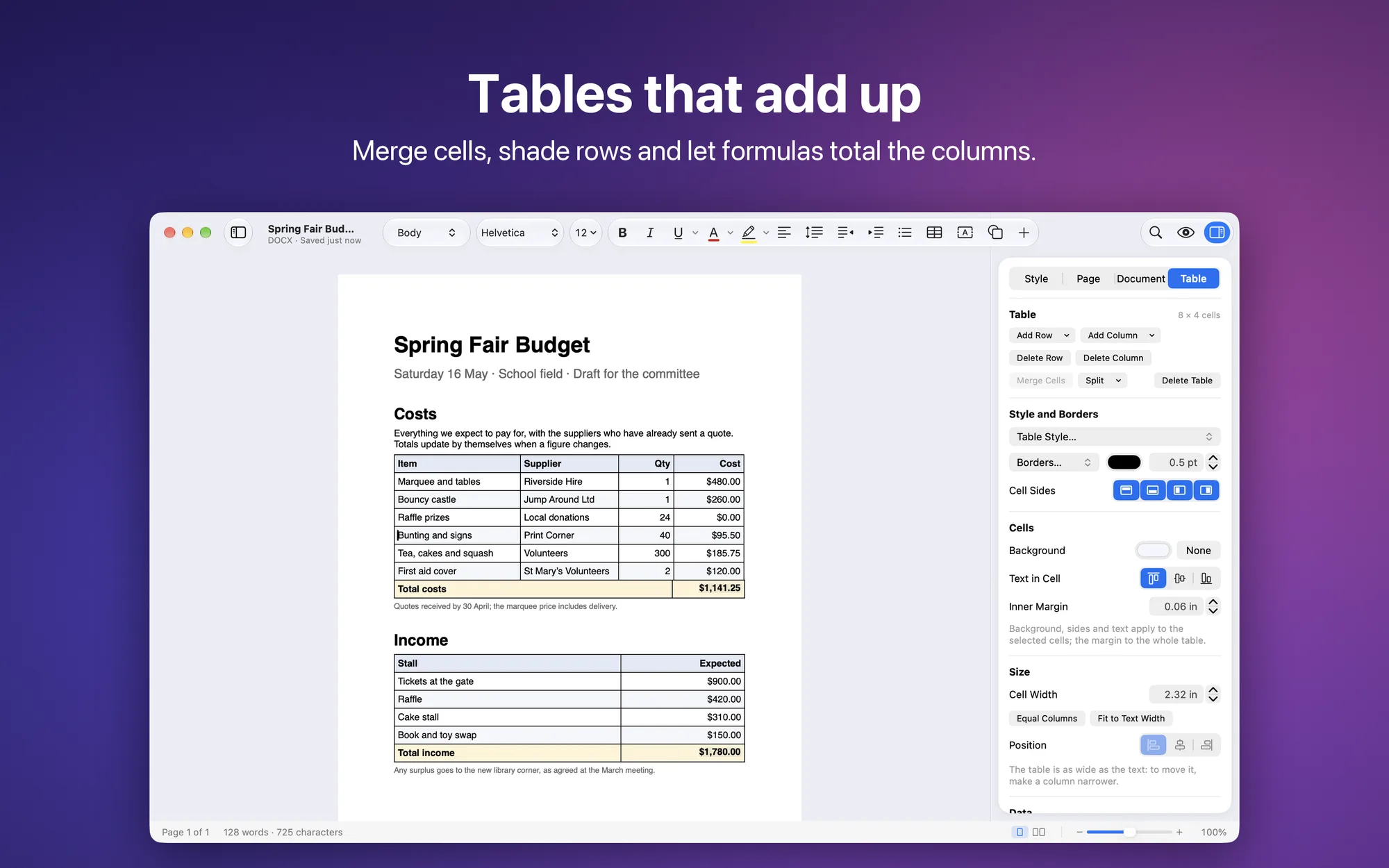
- Tables: merged cells, per-cell borders and shading, ready-made styles, first row repeated on every page, sortable rows and formulas like
=SUM(ABOVE) - Objects on the page: text boxes, WordArt with curved text, shapes and images with text wrapping around them; rotate, group, align and distribute them
- Complete formatting: eleven paragraph styles you can redefine per document, character styles, copy and paste style, multilevel lists, dot-leader tabs, drop caps, paragraph shading and borders
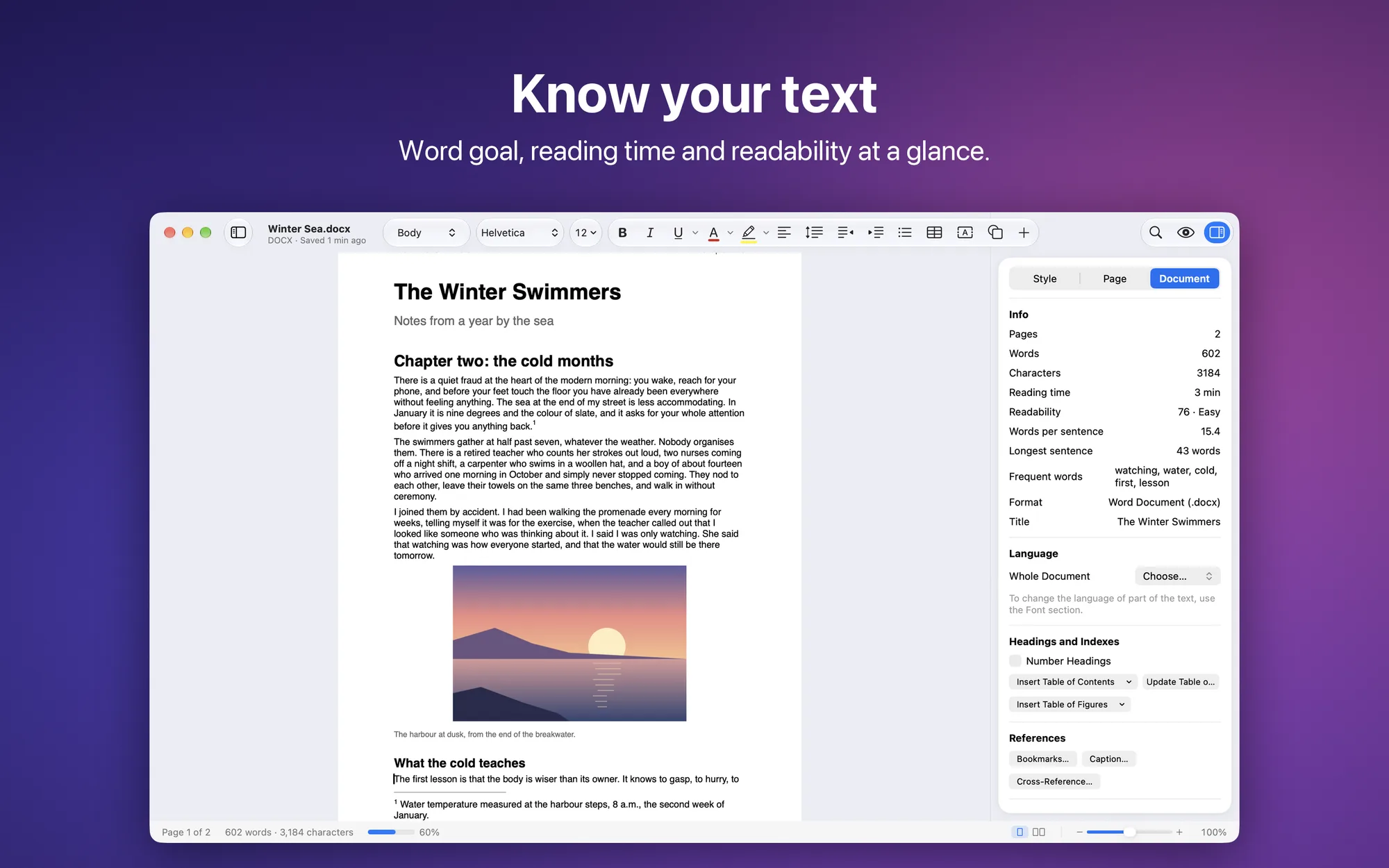
- Writing tools: find and replace by formatting too and with regular expressions, spell checking in the language of each part of the text, a personal dictionary, read aloud, a word goal, reading time and a readability score
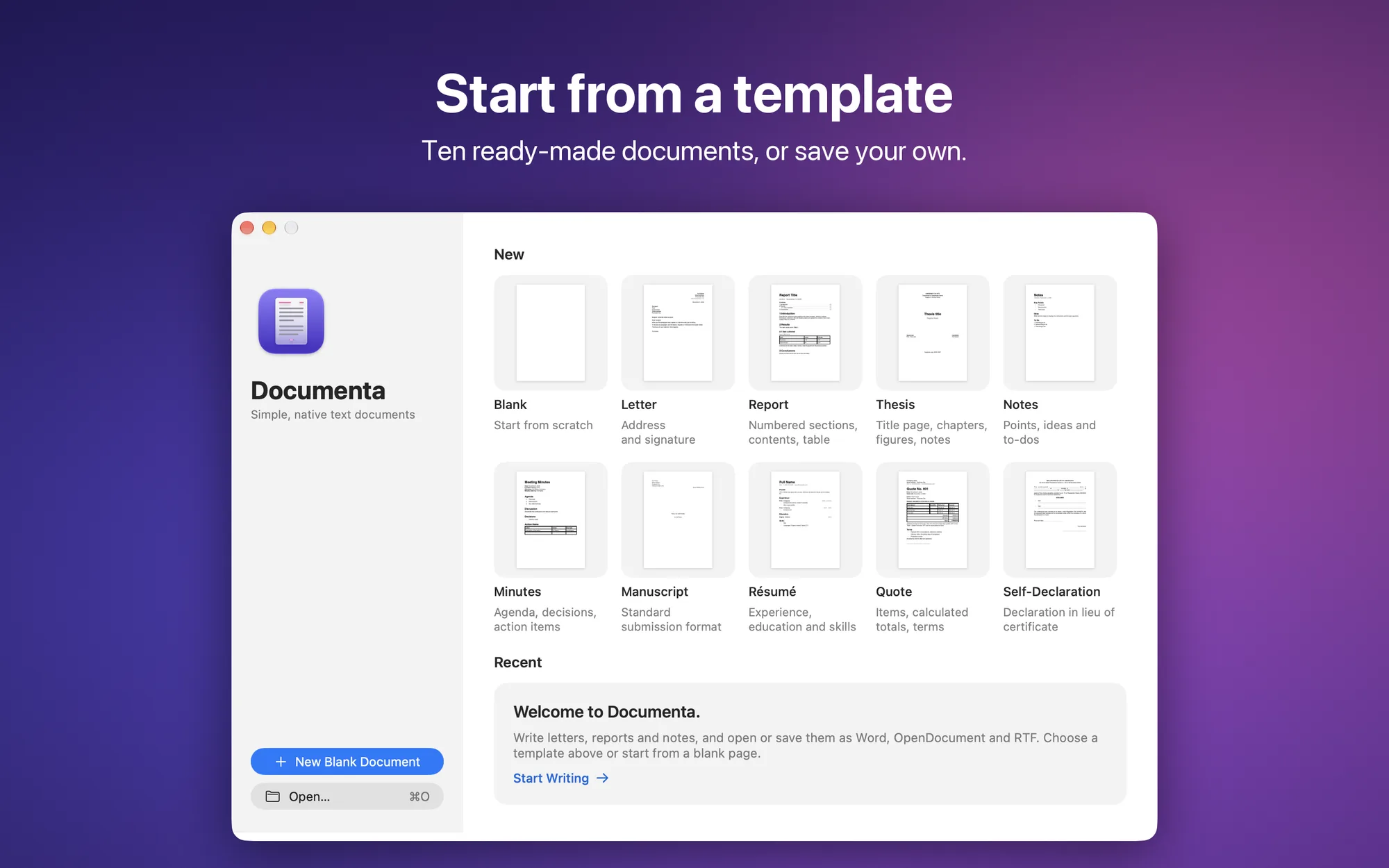
- Start from a template: ten ready-made templates in the welcome window (letter, report, thesis, résumé…) and your own documents saved as templates
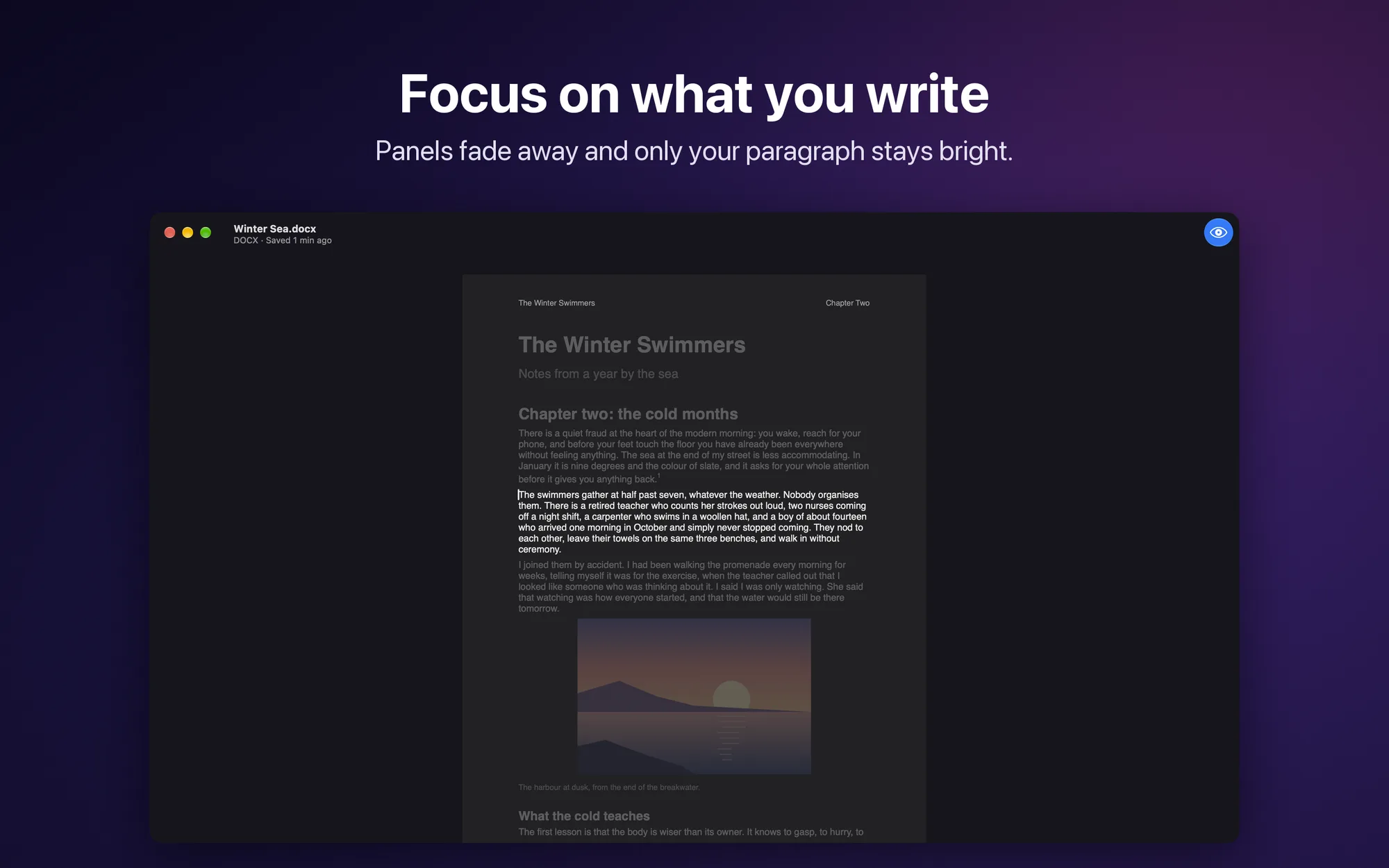
- Focus Mode and dark page: only the paragraph you’re writing stays highlighted; the dark page applies on screen only
- Private: no account, no Internet connection, your documents never leave your Mac; interface in English and Italian
- No subscription: free, with no ads and no in-app purchases
Platforms
Available for macOS 15 Sequoia or later, on Macs with Apple silicon and Intel.