What is Archiva?
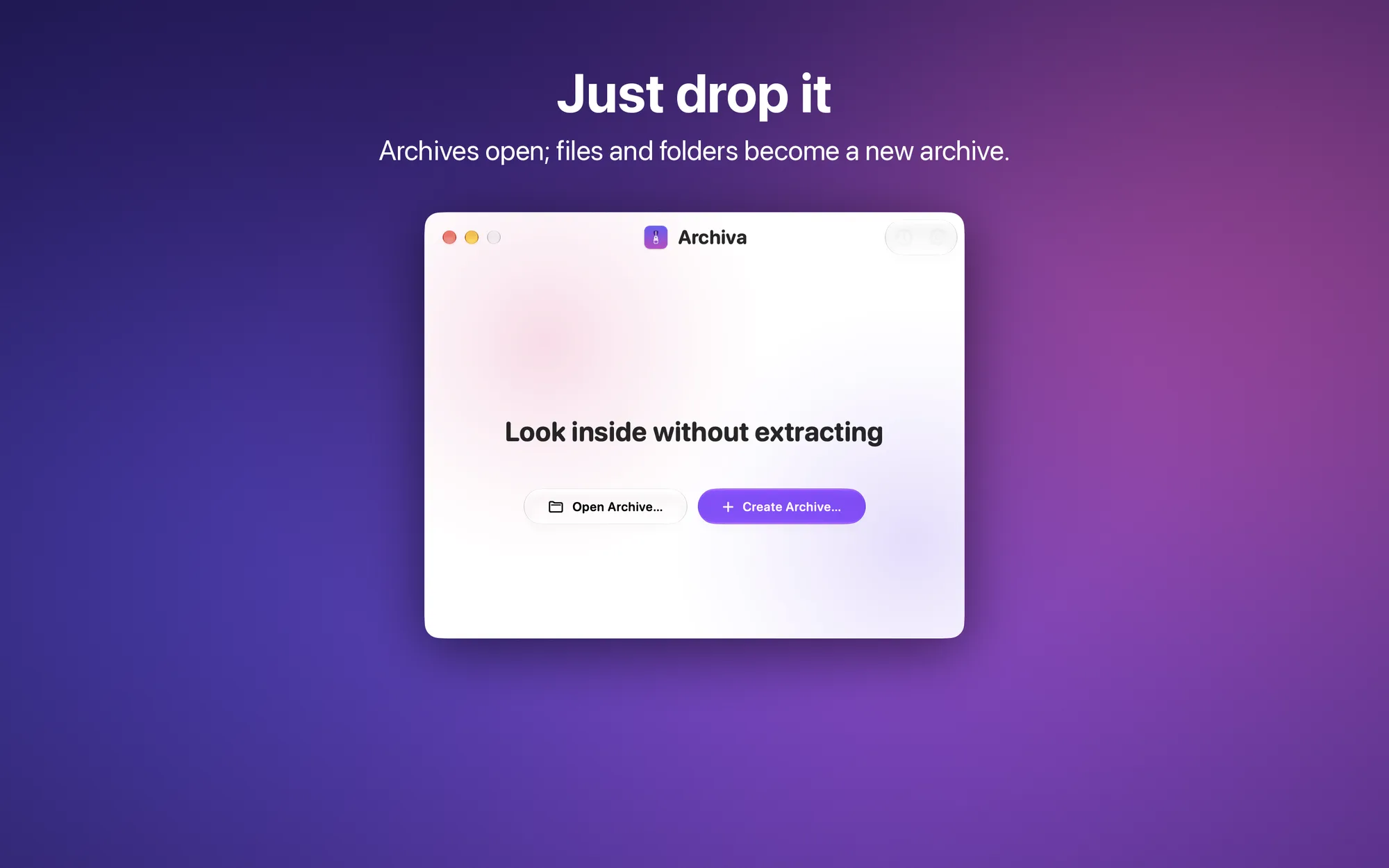
Archiva is the archive app for your Mac: look inside ZIP, RAR, 7z, and many other formats without extracting them, open password-protected or multi-part archives, and create your own with a simple drag.
Key Features
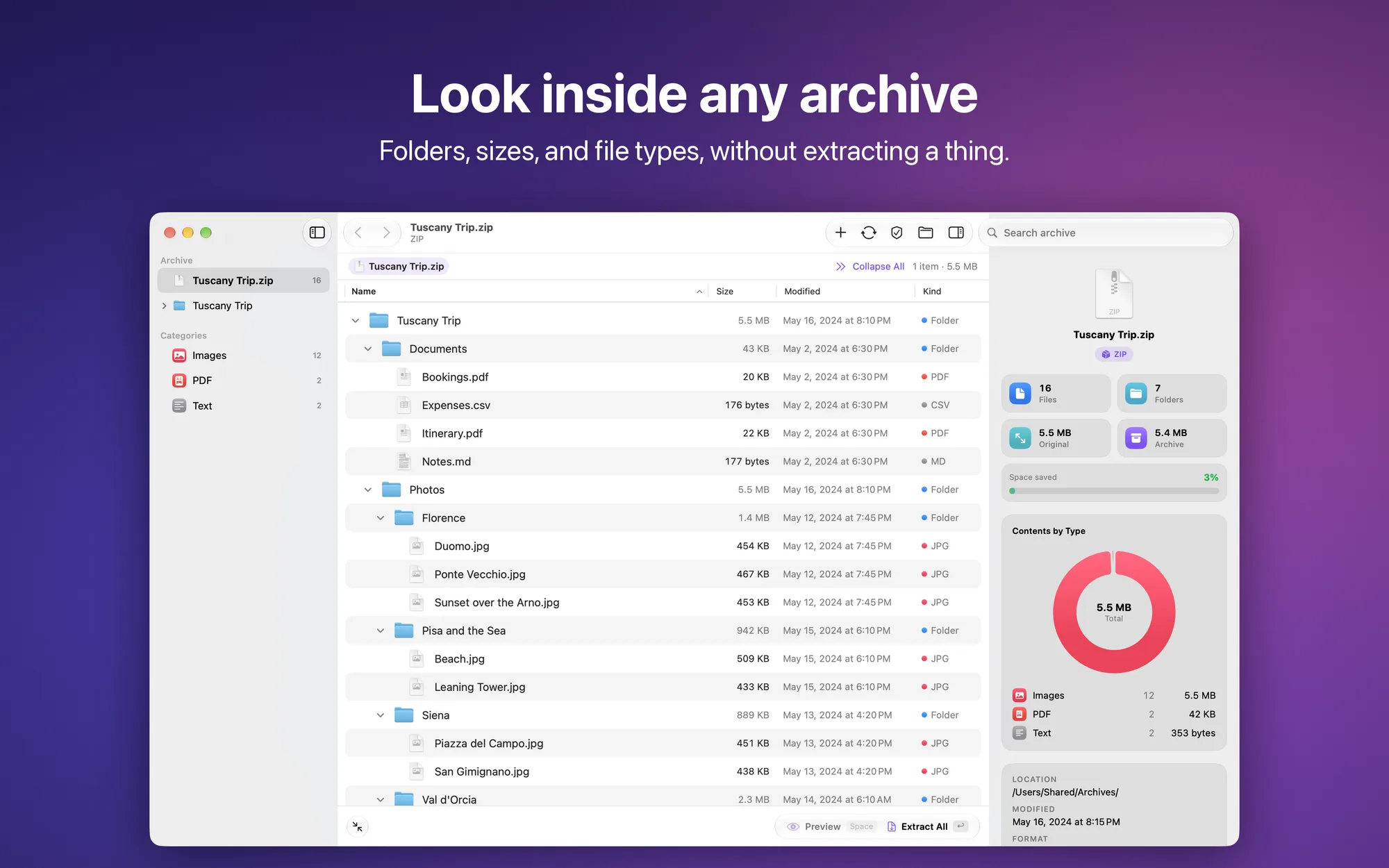
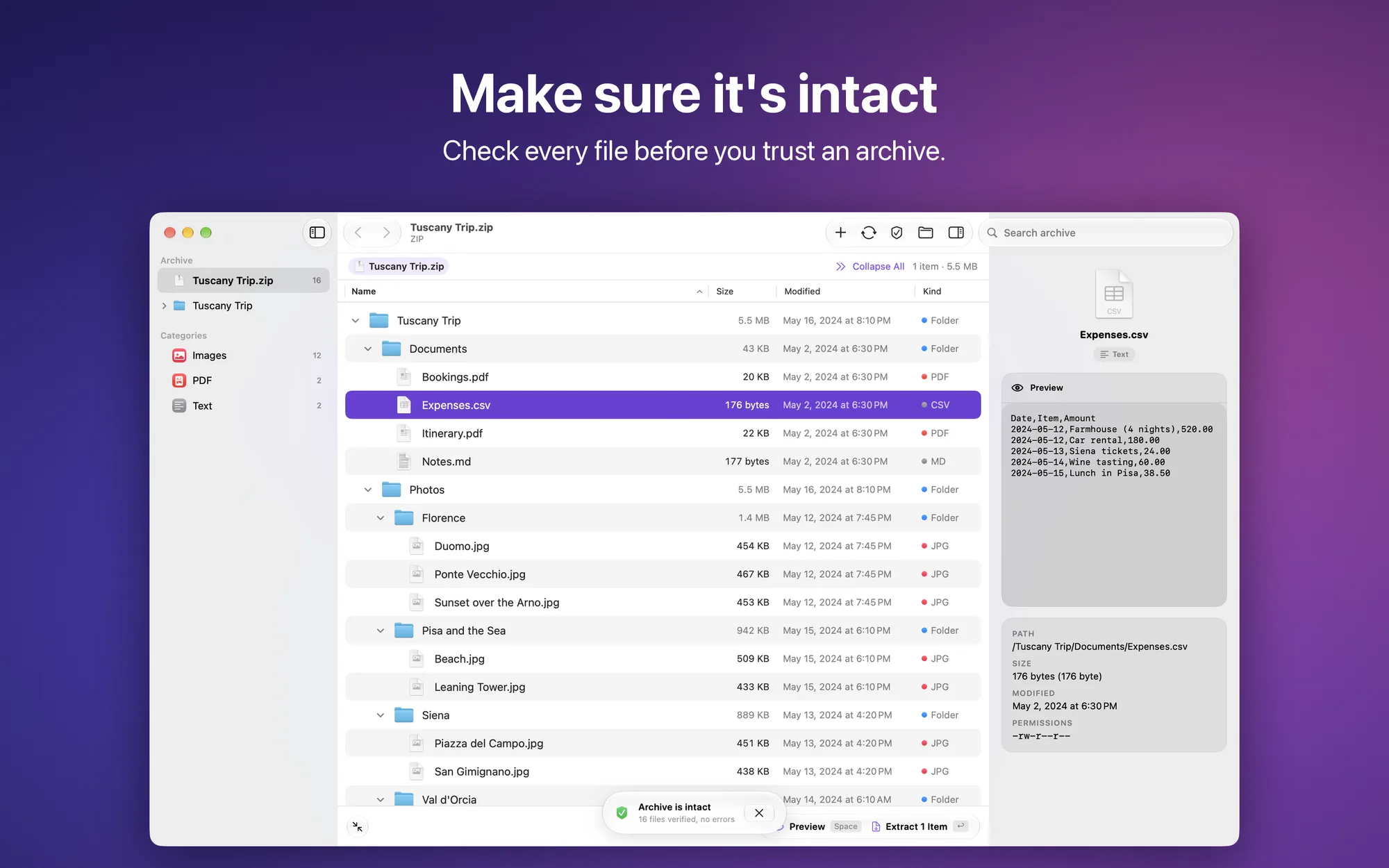
- Look inside, without extracting: a complete list with expandable folders, sizes, dates, and file types; an archive summary with file count, space saved, and a chart by type
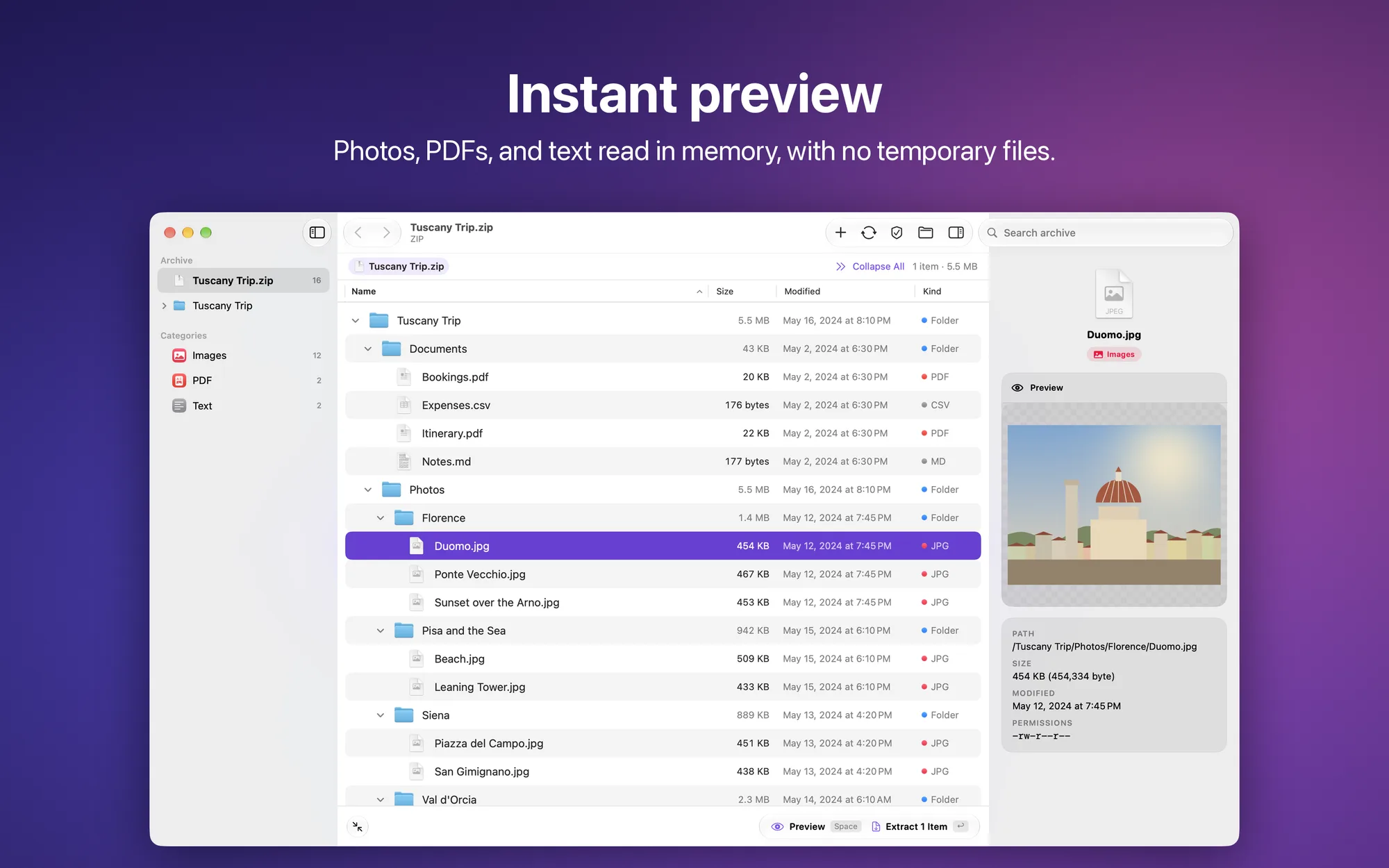
- Previews: in the info panel, photos, PDFs, and text are read in memory; Space opens Quick Look, also for documents, video, and audio, on a temporary copy deleted right after
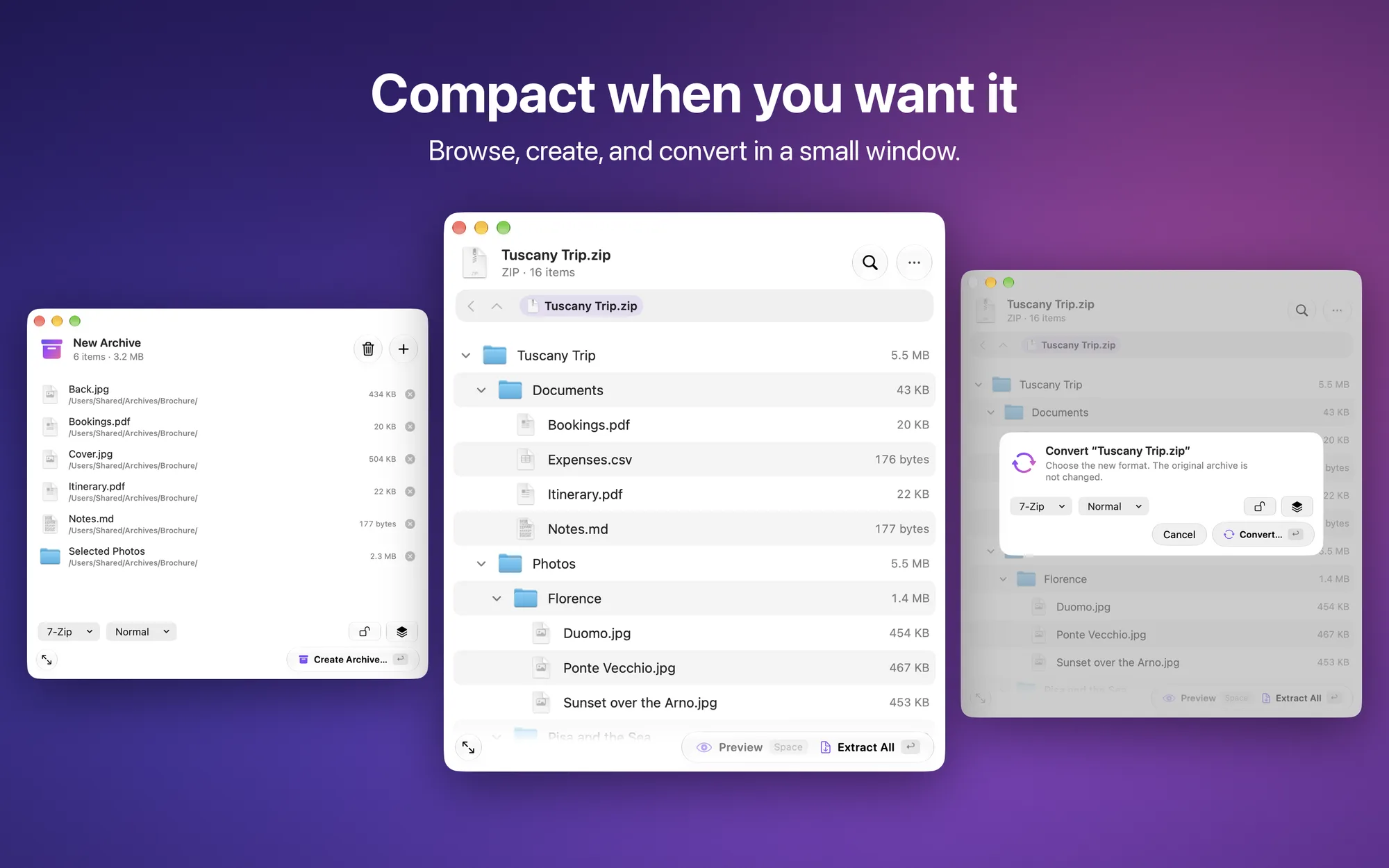
- Compact view: browse, create, and convert archives in a small window
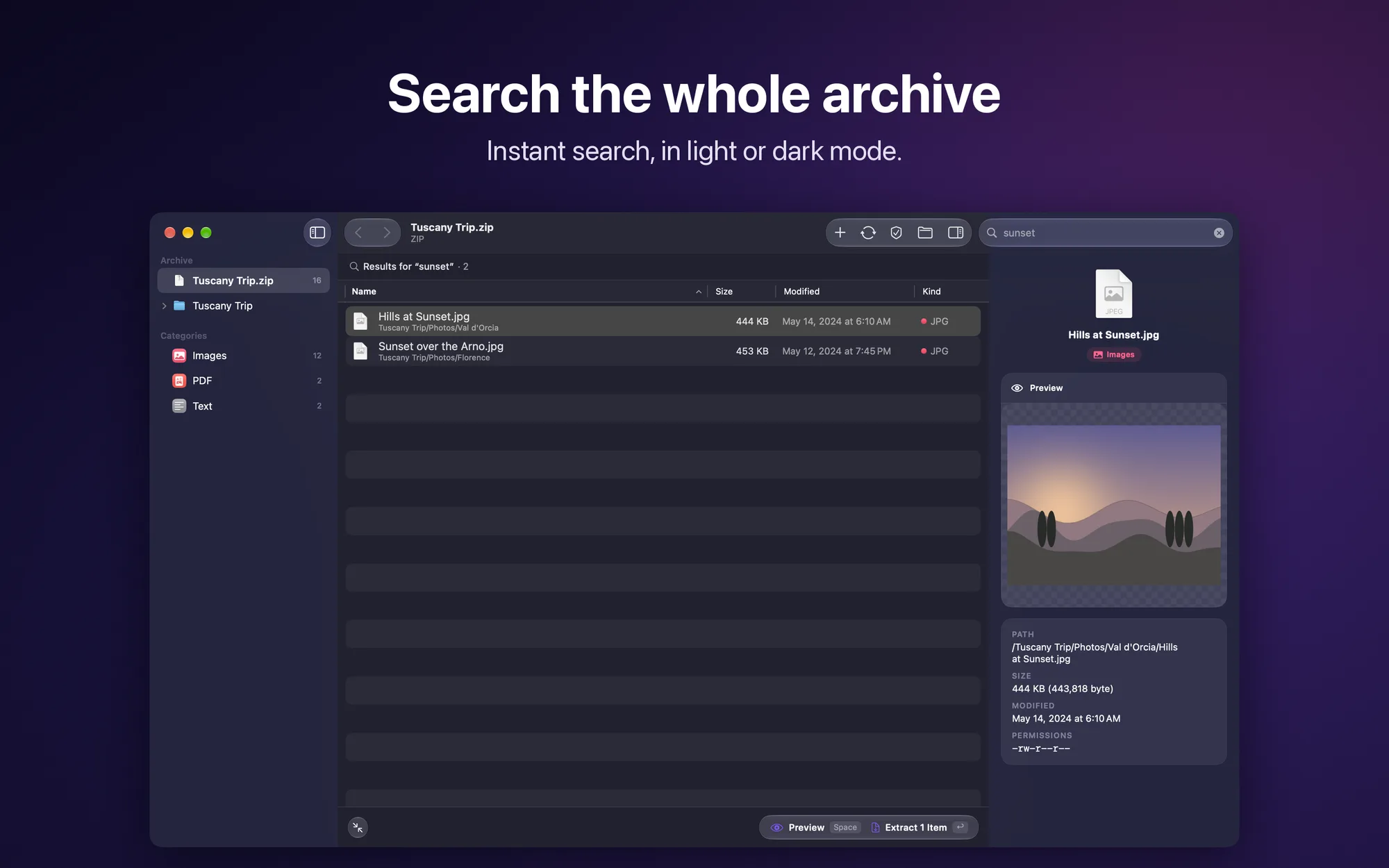
- Search and browse: search the whole archive, browse by category, go back and forward
- Extract only what you need: everything or just the selection, or drag a file straight to Finder; existing files are never overwritten
- Your choice of destination: ask every time, next to the archive, or a fixed folder
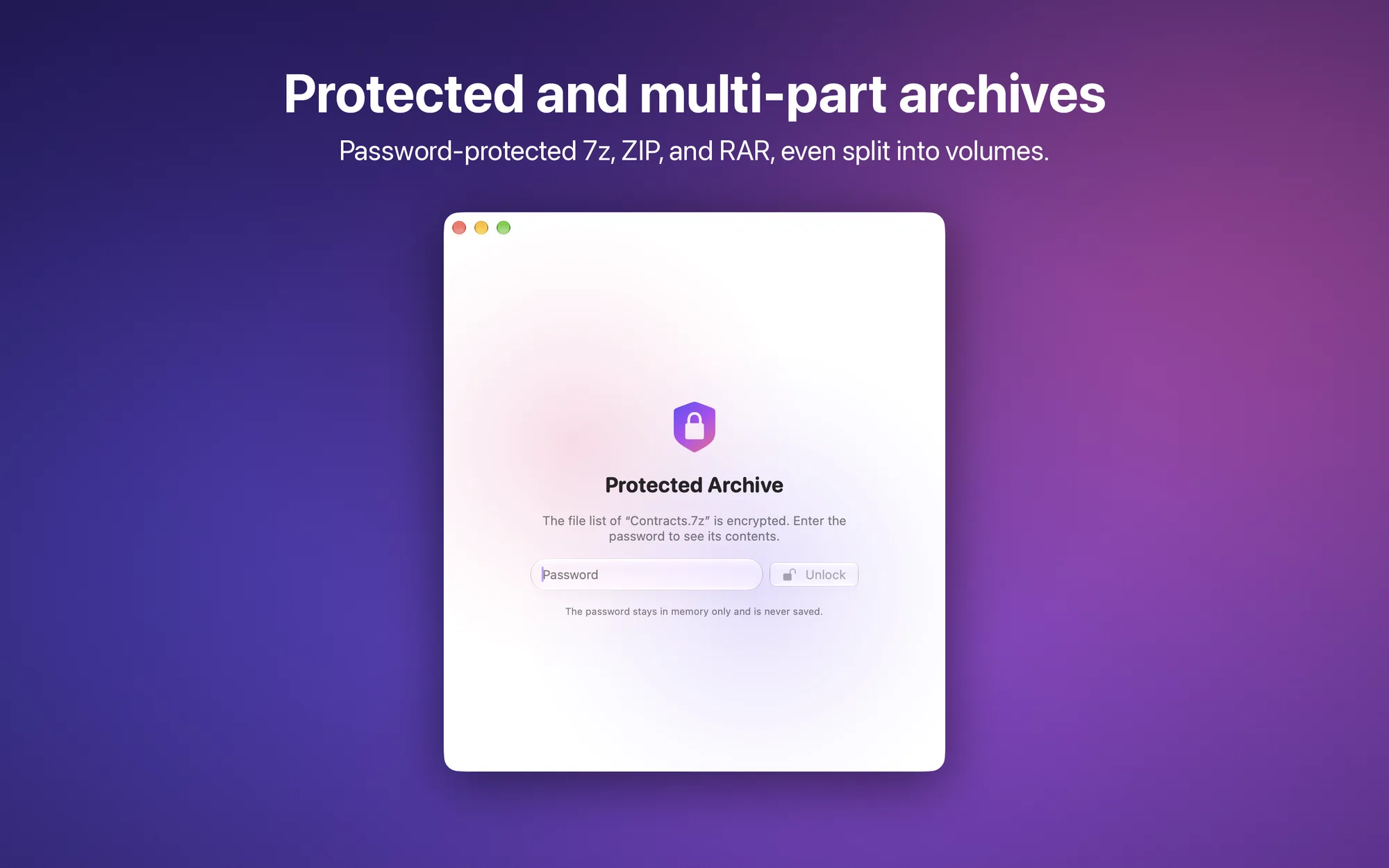
- Protected and multi-part archives: password-protected 7z, ZIP, and RAR, even with an encrypted file list; volumes (.001, .part1.rar, .z01…) opened from any part; integrity check without extracting
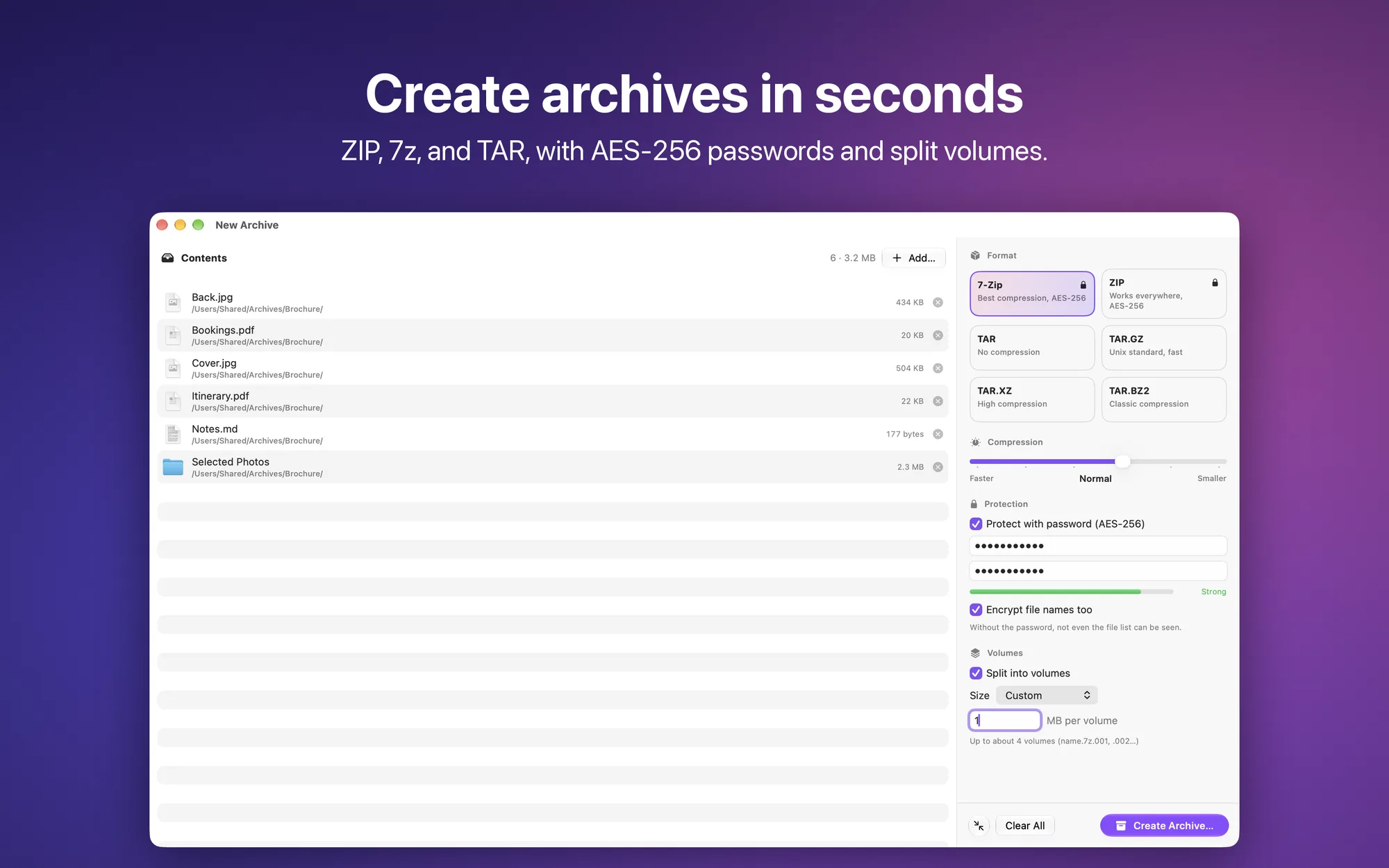
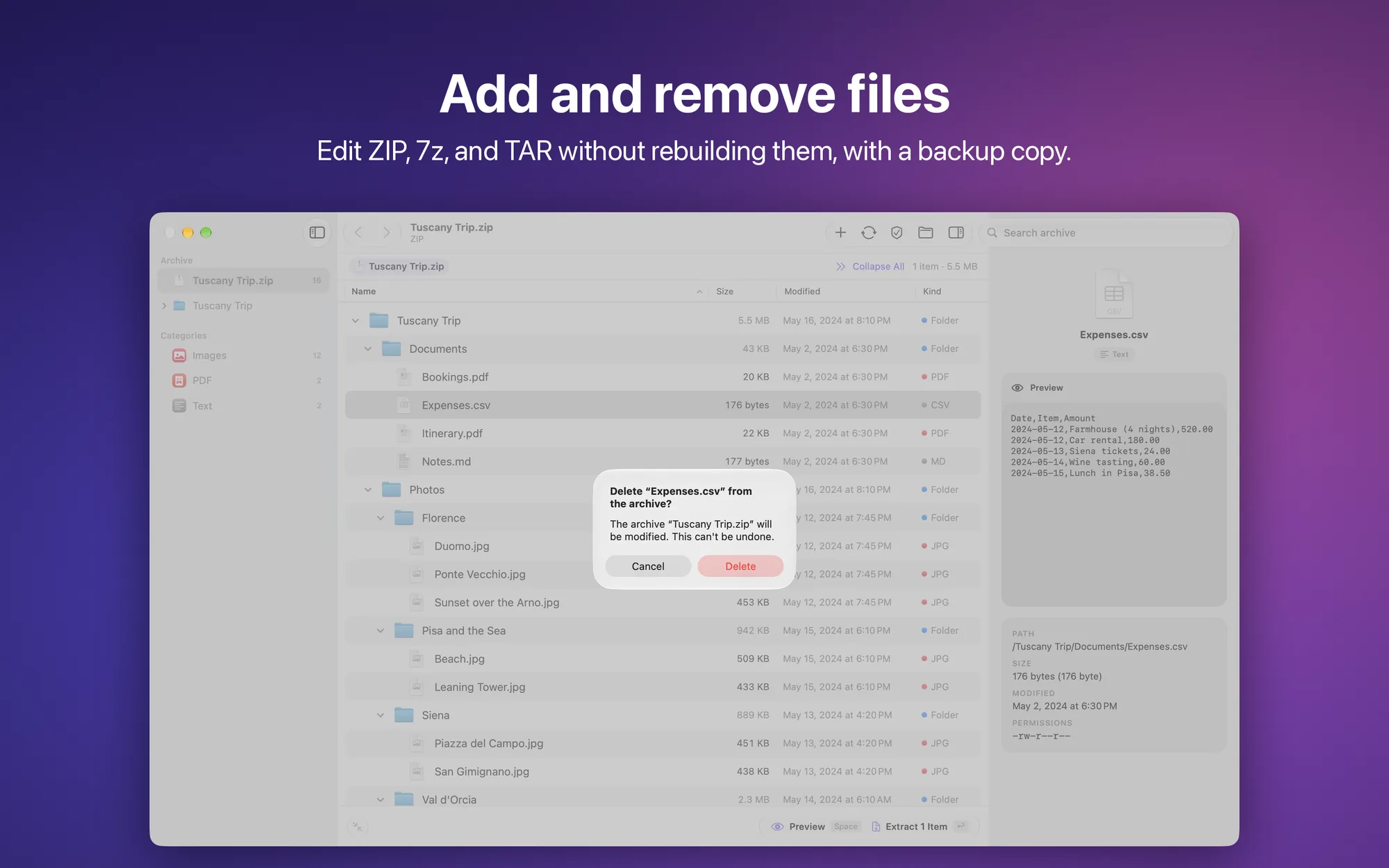
- Create and edit: 7z, ZIP, TAR, TAR.GZ, TAR.XZ, and TAR.BZ2 archives with a drag; AES-256 passwords, file names included, and split volumes; add or remove files in ZIP, 7z, and TAR without rebuilding them, with a backup copy in the Trash
- No system clutter: .DS_Store and __MACOSX are left out automatically
- All the popular formats: ZIP, RAR, 7Z, TAR, GZ, BZ2, XZ, ISO, CAB, LHA, CPIO, XAR, plus JAR, EPUB, CBZ, and CBR
- Native on macOS: drop onto the Dock icon, full menus and keyboard shortcuts, light or dark appearance, interface in English and Italian
- Privacy: no account and no Internet connection, your files never leave your Mac
- No subscription: free, with no ads and no in-app purchases
Platforms
Coming to the Mac App Store for macOS 26 Tahoe or later, on Macs with Apple silicon and Intel.