What is Charta?
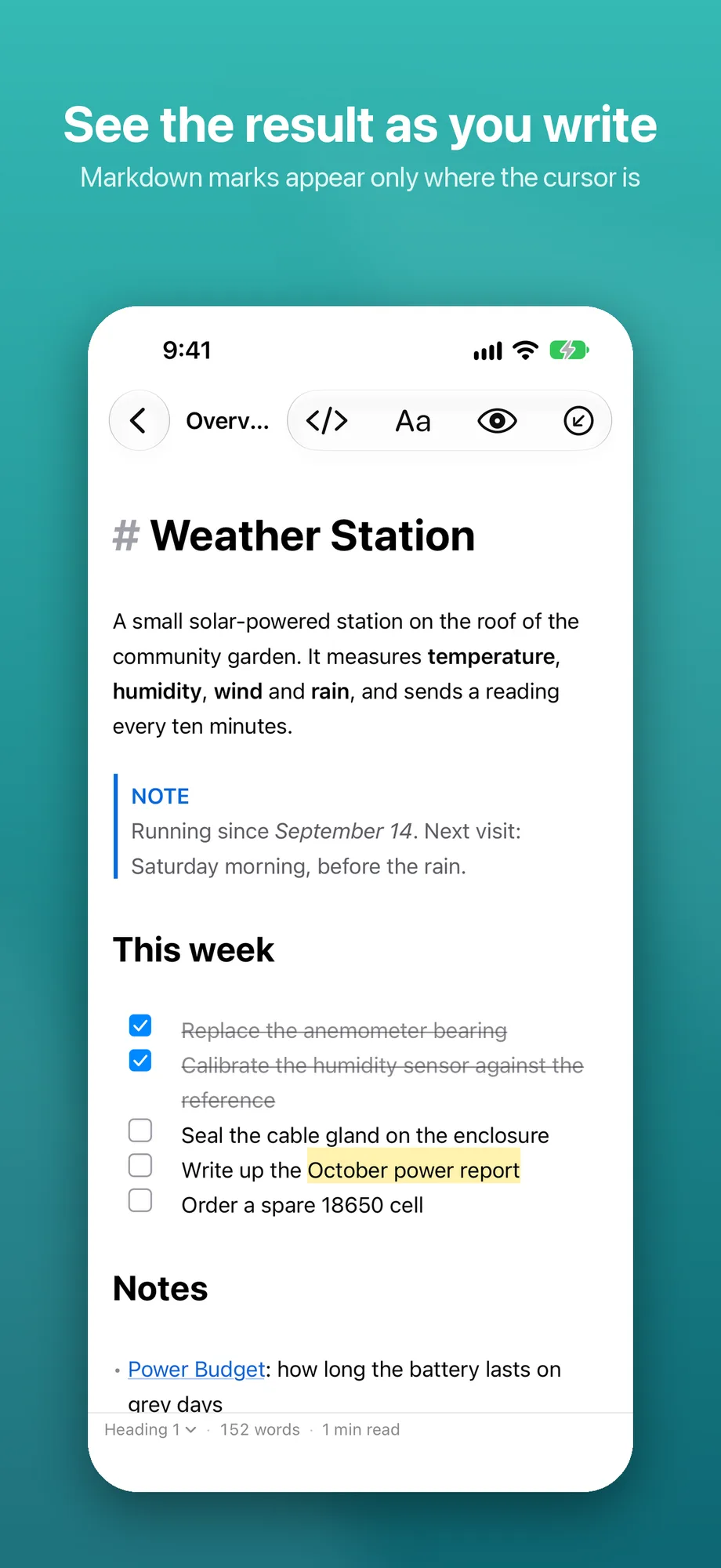
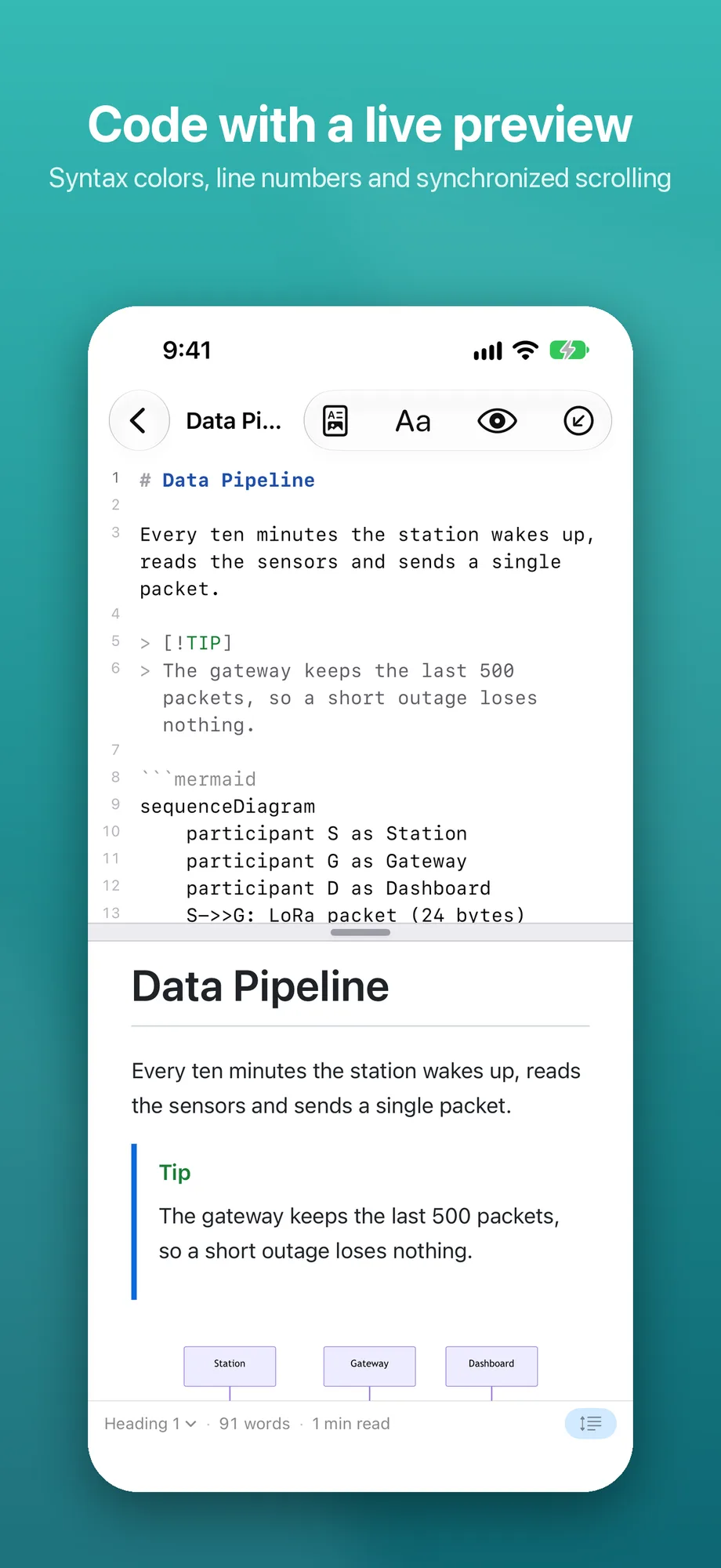
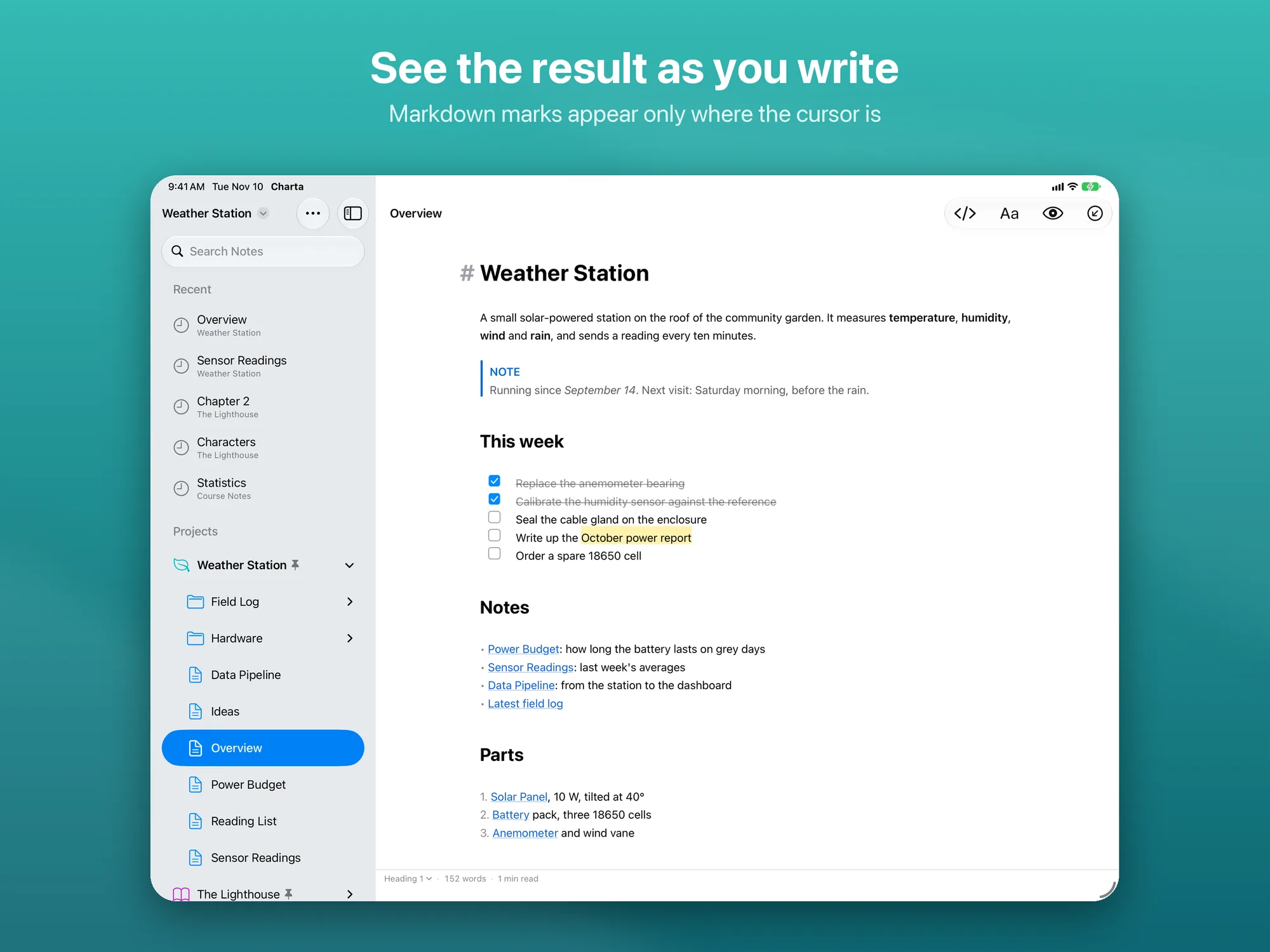
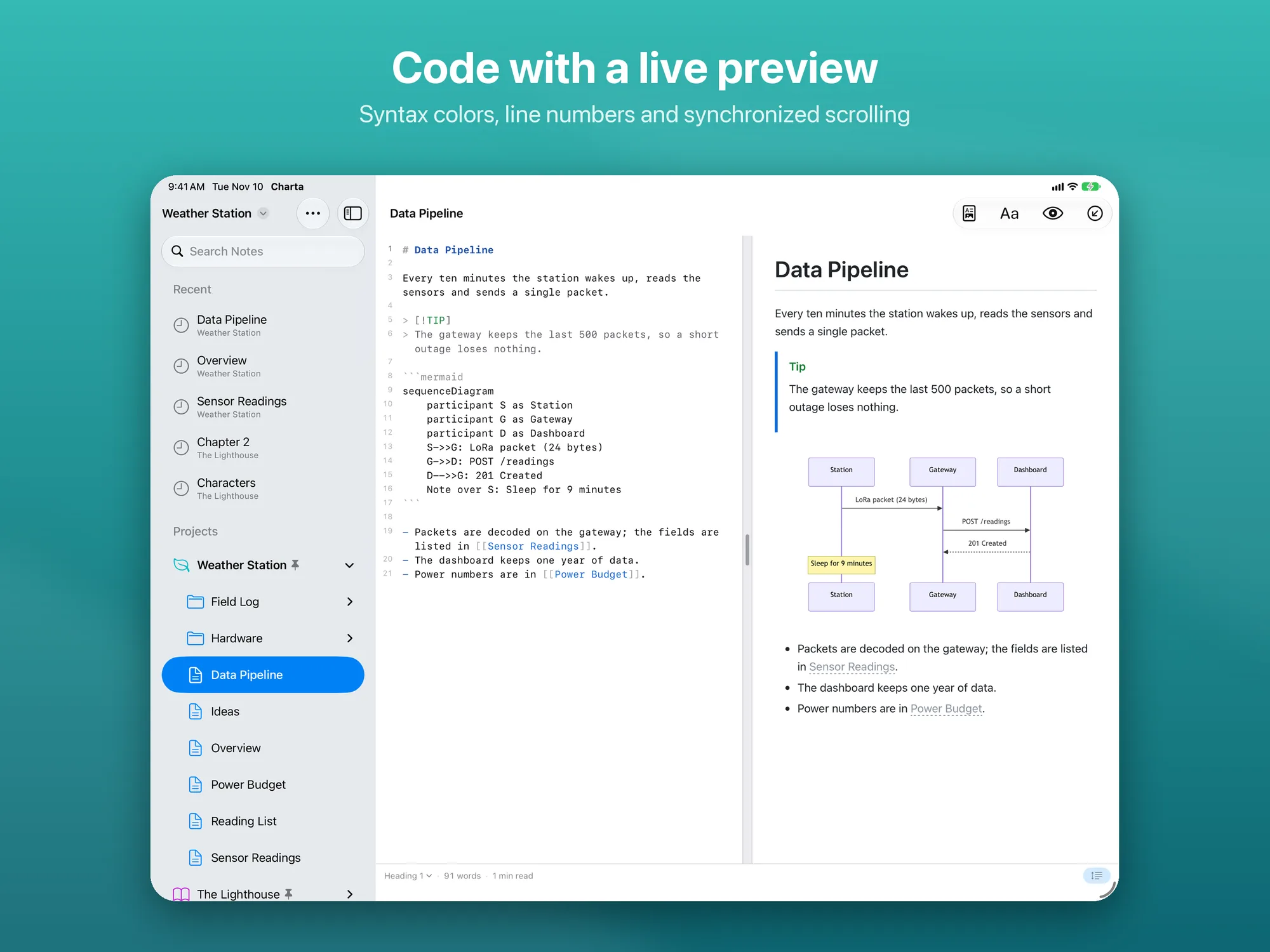
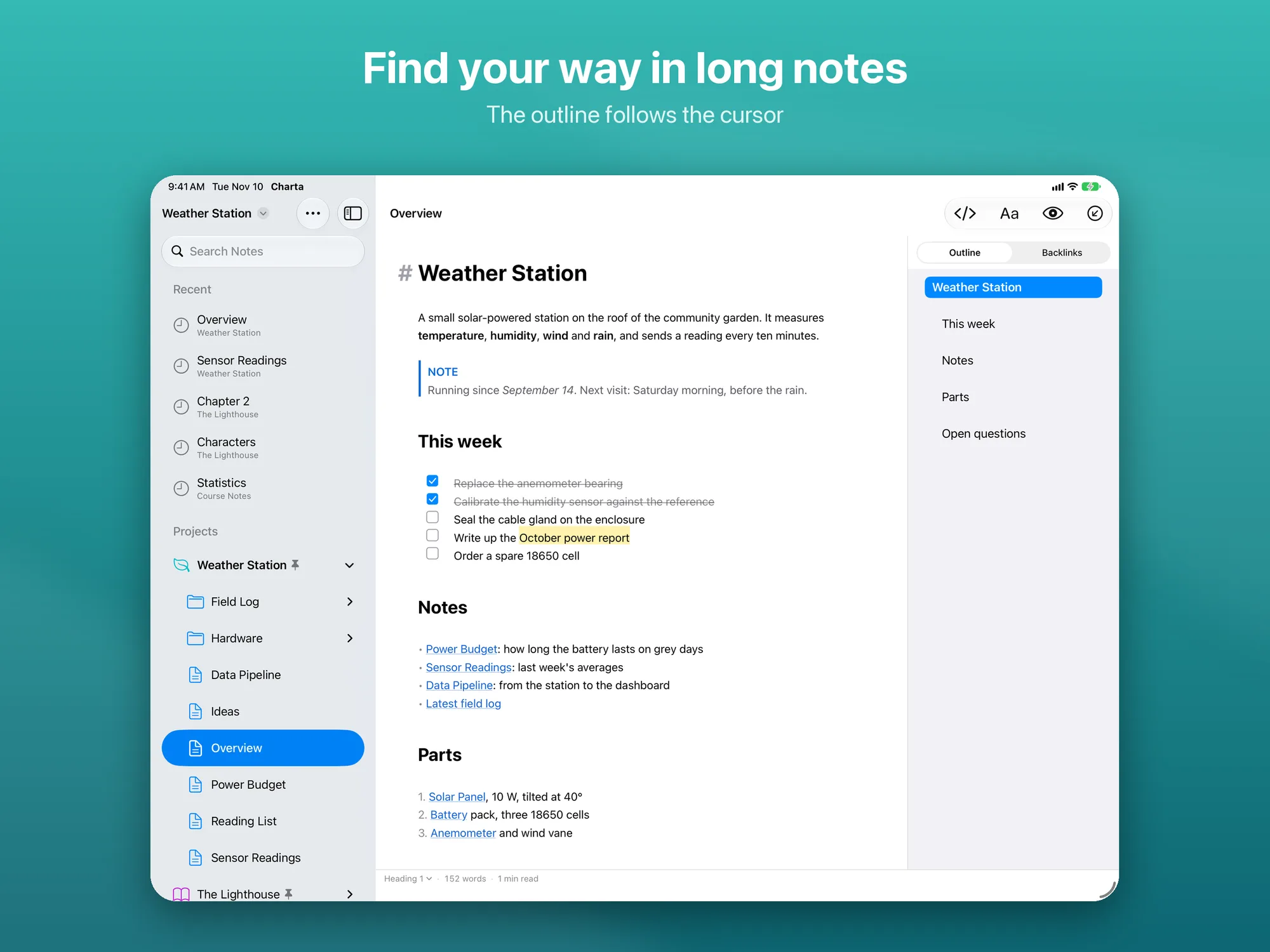
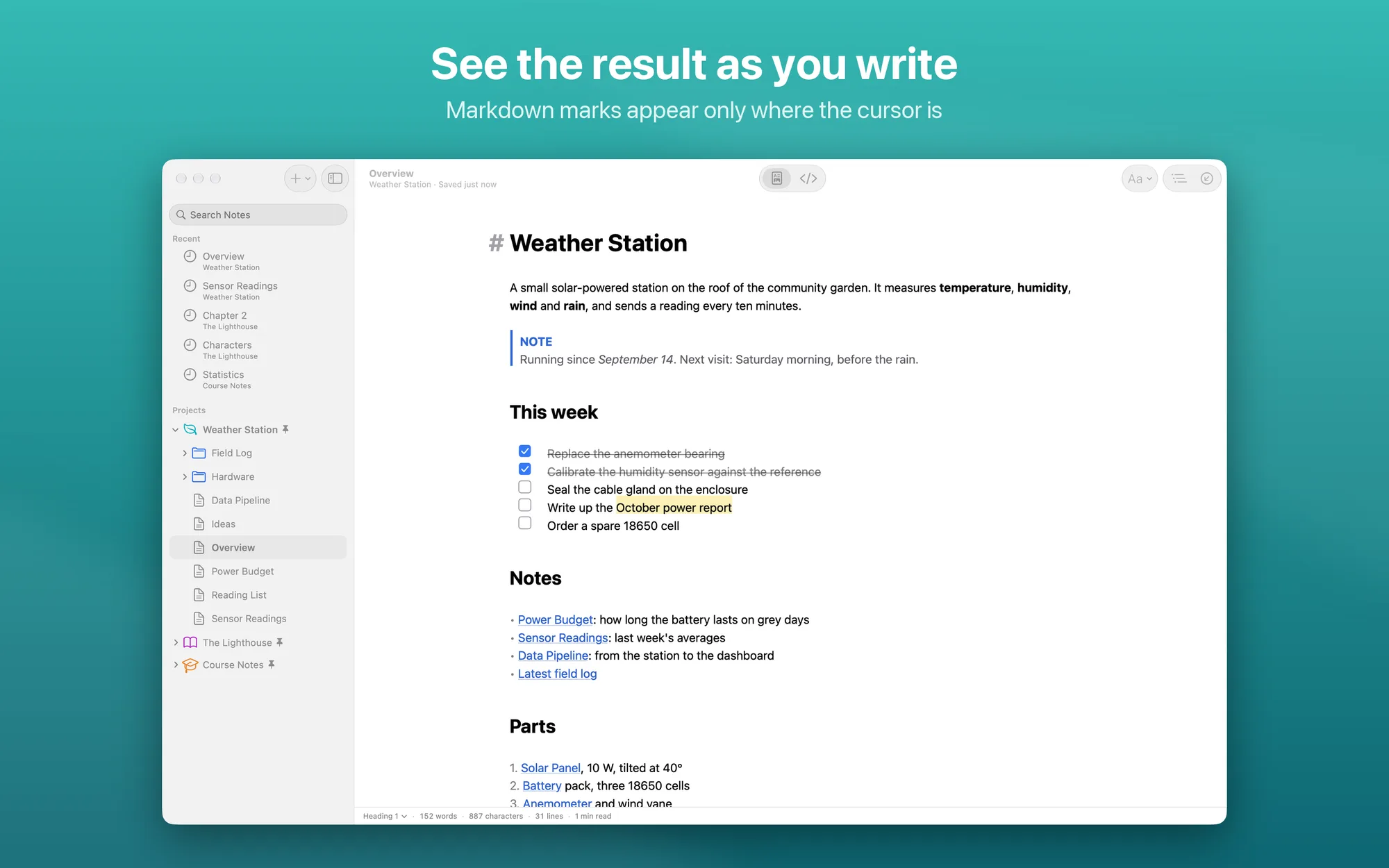
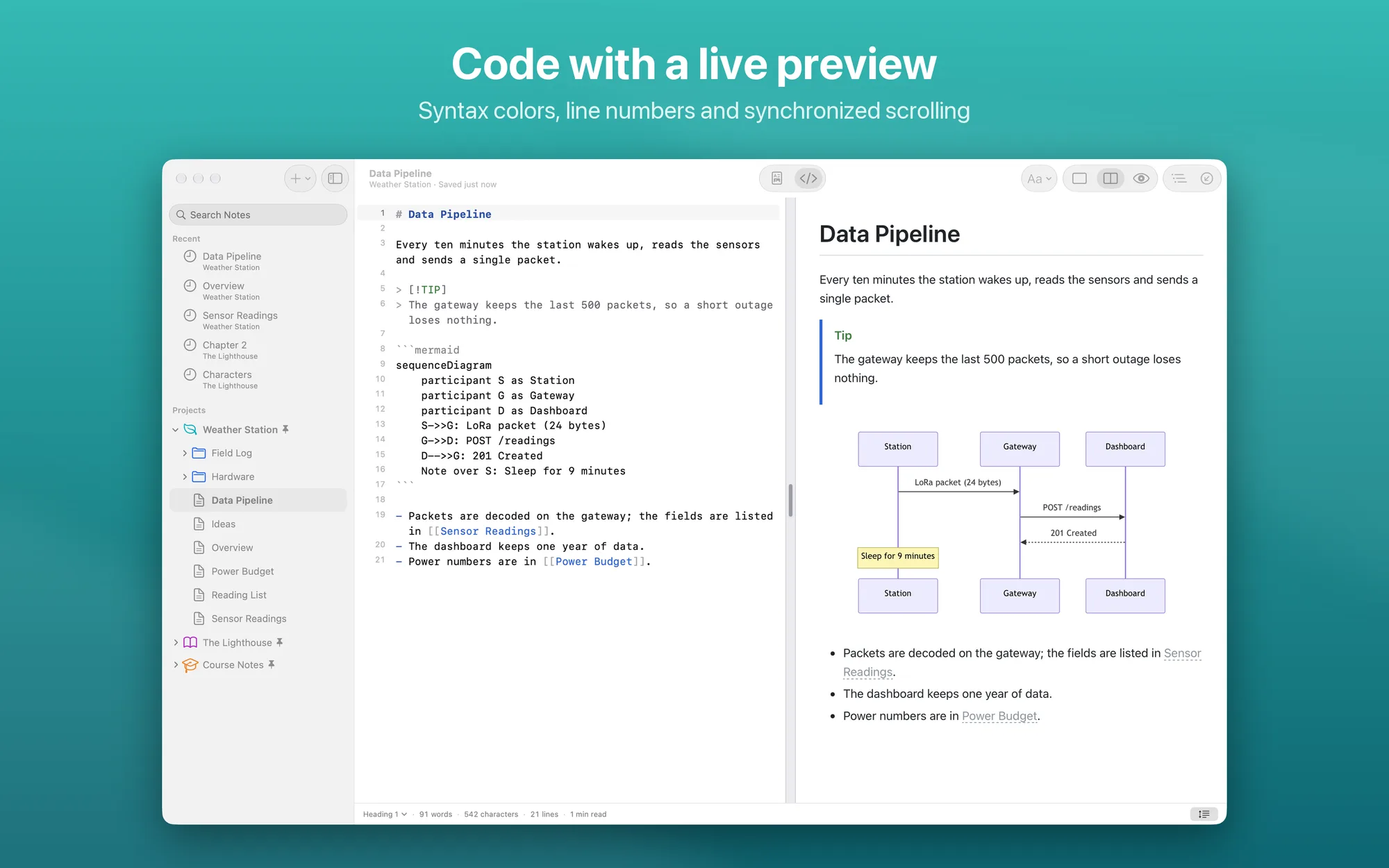
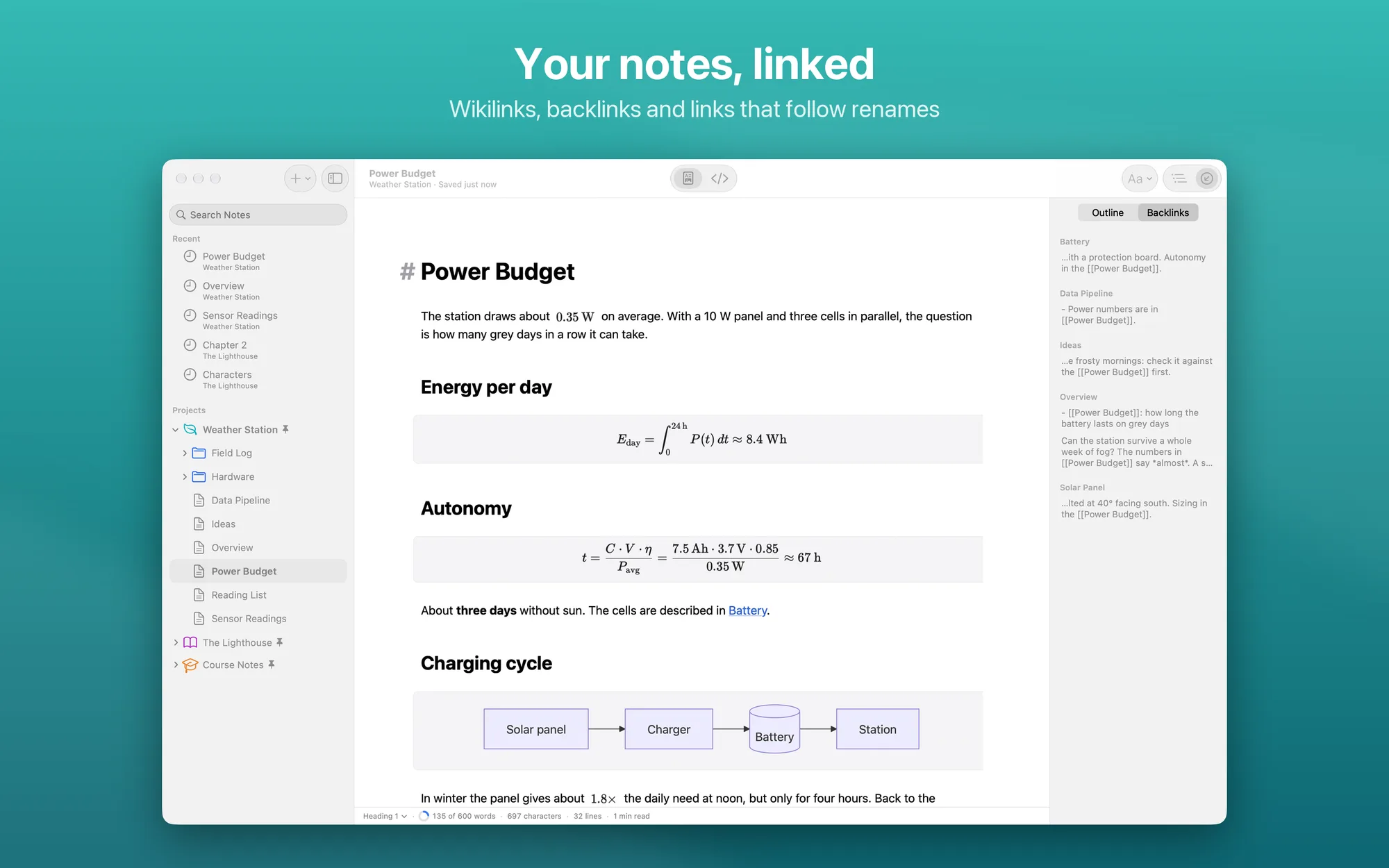
Charta is a Markdown editor for Mac, iPhone and iPad that lets you write the same file in two ways. In WYSIWYG you see your text formatted as you type: Markdown marks show up only where the cursor is, and tables, math, diagrams and images are drawn right in the text. In the code editor you work on the Markdown itself, with syntax colors, line numbers and a preview beside it. Switch between the two with ⌘ E. You can open a single .md file or a whole folder as a project, with notes linked to each other. Files stay plain Markdown files: Charta only changes the characters you type.
Key Features
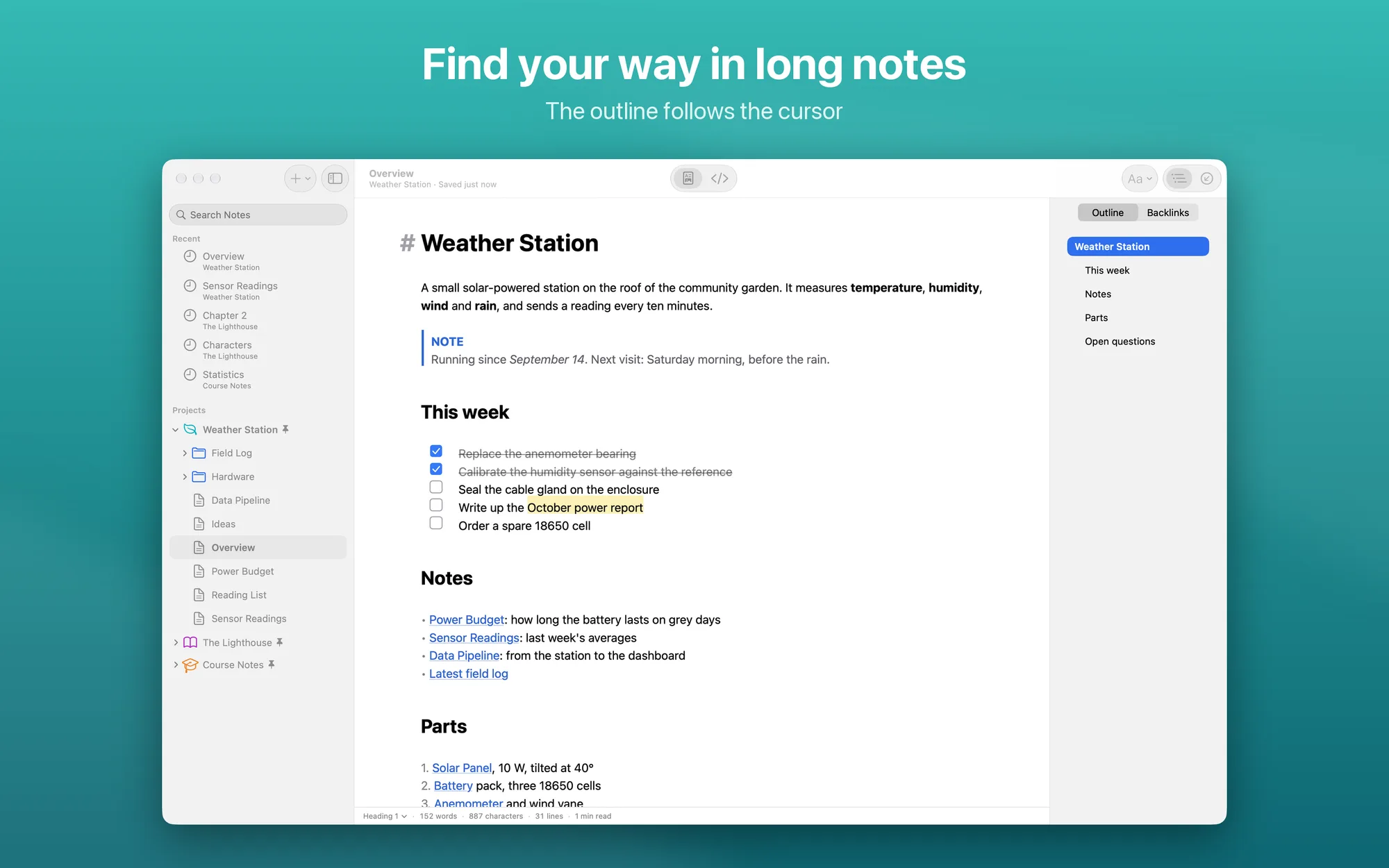
- WYSIWYG: headings, bold, italics, links and lists appear formatted; marks show up only where the cursor is; tables, math, diagrams and images are drawn in the text, and to-do items are checked off with a click or a tap
- Code editor with preview: syntax colors, line numbers and the current line highlighted; preview side by side, editor only or preview only, with synchronized scrolling. On the Mac, double-clicking the preview jumps to that line of text
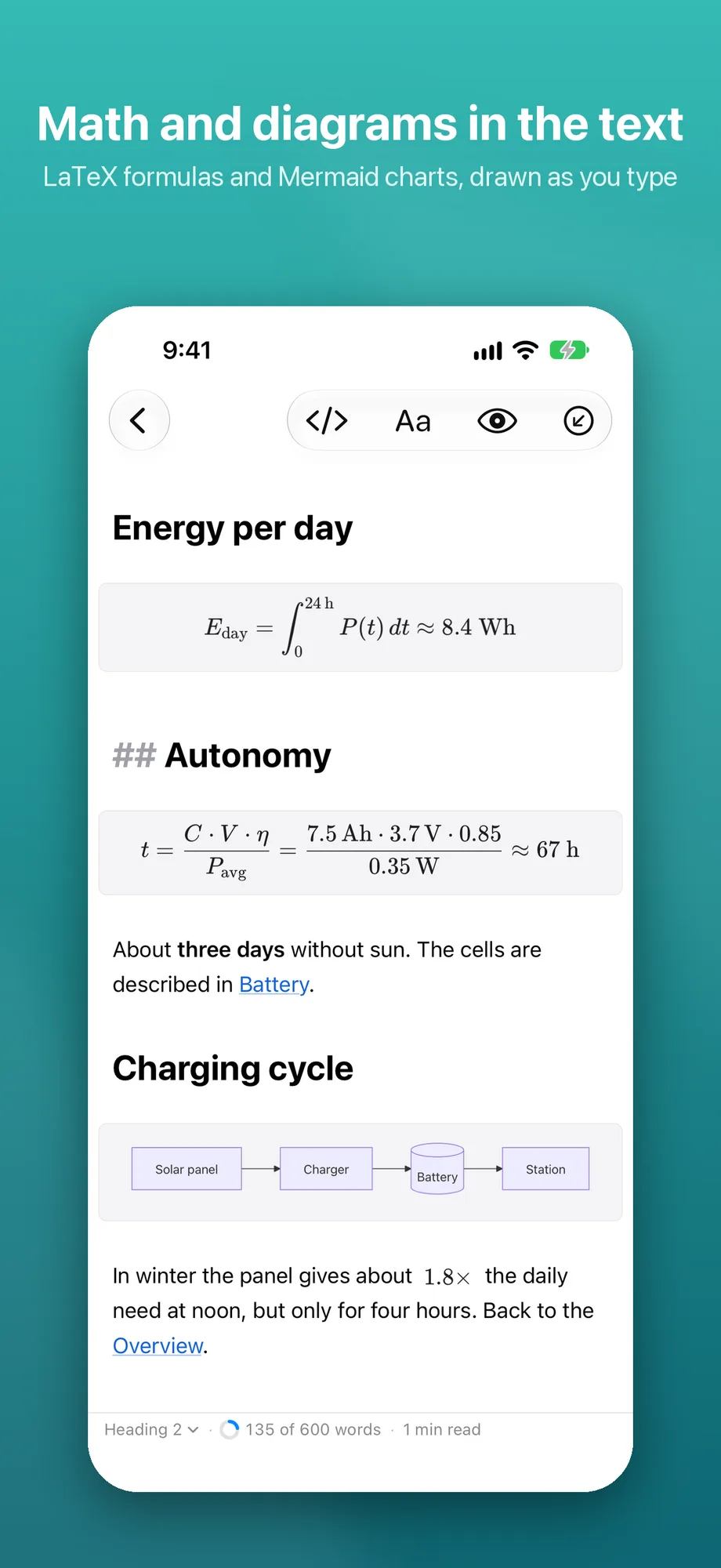
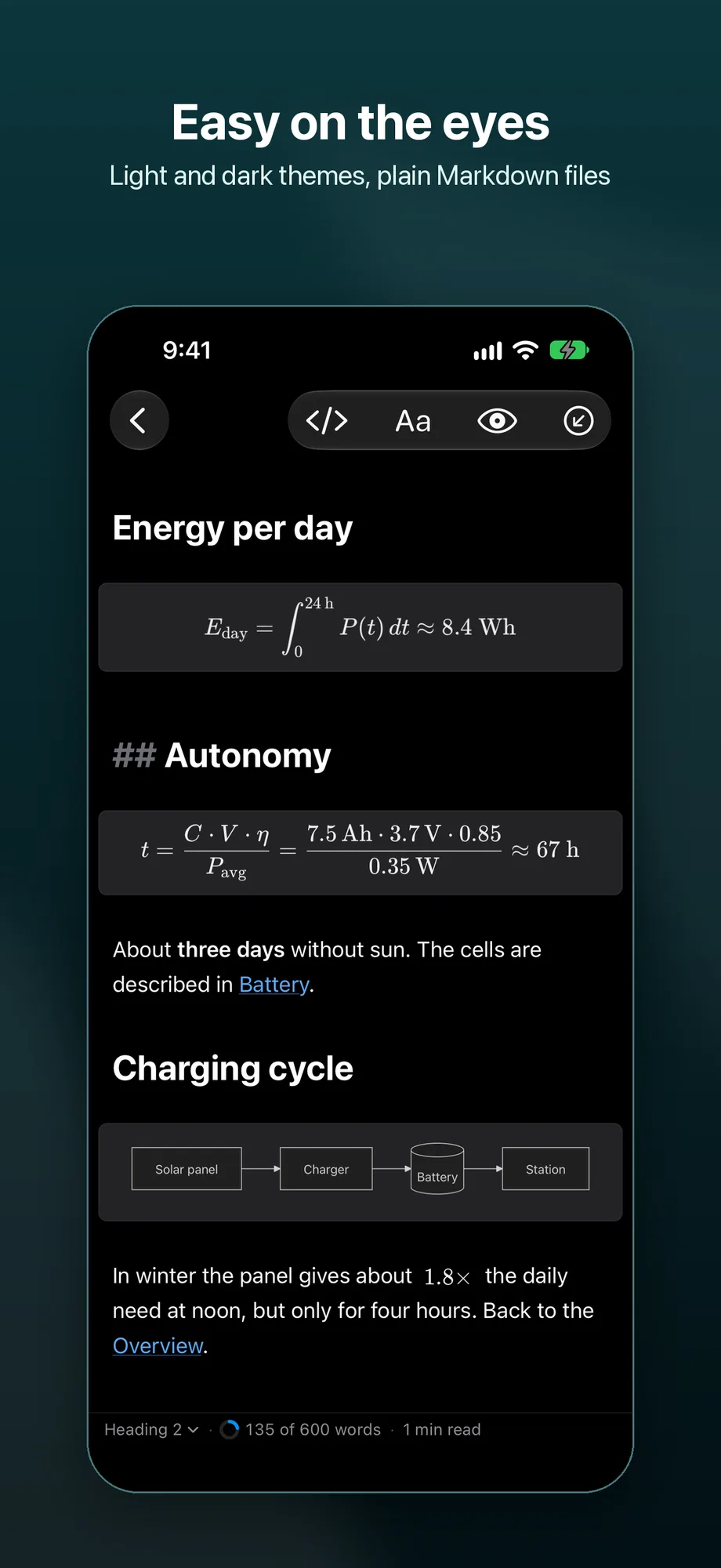
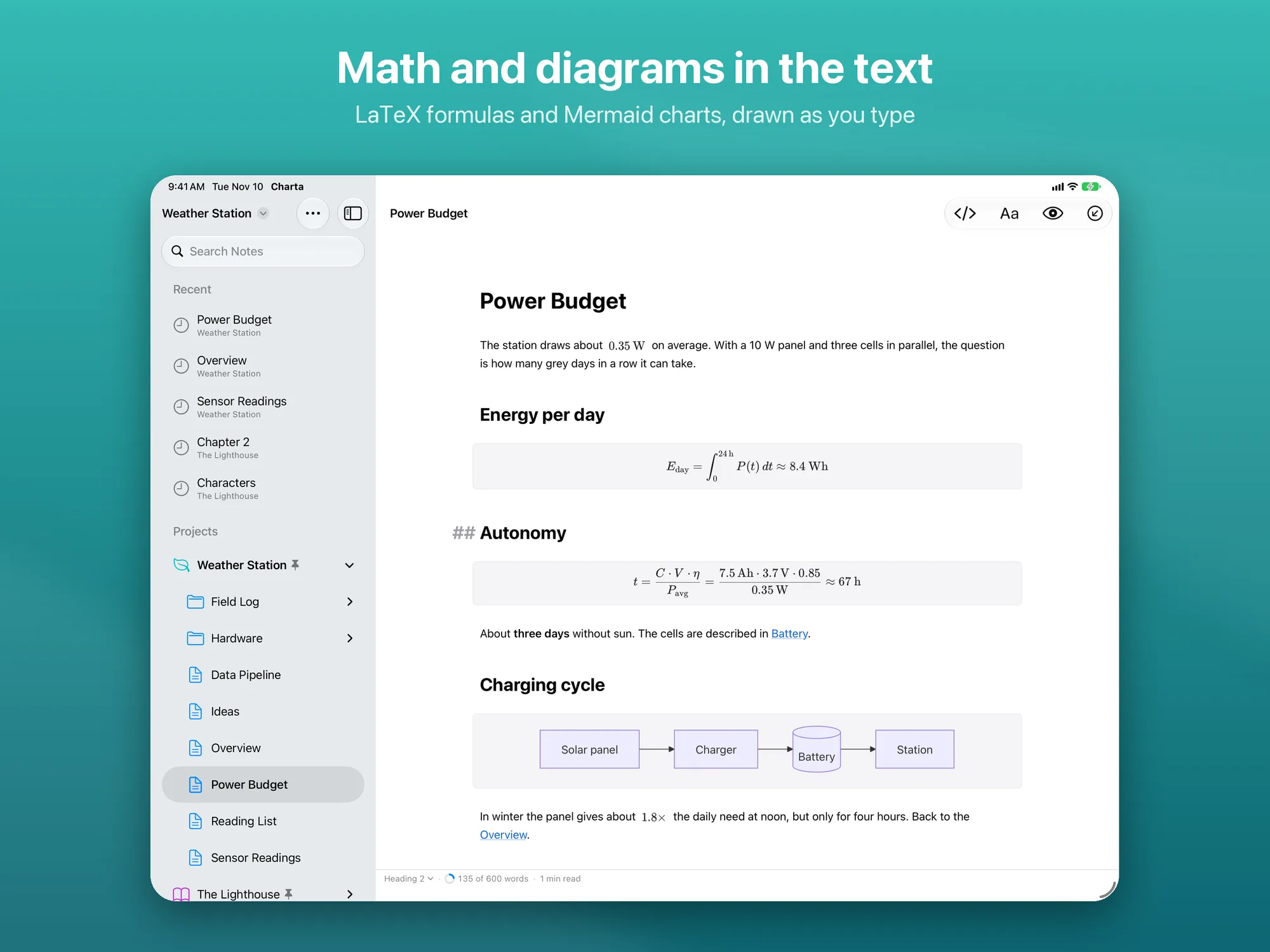
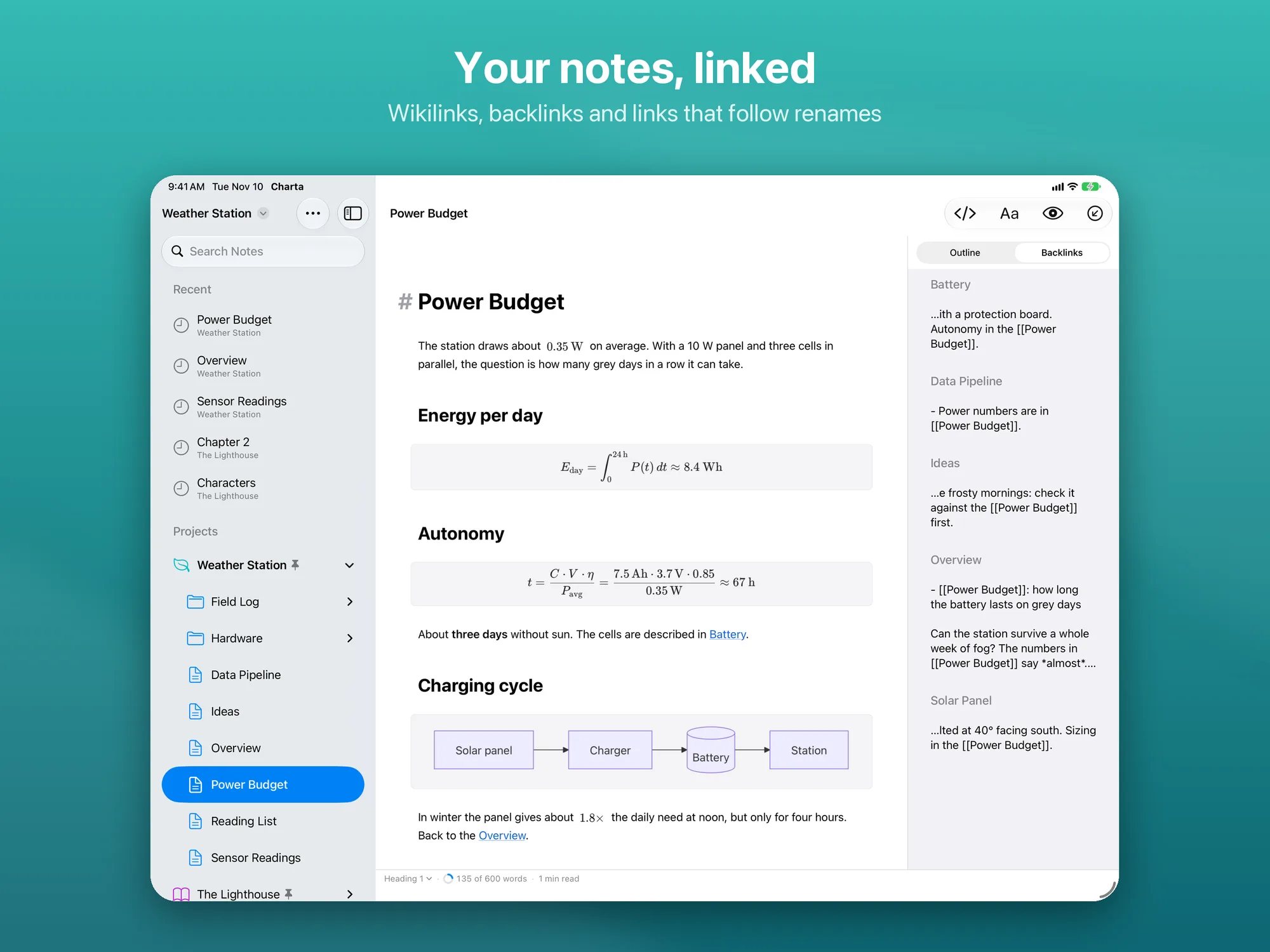
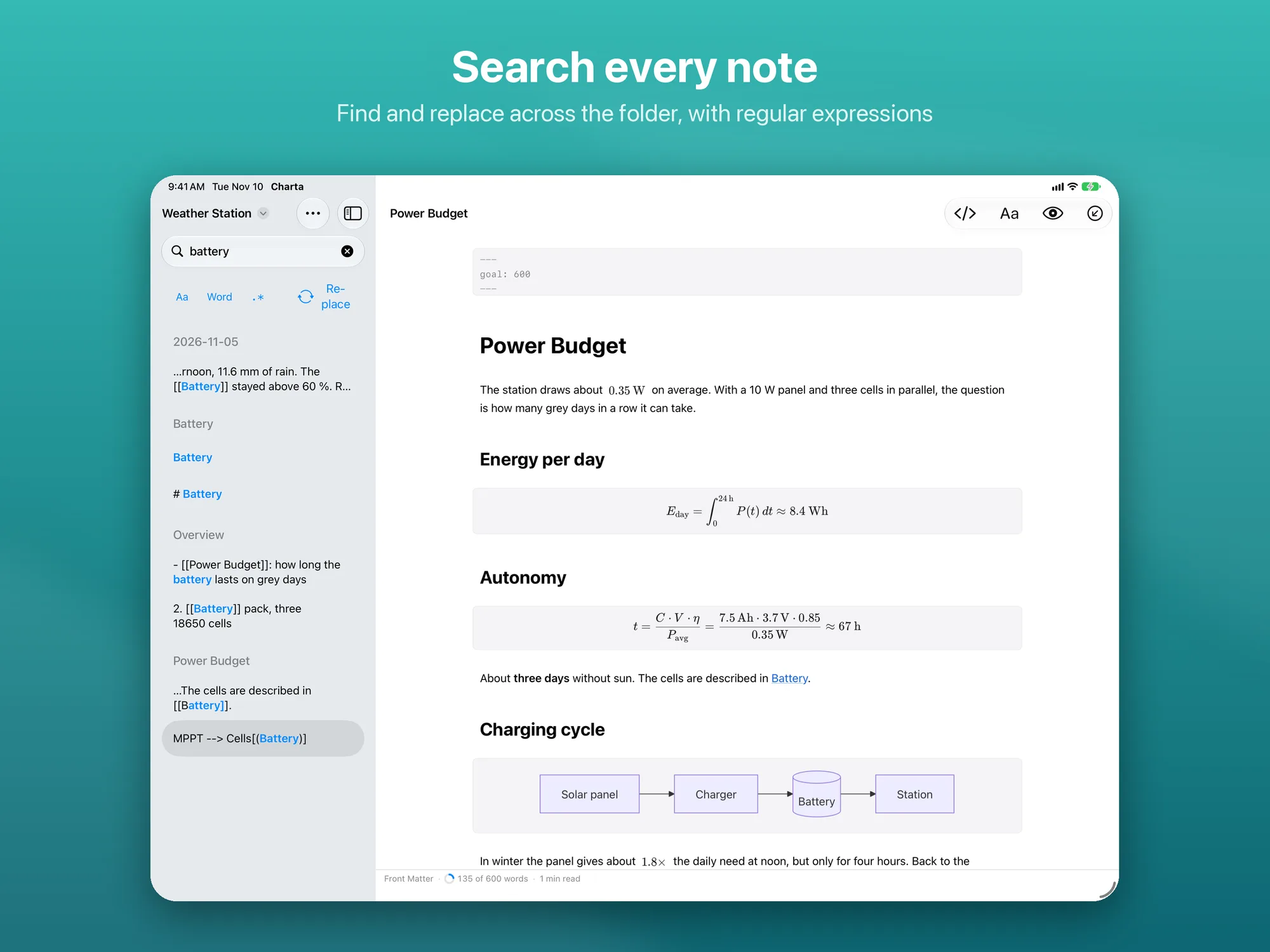
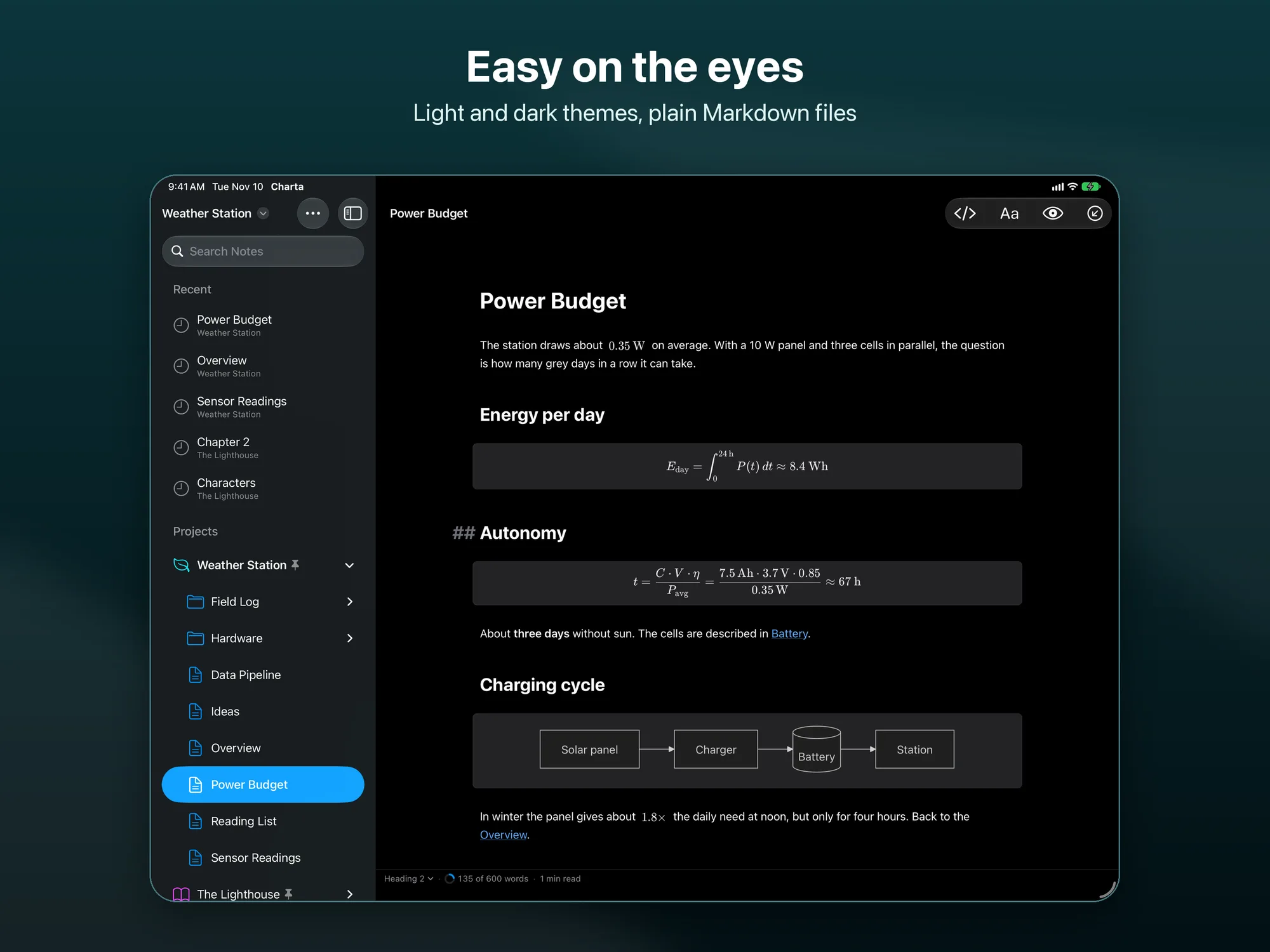
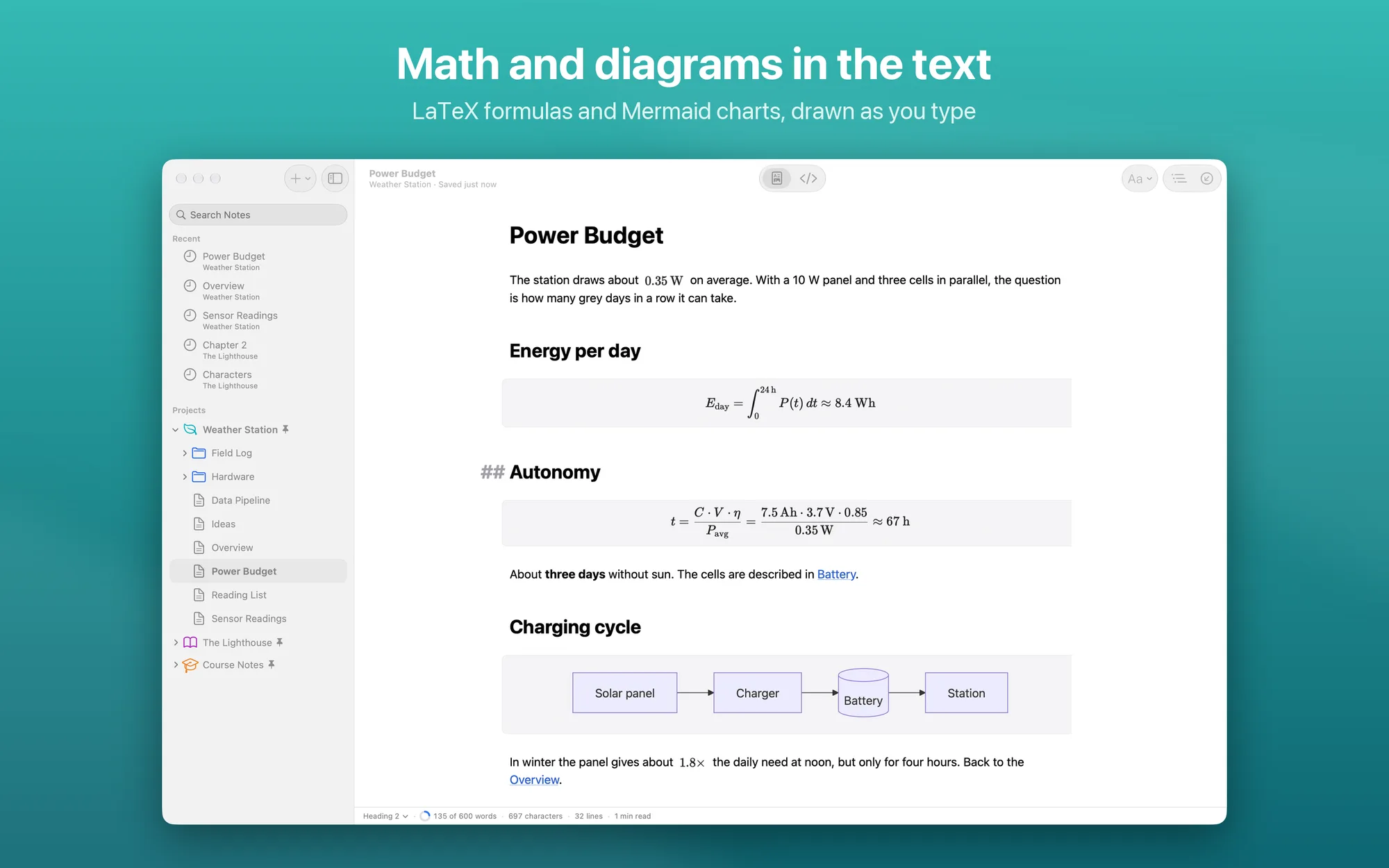
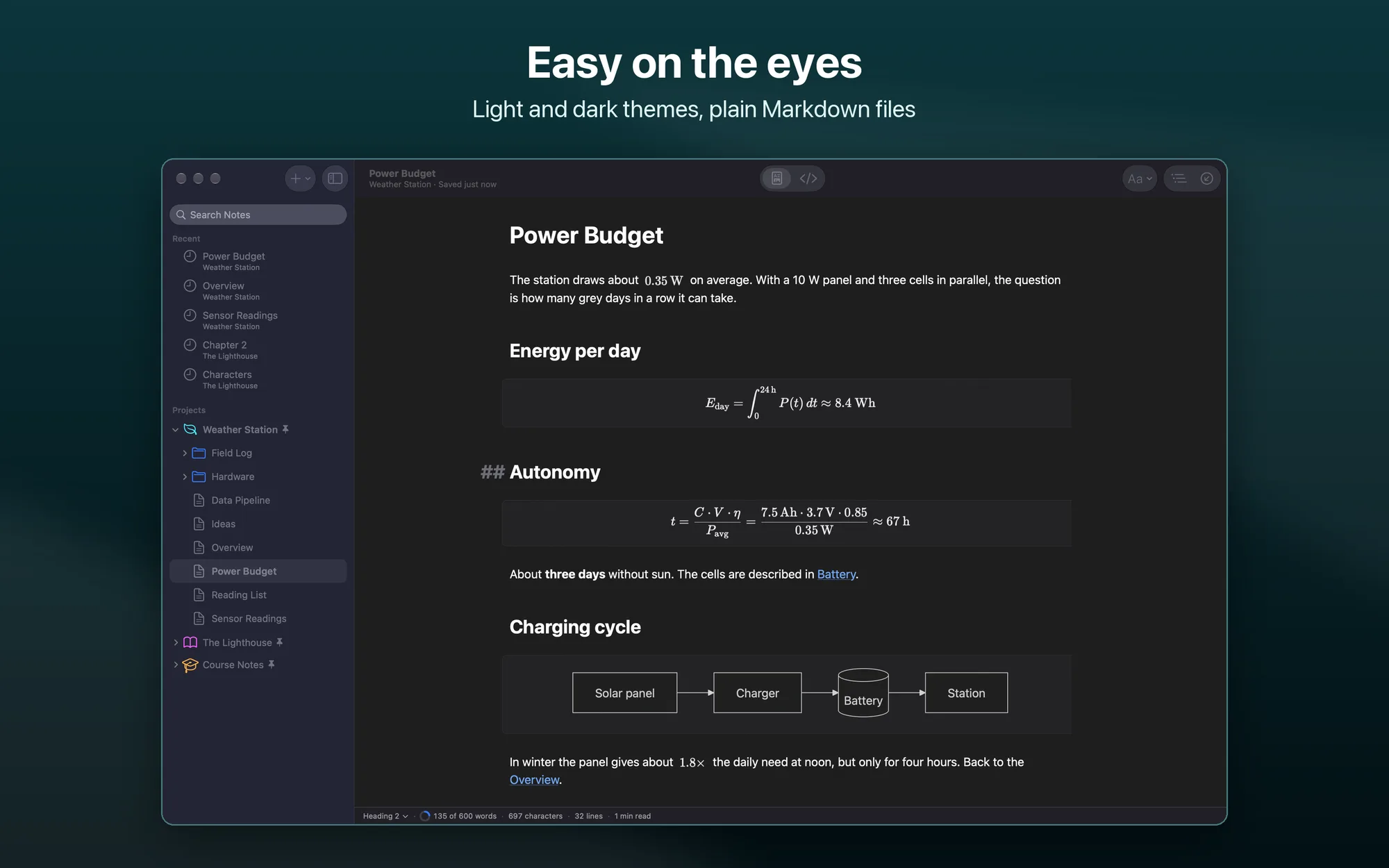
- Math and diagrams: LaTeX math inline and in blocks, rendered with KaTeX, and Mermaid diagrams, bundled in the app and working without a network
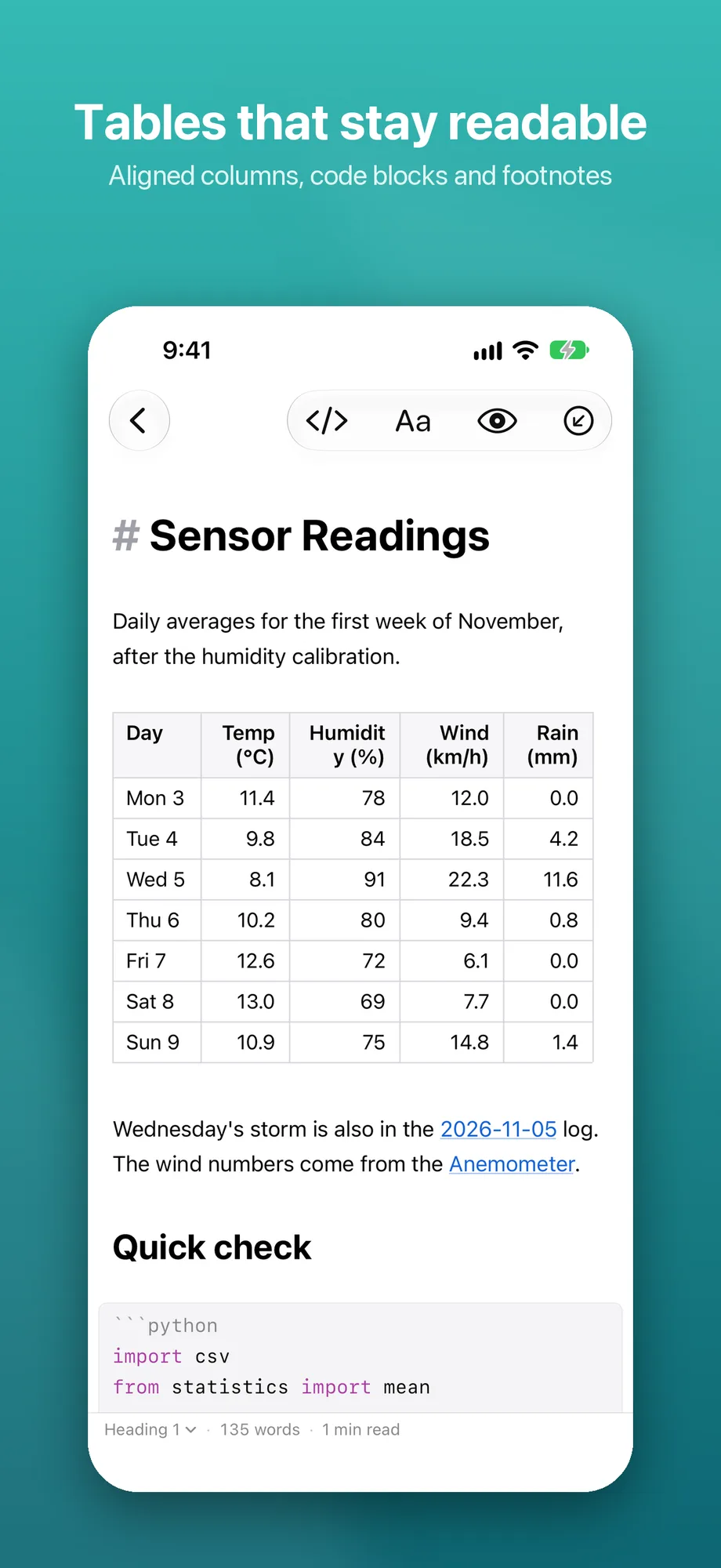
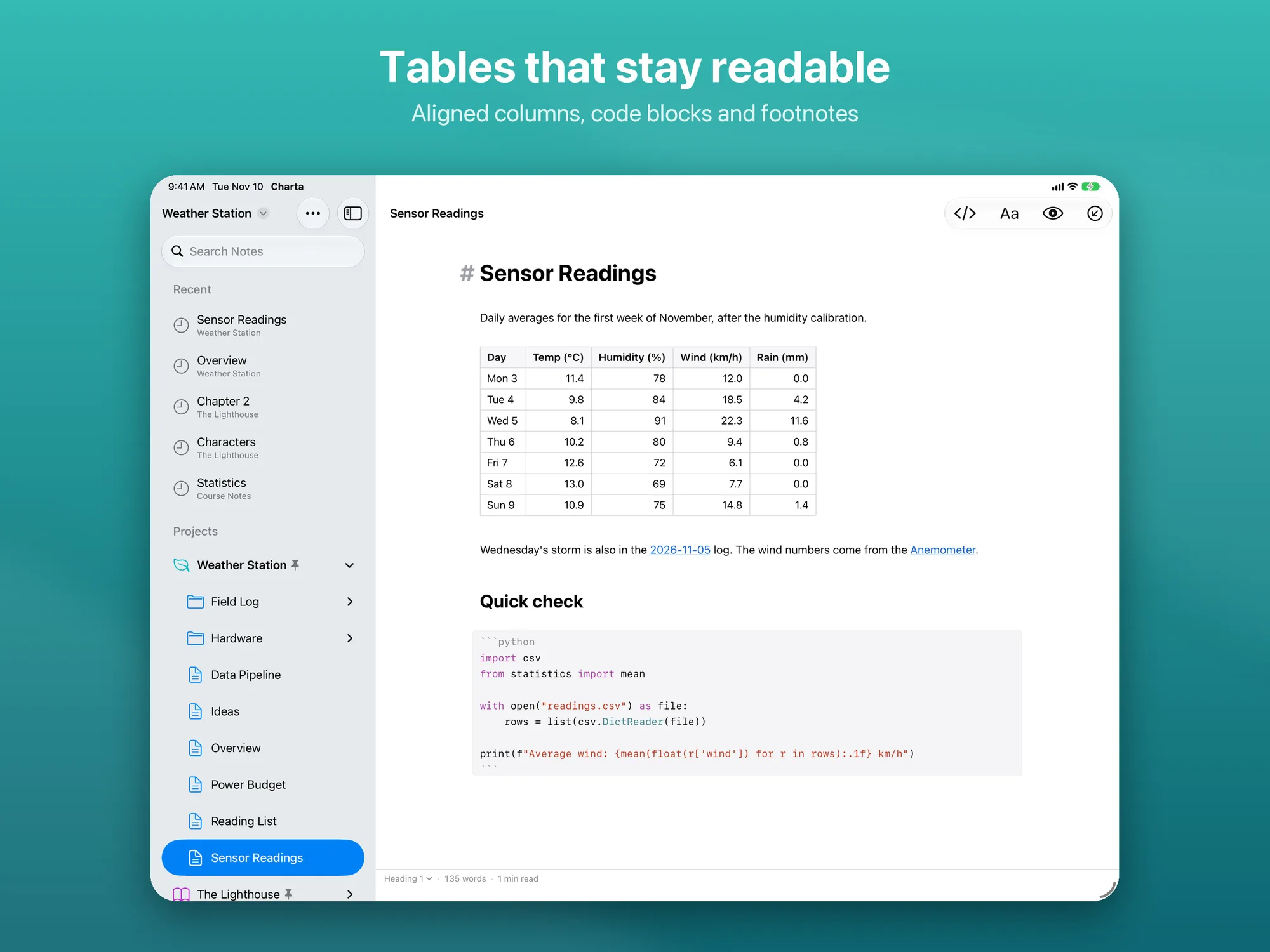
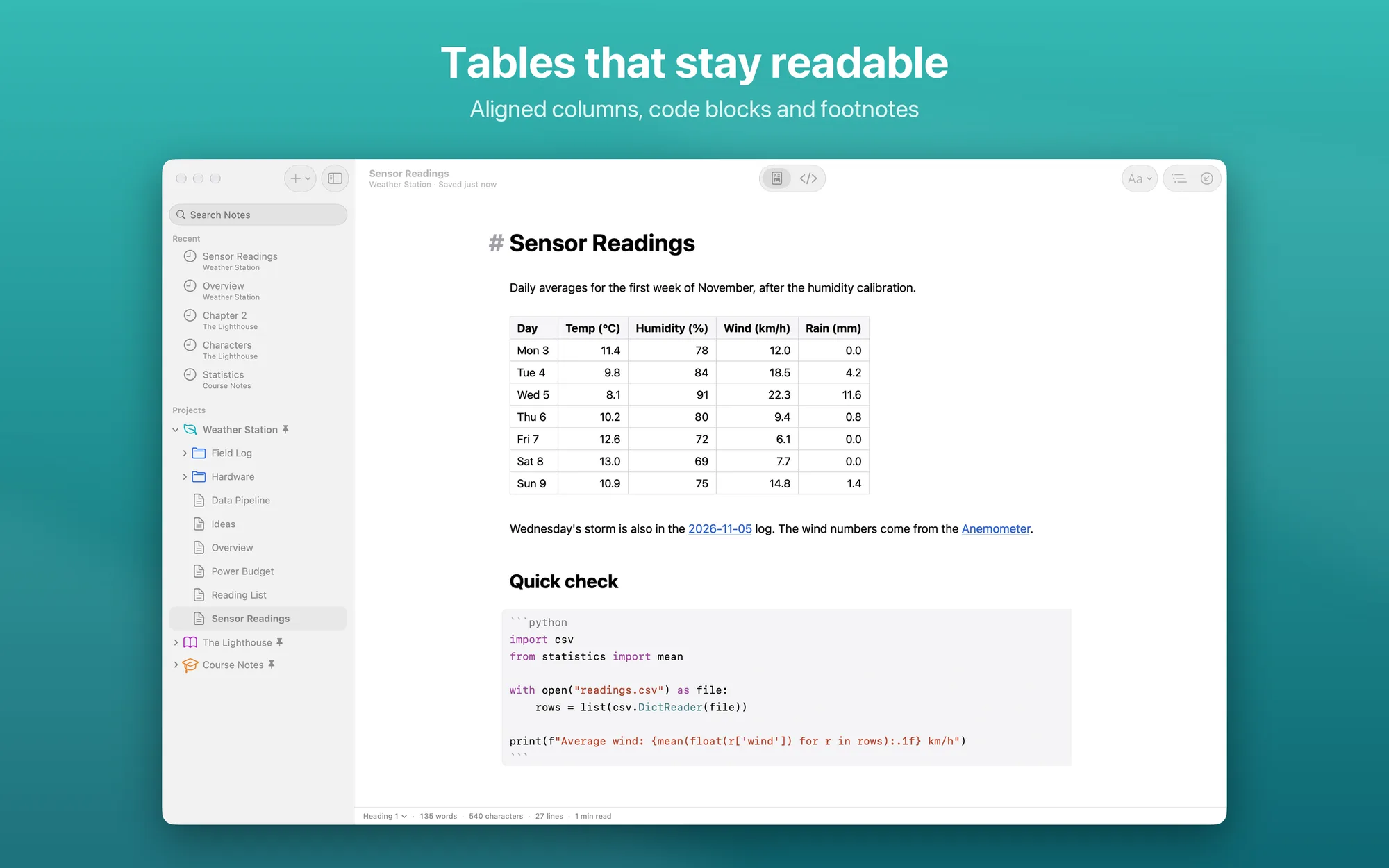
- Extended Markdown: tables, checklists, footnotes, YAML front matter, highlighted text, a
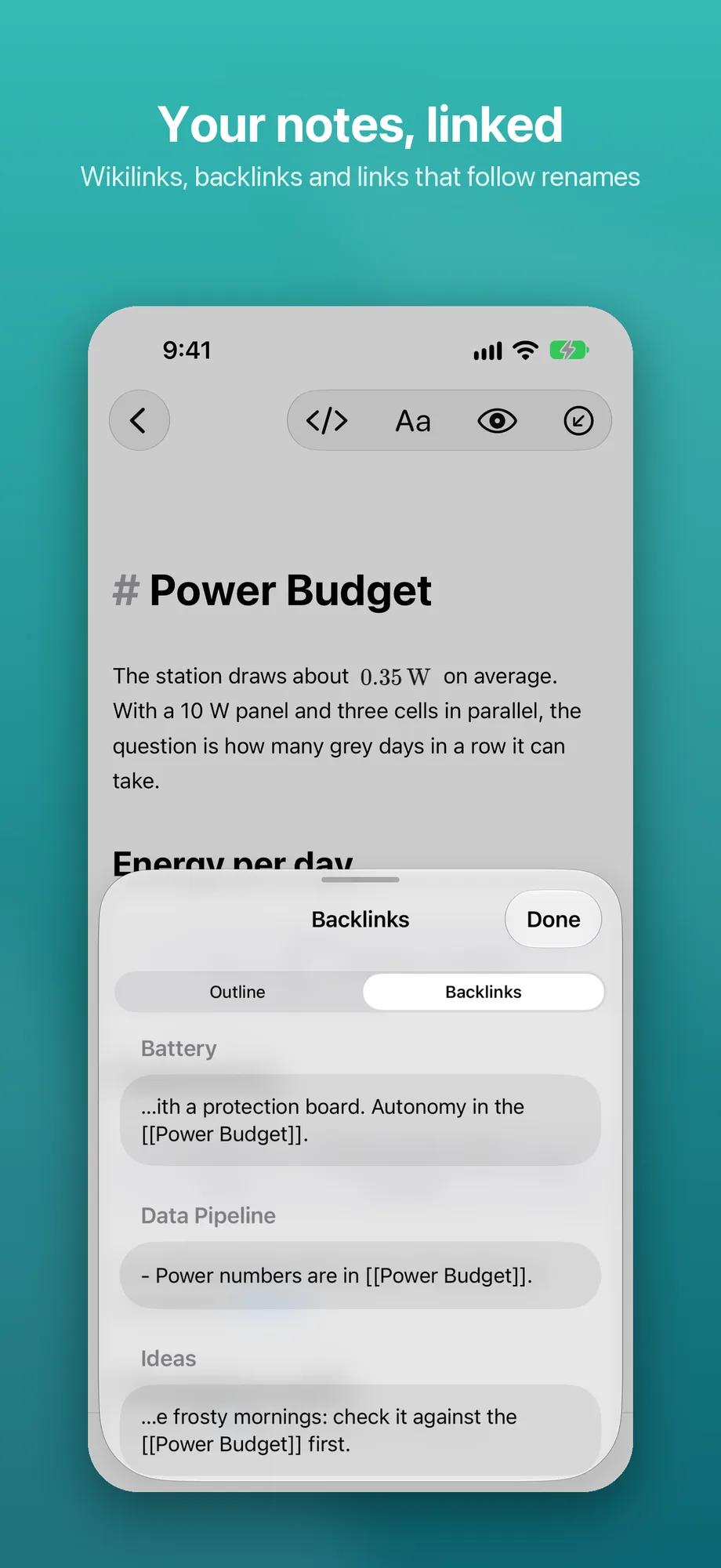
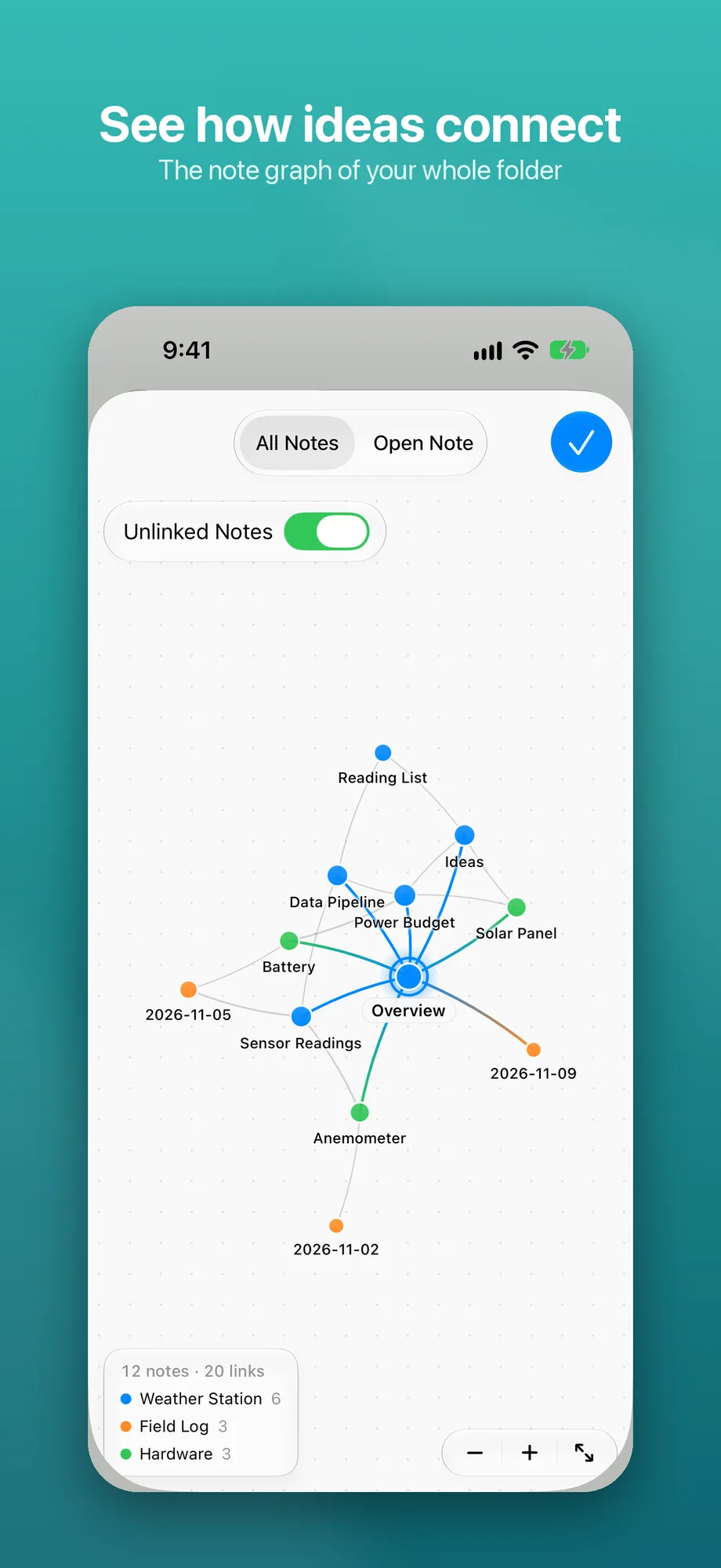
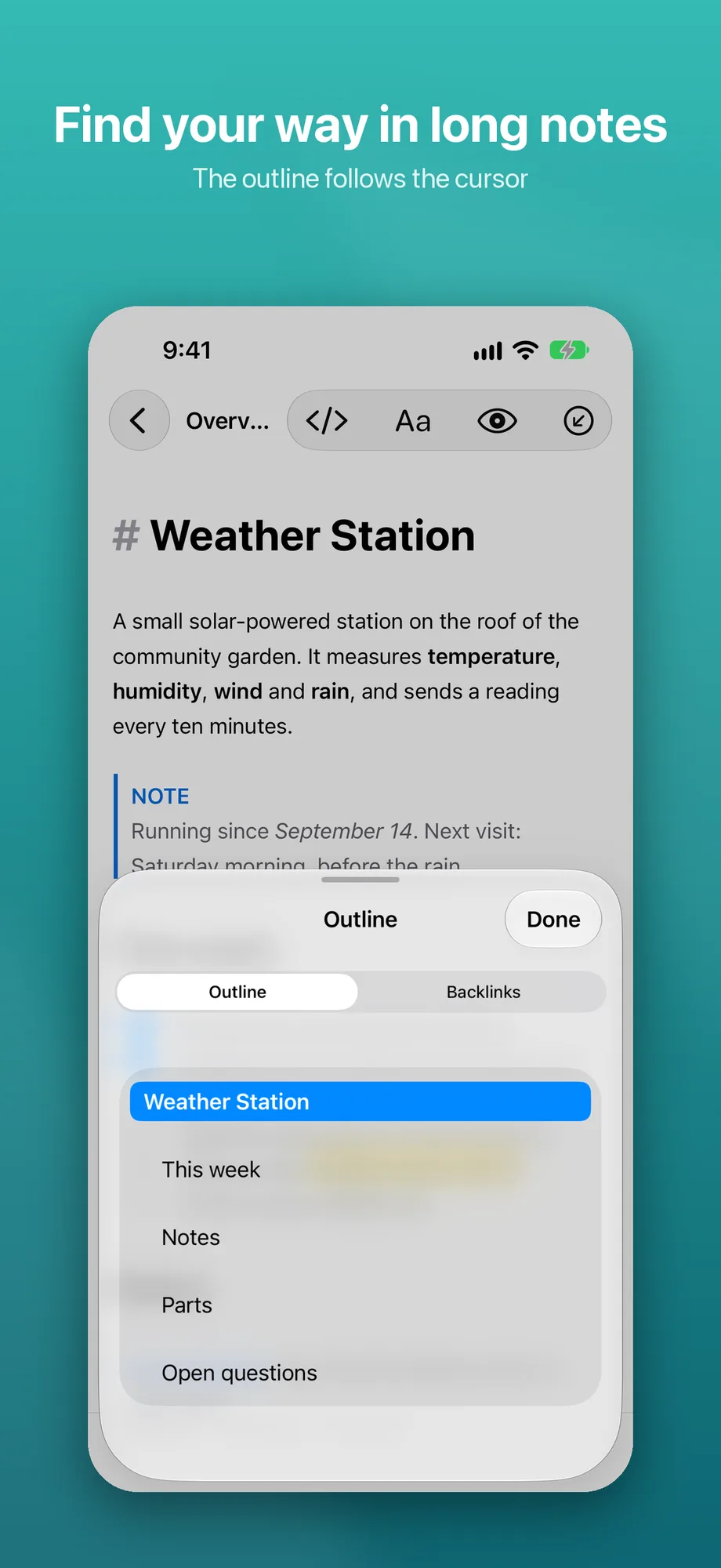
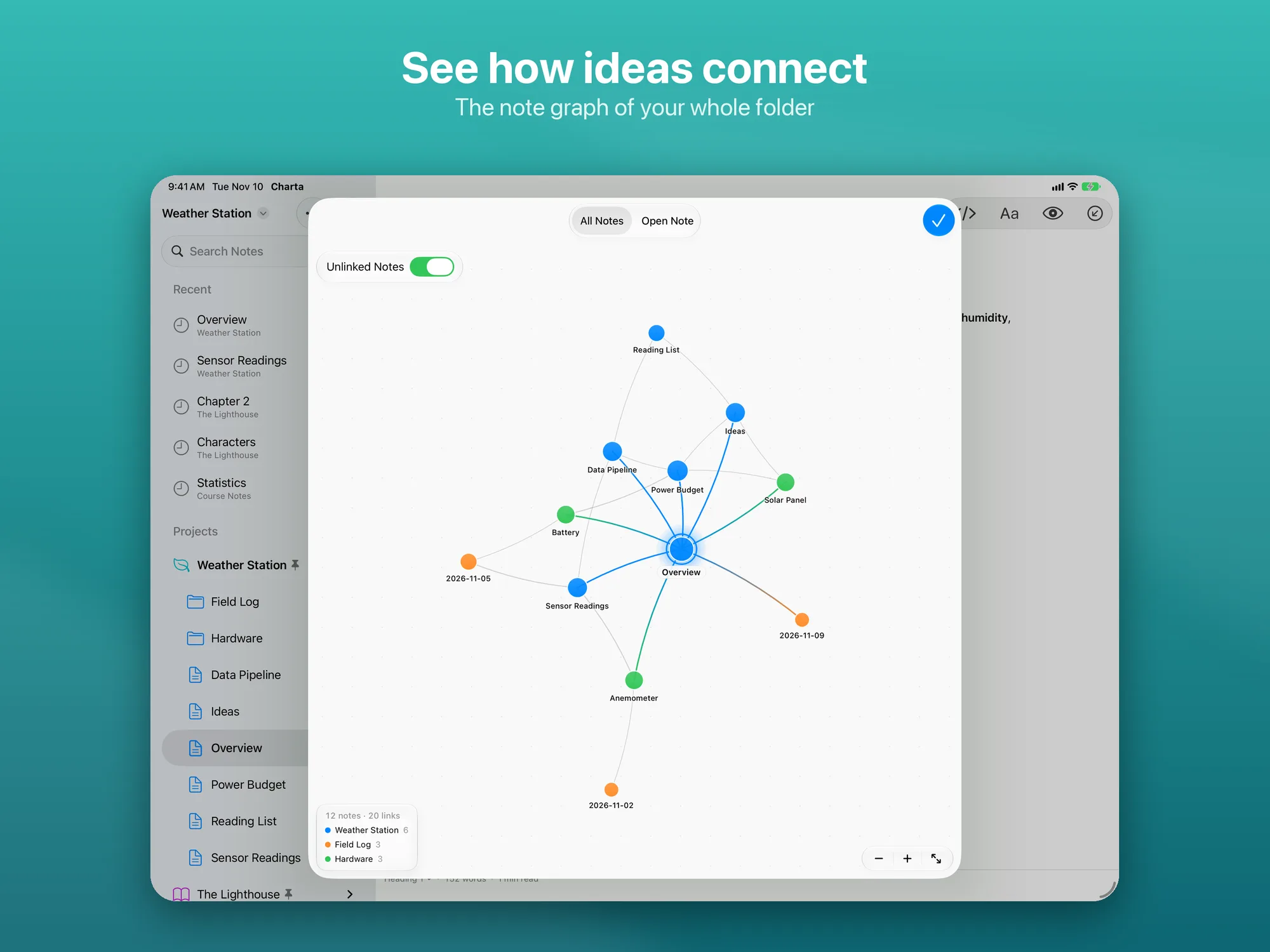
[TOC]table of contents, callouts like> [!NOTE]and code highlighting for about thirty languages - Linked notes: open a folder as a project, with a note tree and full-text search;
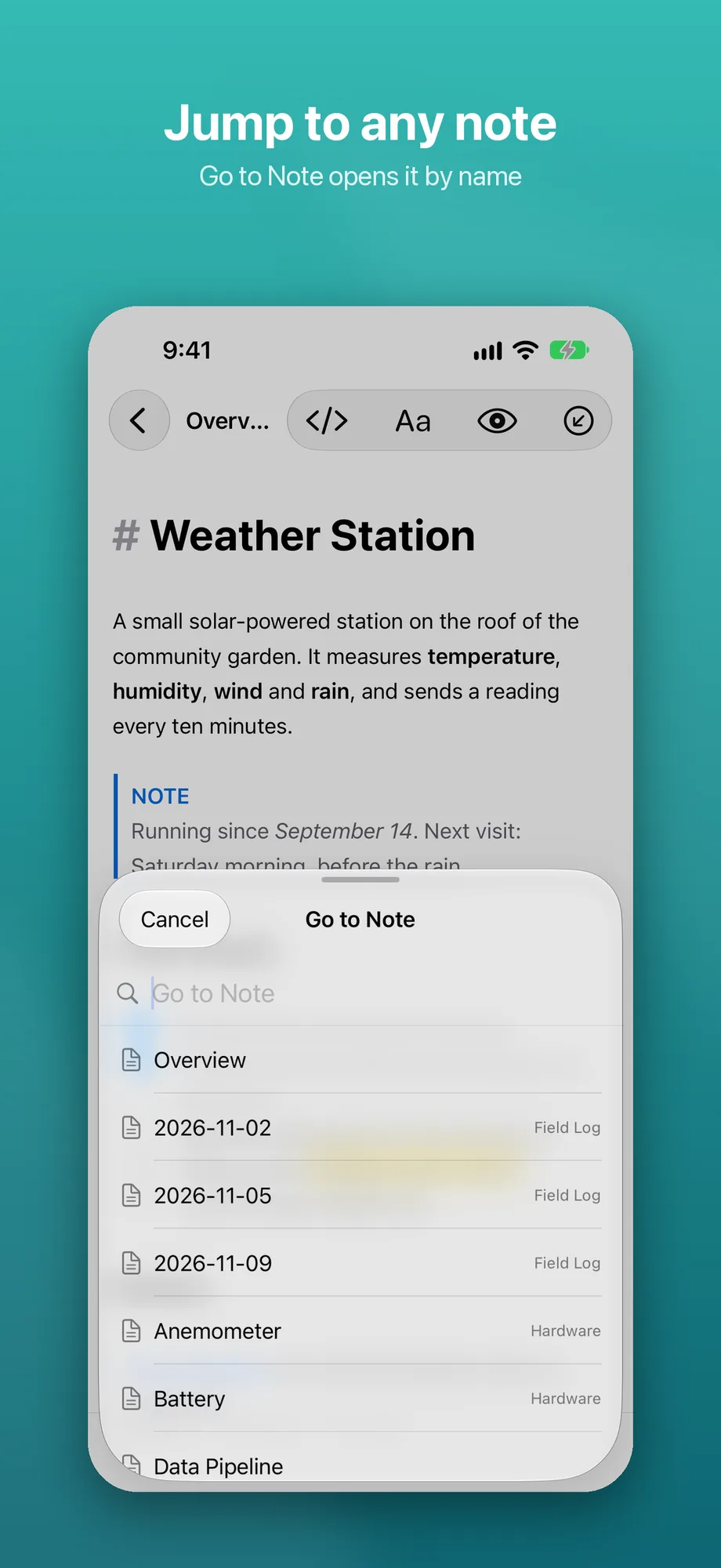
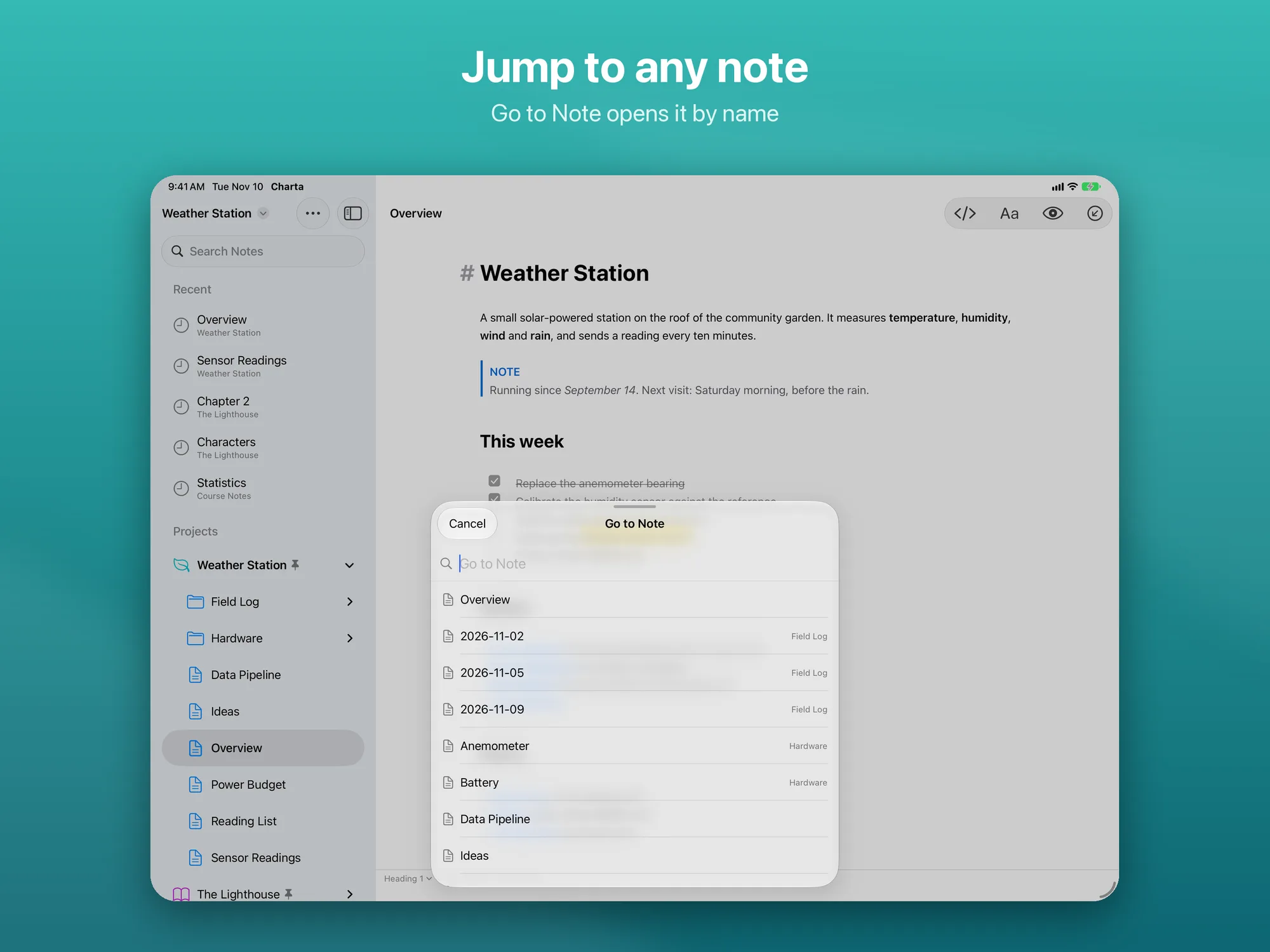
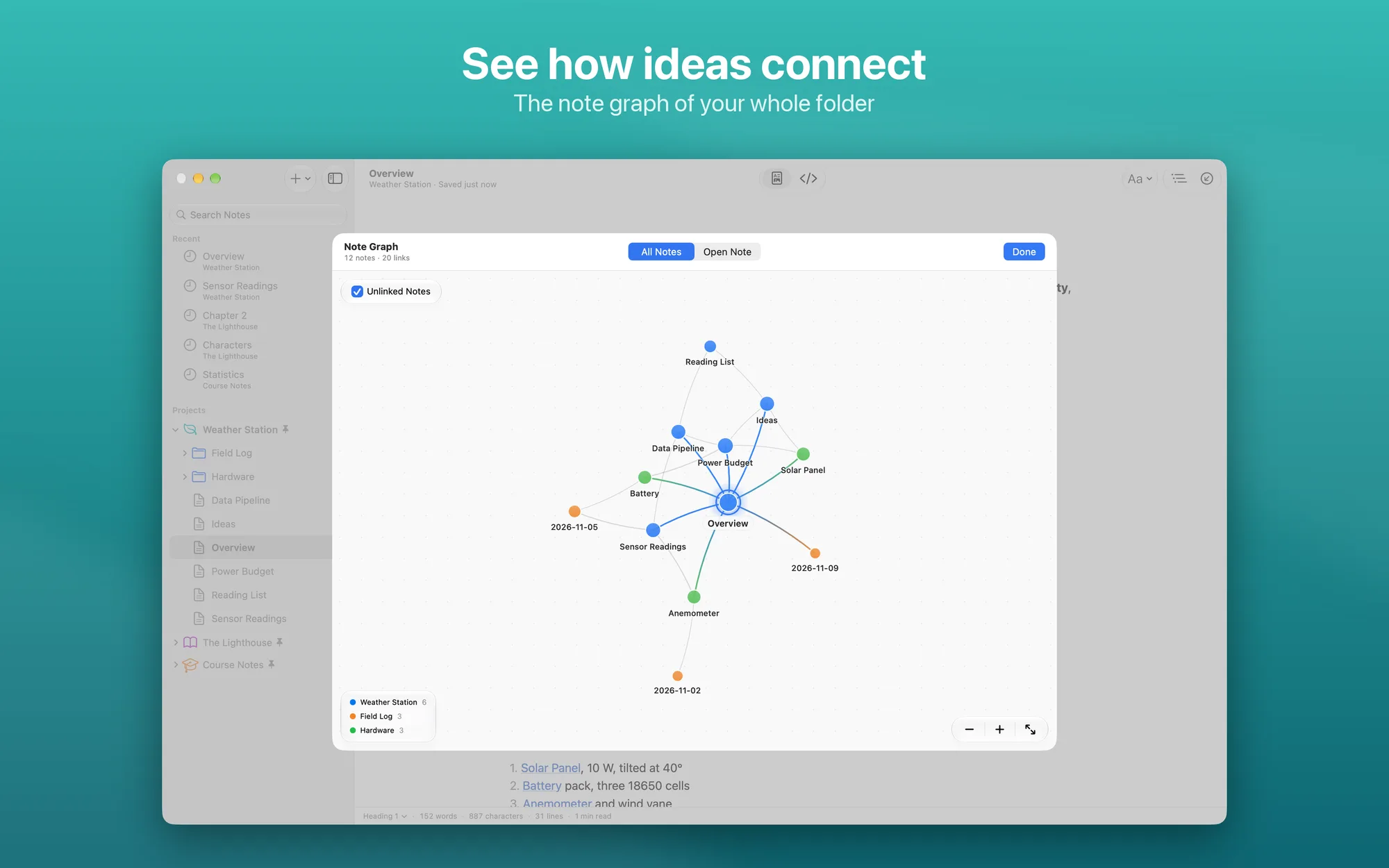
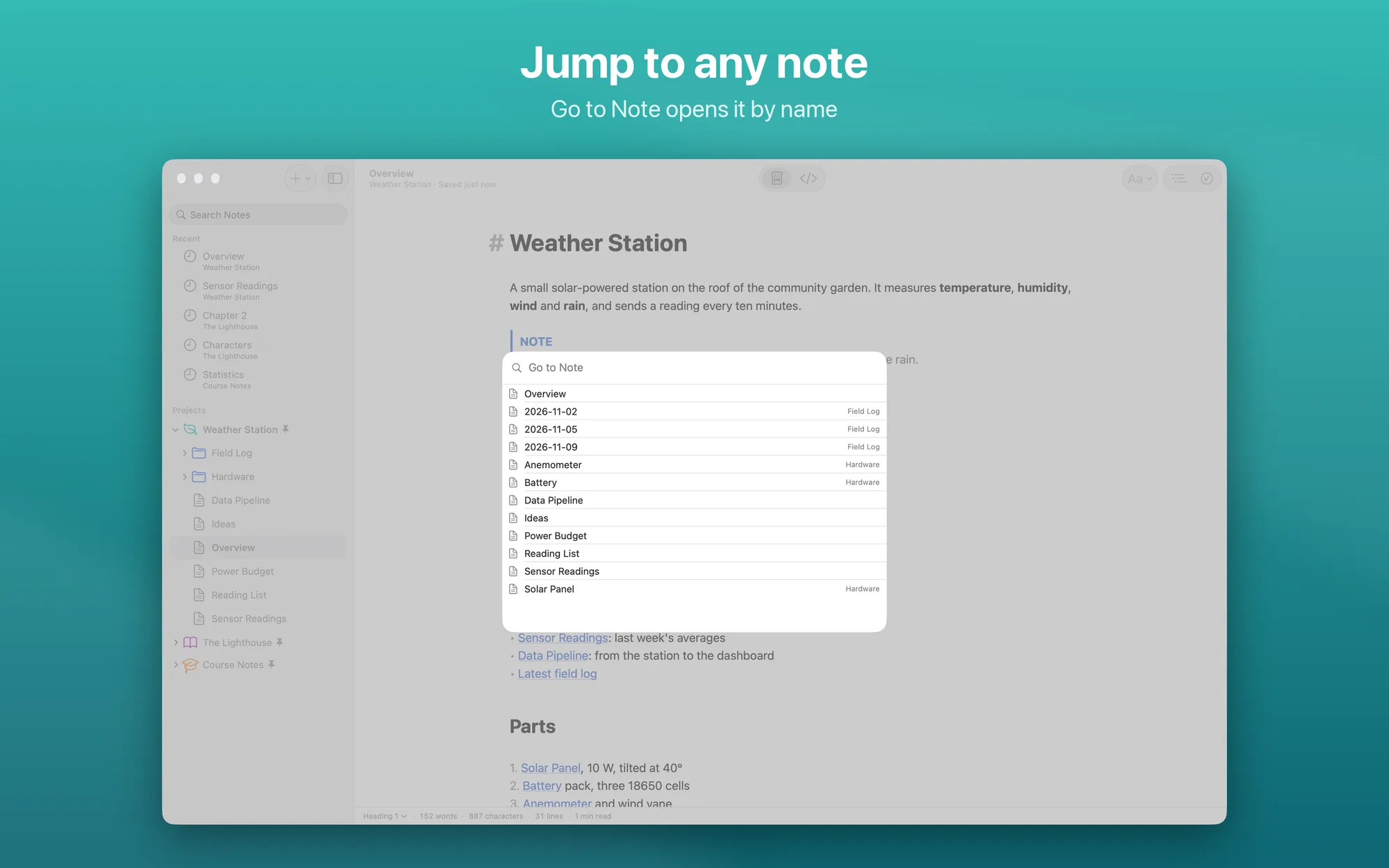
[[note]]links completed as you type, backlinks, links that update when you rename a note, and a note graph - Projects: pinned projects and recent notes, each project with its own name, color and symbol; Go to Note (⌘ T) opens any note by name
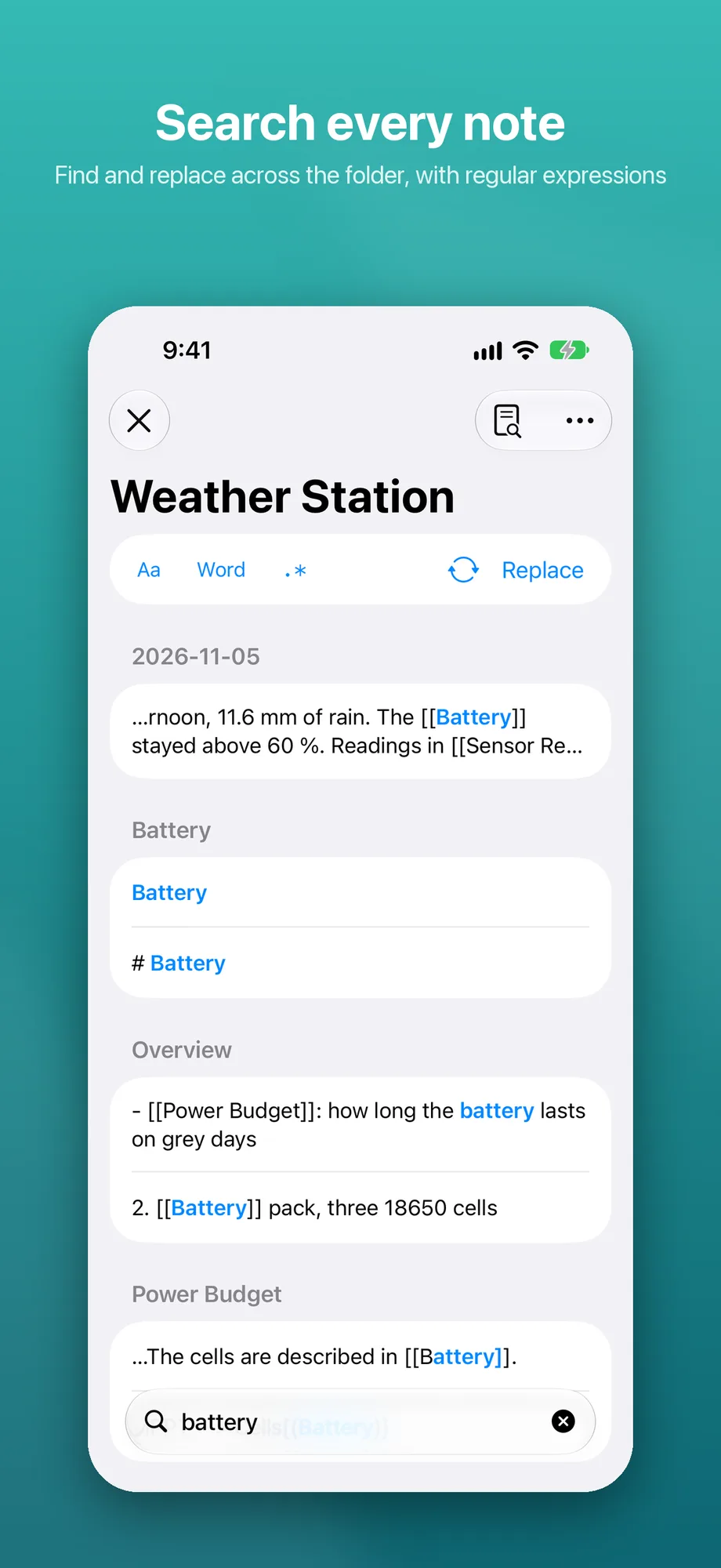
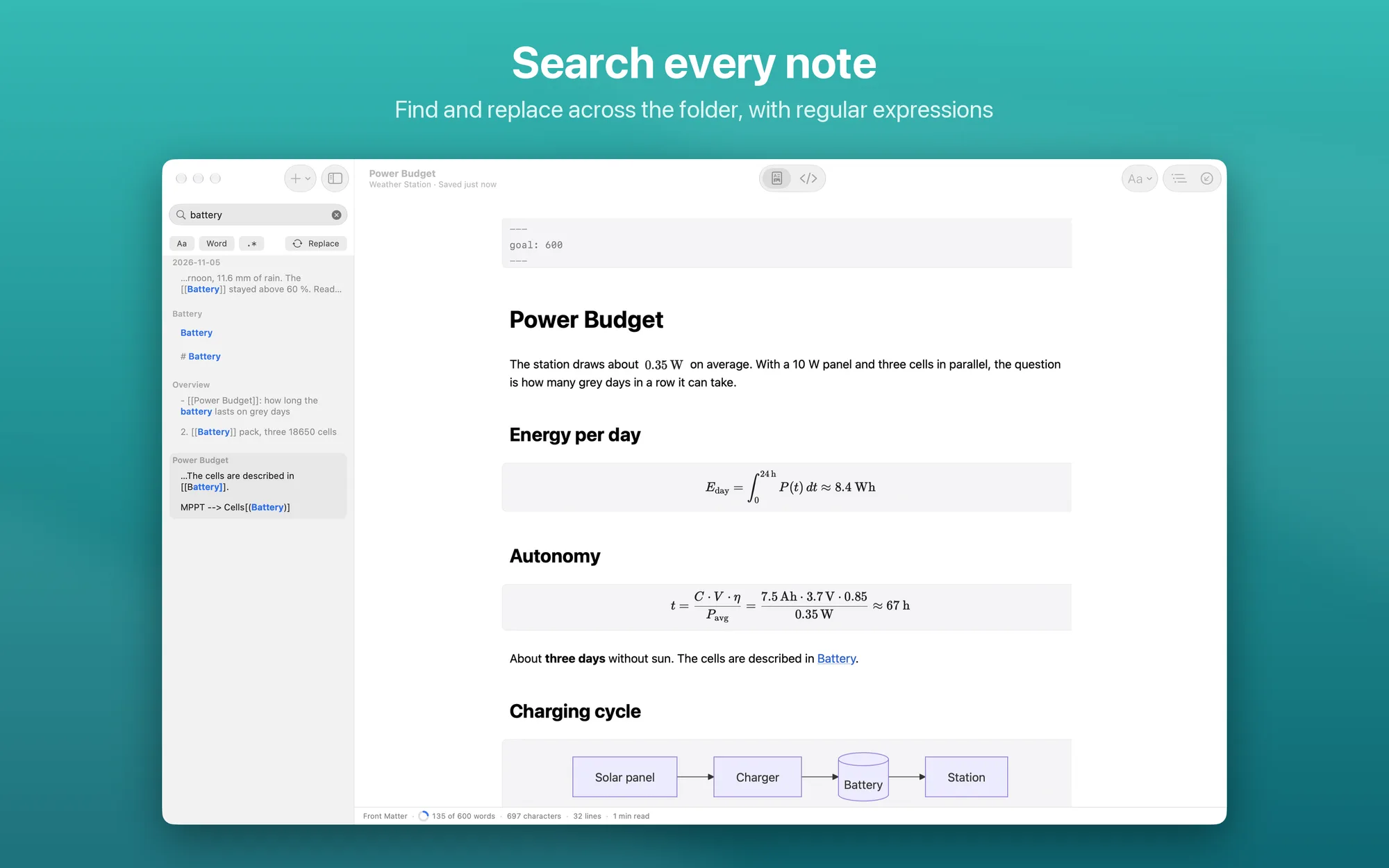
- Find and replace across the whole folder, with whole words and regular expressions
- Write faster: Return continues lists, Tab moves to the next table cell, text copied from a web page becomes Markdown, pasted or dropped images are saved next to the note; a word goal saved in the file, word count and reading time
- Export and print: HTML, PDF, Word (DOCX) and EPUB, in the preview style of your choice (GitHub, Paper or Compact); in Word and EPUB, math and diagrams become images
- Mac only: Format and Insert menus with keyboard shortcuts, Focus Mode and Typewriter Mode, documents in tabs
- iPhone and iPad only: a bar above the keyboard with formatting, lists, links, indentation and a menu to insert tables, code, math and diagrams; exports shared with AirDrop, Mail or Files
- Private: no account and no data collected, your writing stays on your device; interface in English and Italian, light and dark themes
- No subscription: free, with no ads and no in-app purchases
Platforms
Mac with Apple silicon and macOS 26 or later, iPhone and iPad with iOS and iPadOS 26 or later. One free download works on all your devices. Charta is coming soon to the App Store.