What is Resizo?
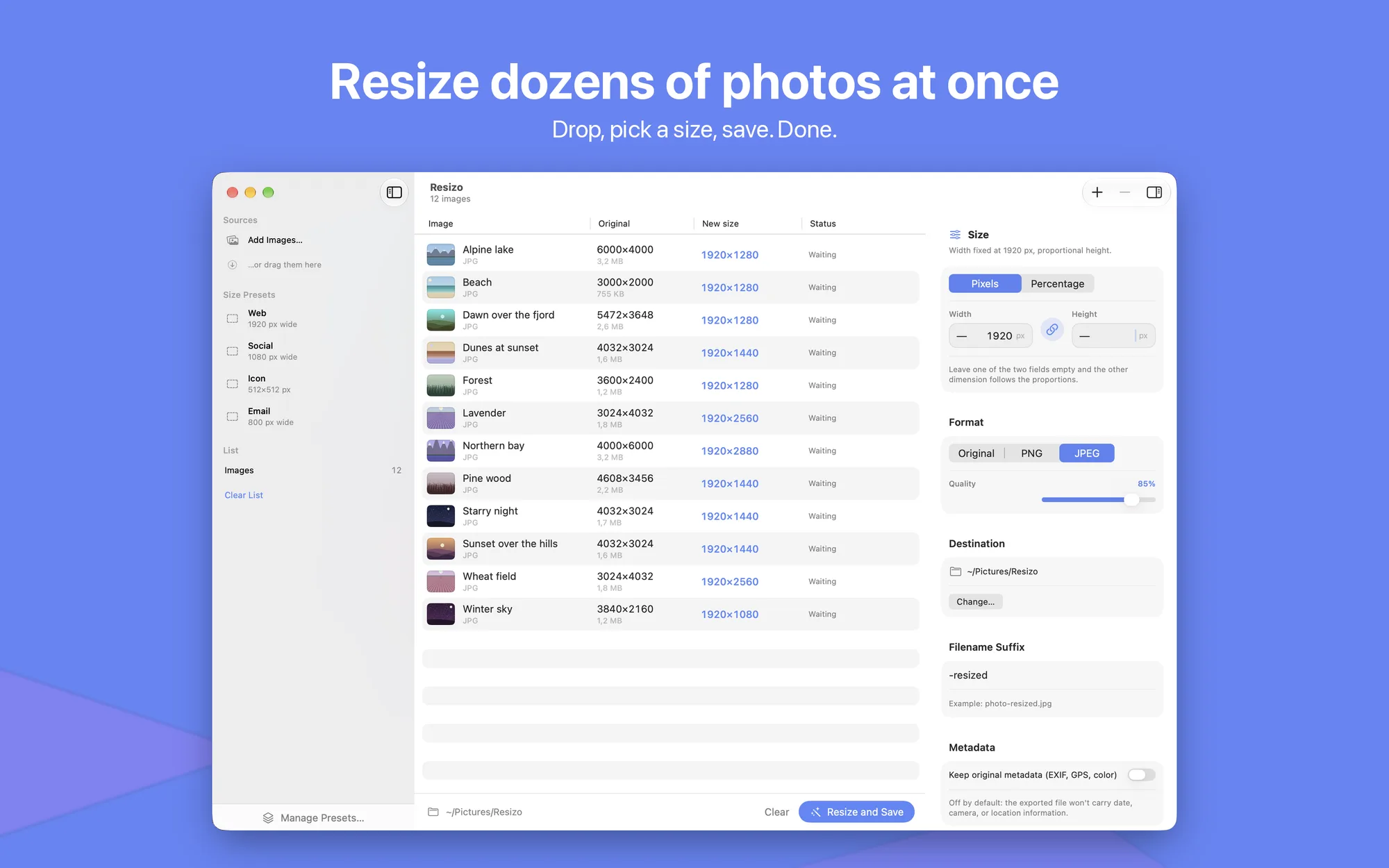
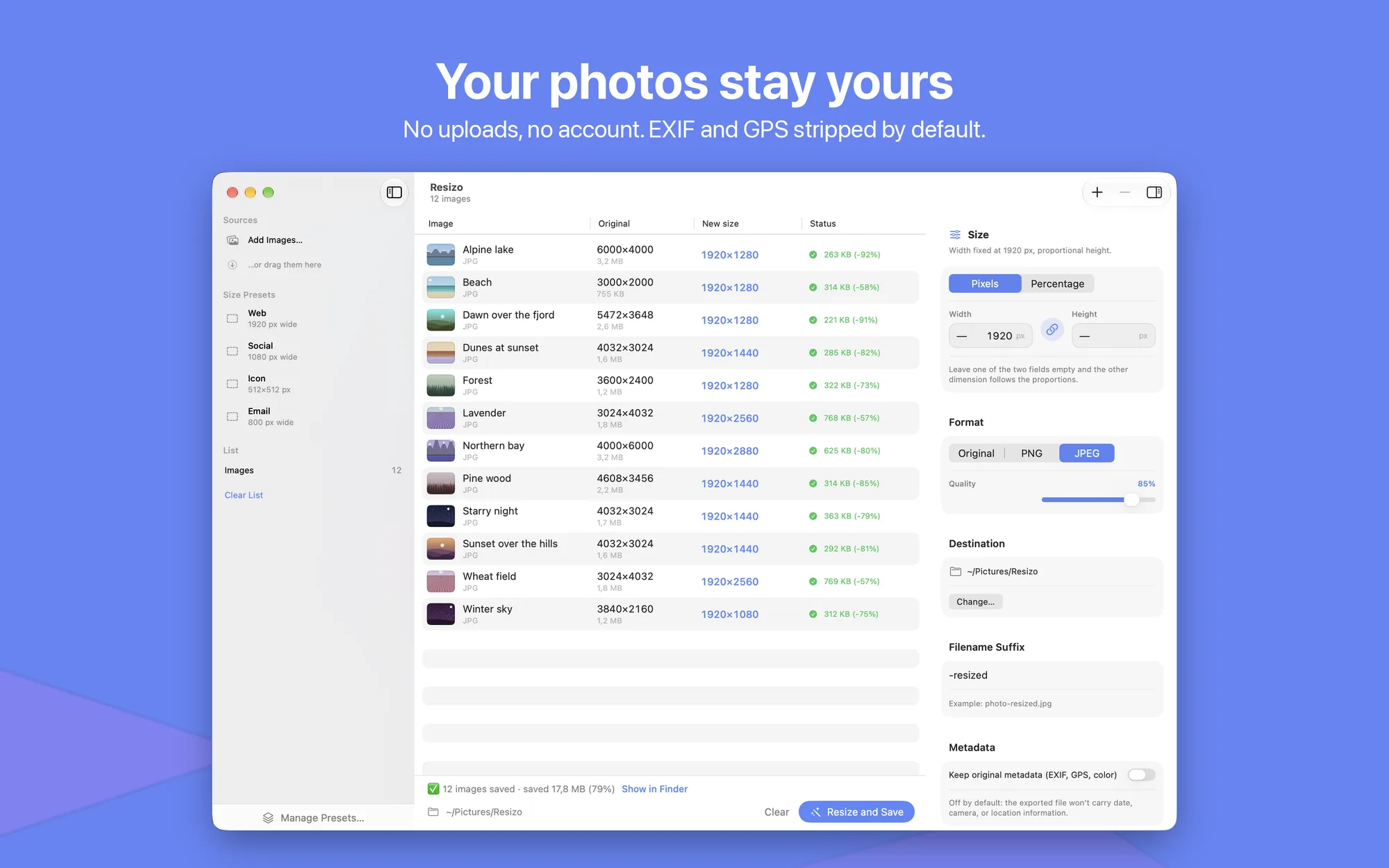
Resizo is the fastest way to resize images on your Mac. Drop one photo or a hundred into the window, choose a size, and hit “Resize and Save”. Resizo takes care of the rest. Everything happens right on your Mac, with no uploads and no account.
Key Features
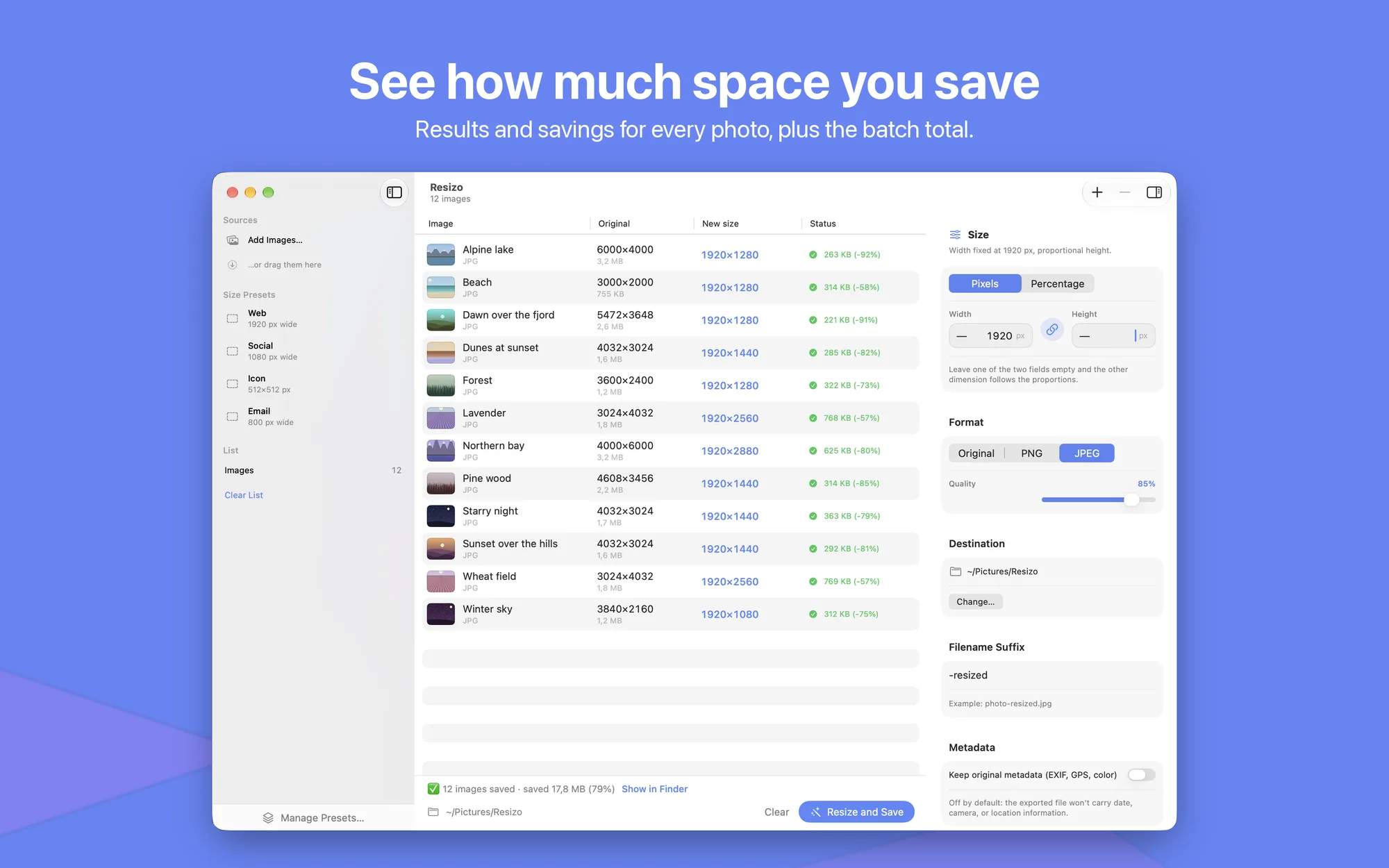
- All at once: resize whole folders of photos together, processed in parallel across your Mac’s cores, with a progress bar and per-image results
- Space saved: see right away how much space you saved, photo by photo and in total
- Precise sizes: in pixels (width, height, or both, with locked proportions) or by percentage, from 5% to 300%
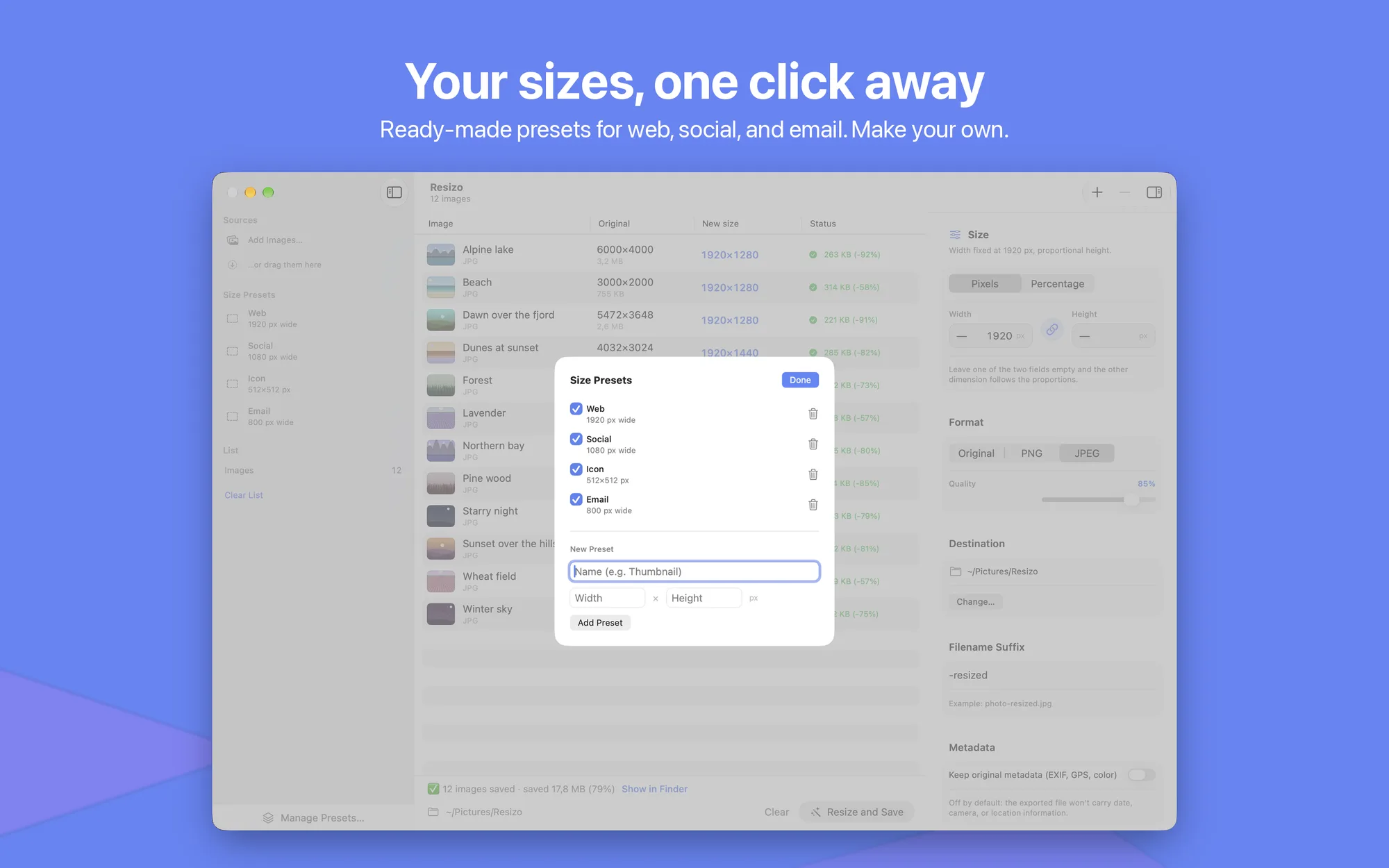
- One-click presets: Web (1920 px), Social (1080 px), Icon (512×512), Email (800 px), plus your own
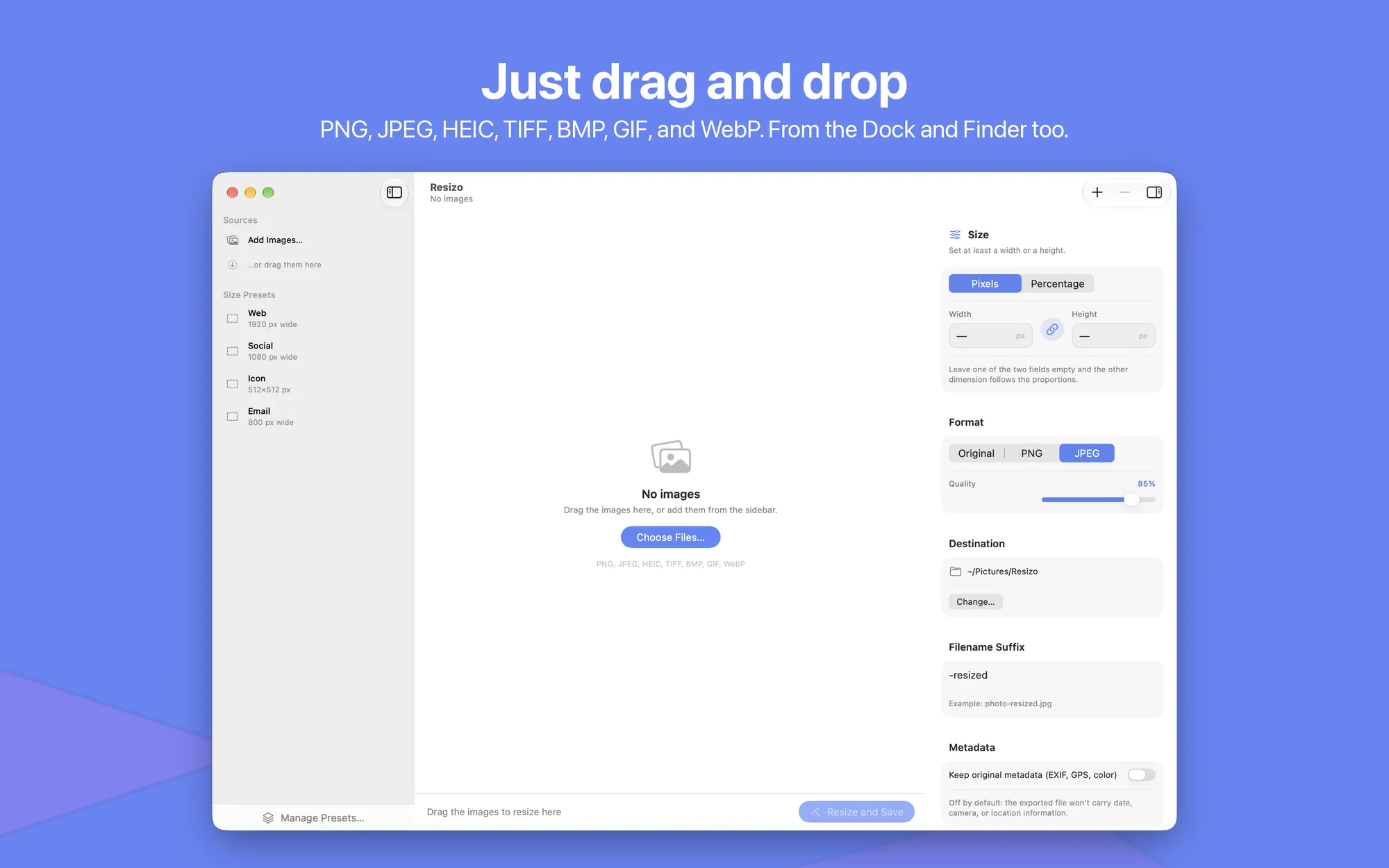
- Formats: opens PNG, JPEG, HEIC, HEIF, TIFF, BMP, GIF, and WebP; saves in the original format, as PNG, or as JPEG with adjustable quality
- HEIC to JPEG: turn iPhone photos into files that work everywhere
- Privacy first: by default, strips EXIF metadata (date, camera, GPS location) from exported files
- Originals stay safe: always creates a new file with the suffix of your choice and never overwrites anything
- Built for macOS: drag onto the Dock icon, “Open With…” and the “Resize with Resizo” service in Finder, keyboard shortcuts
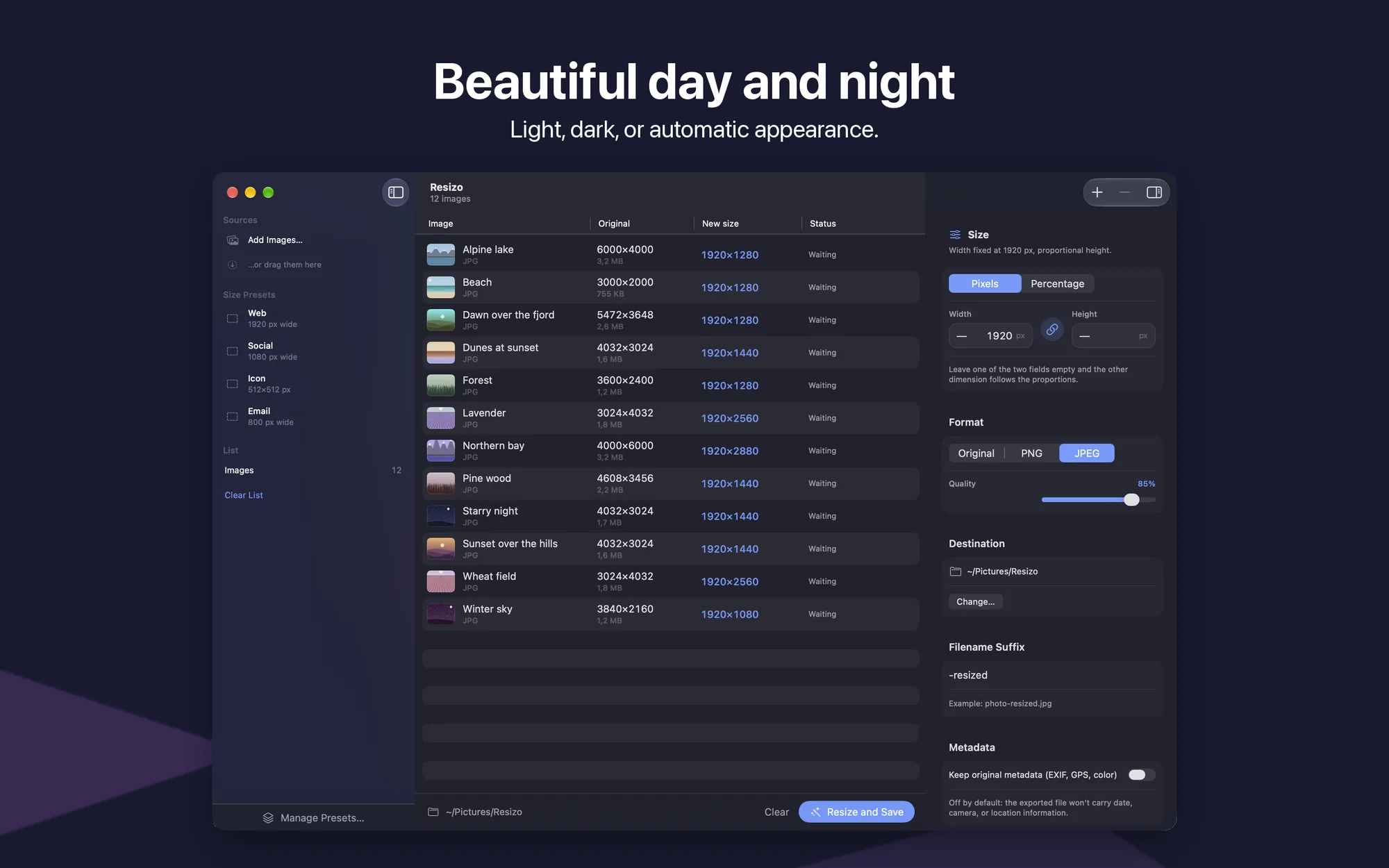
- Light, dark, or automatic appearance: interface in English and Italian
- No subscription: free, with no ads and no in-app purchases
Platforms
Available on macOS 13 Ventura or later (Apple Silicon and Intel).