What is ShowNest?
ShowNest always tells you which episode is next: follow your TV shows, mark the episodes you’ve watched and find out when new ones come out, all in a simple, fast app.
Key Features
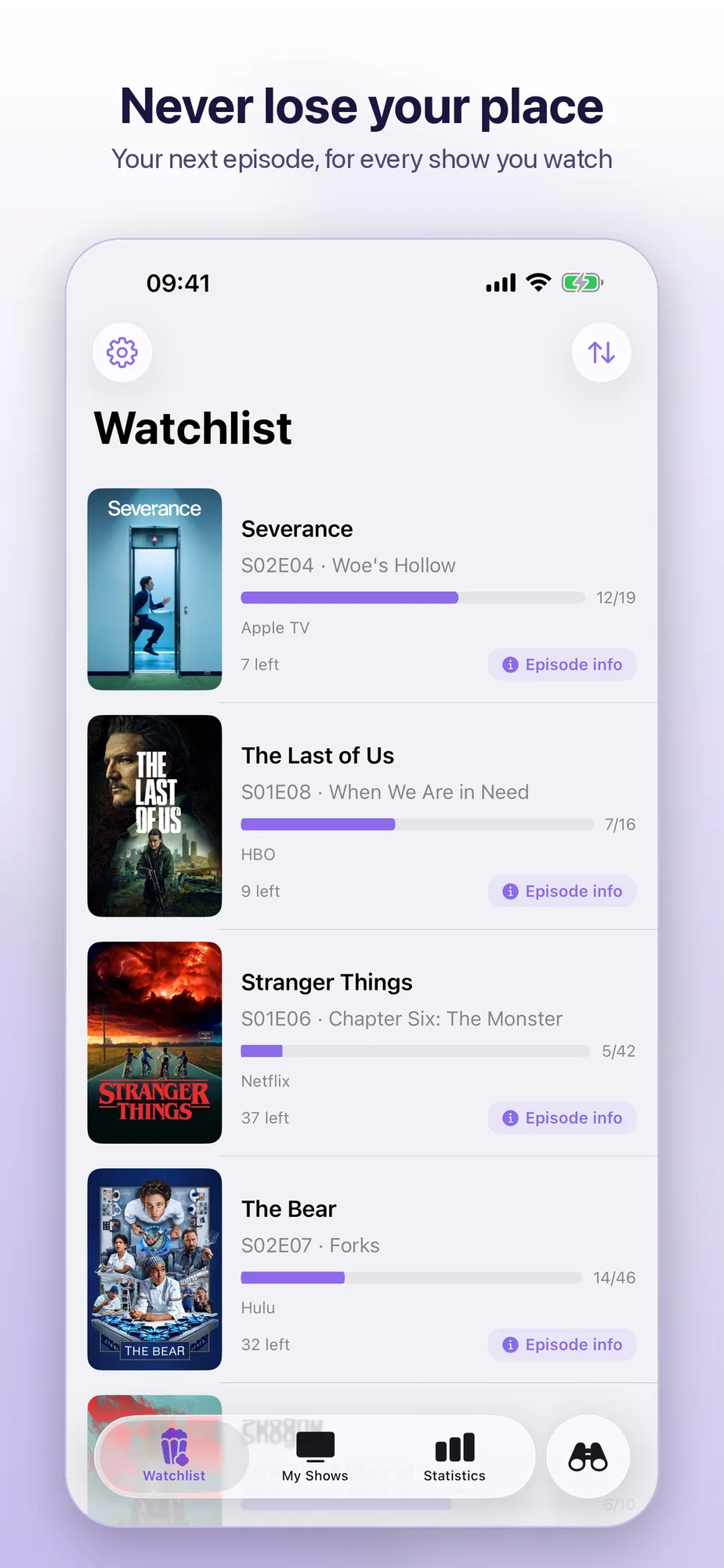
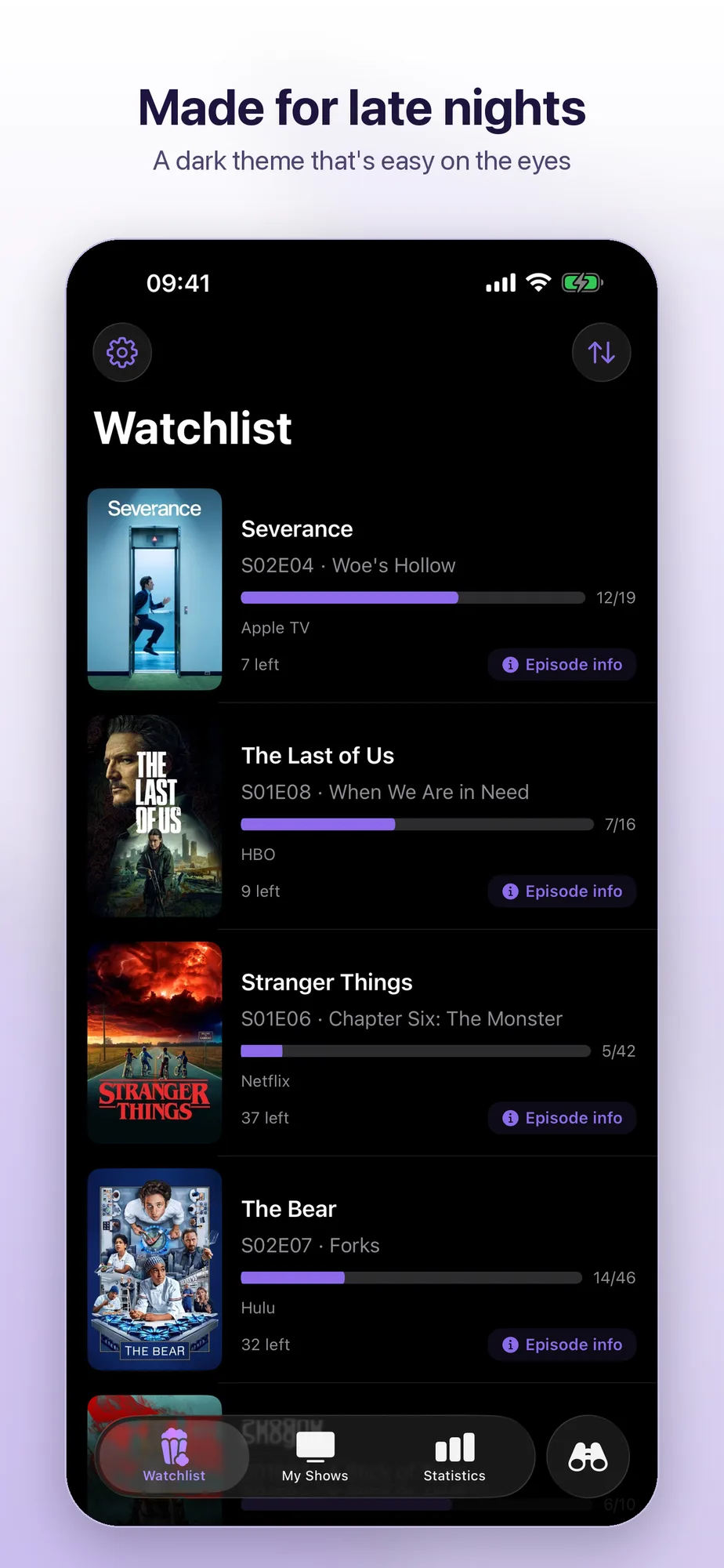
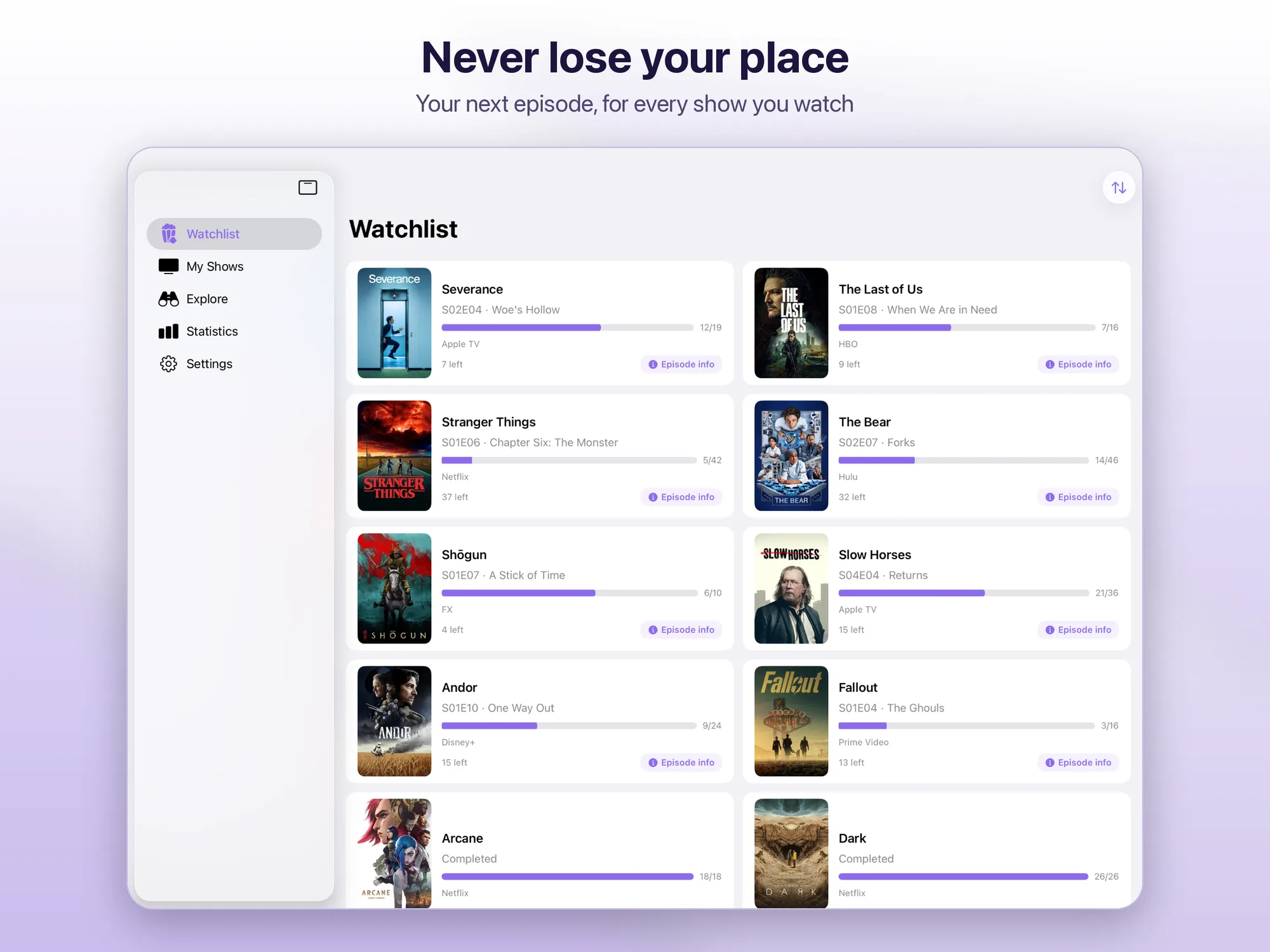
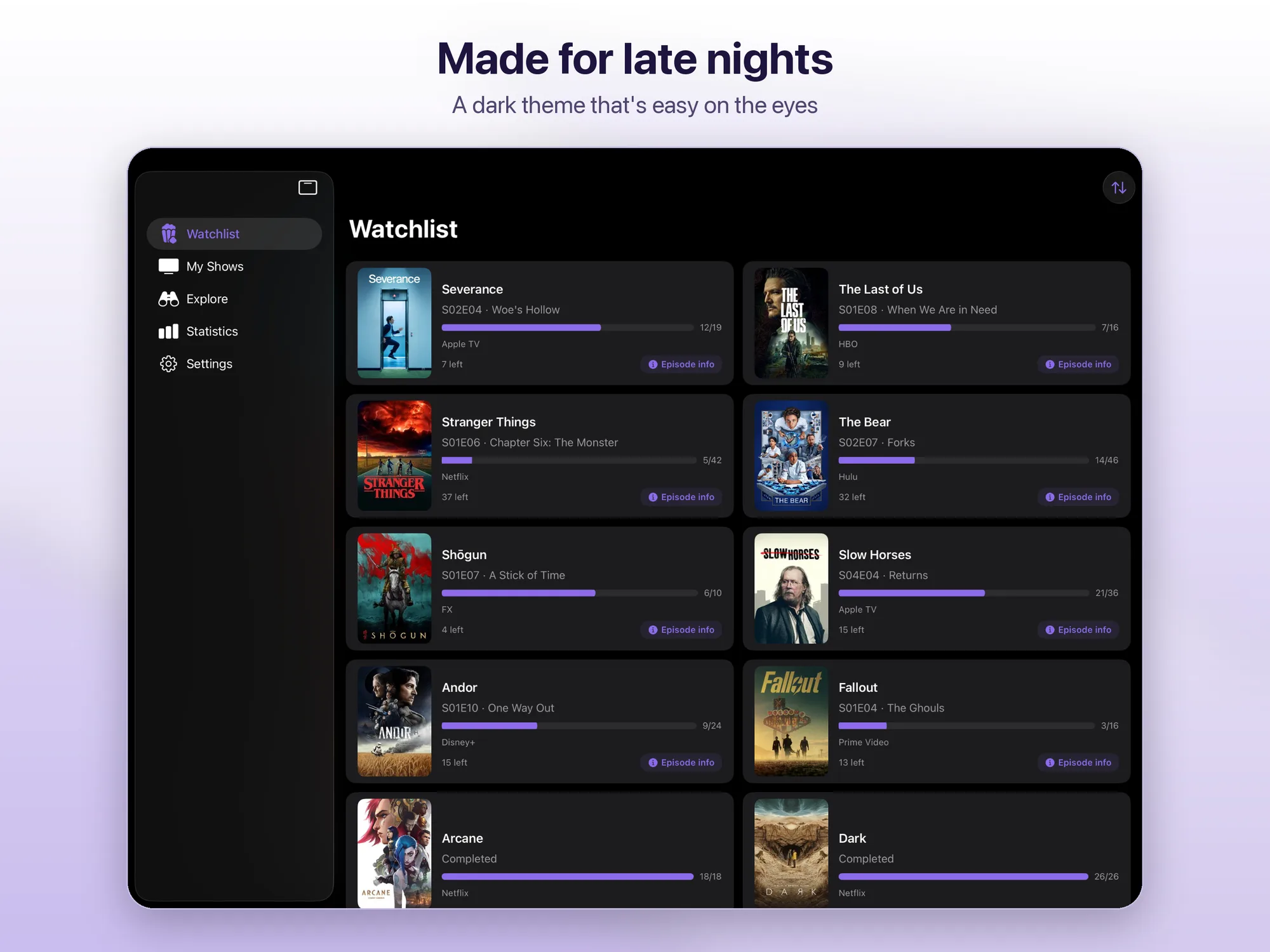
- Your watchlist — the next episode of every show you follow; for shows you’re caught up on, the days until the next episode; sorting by recently watched, recently added, newest episode, title or episodes left
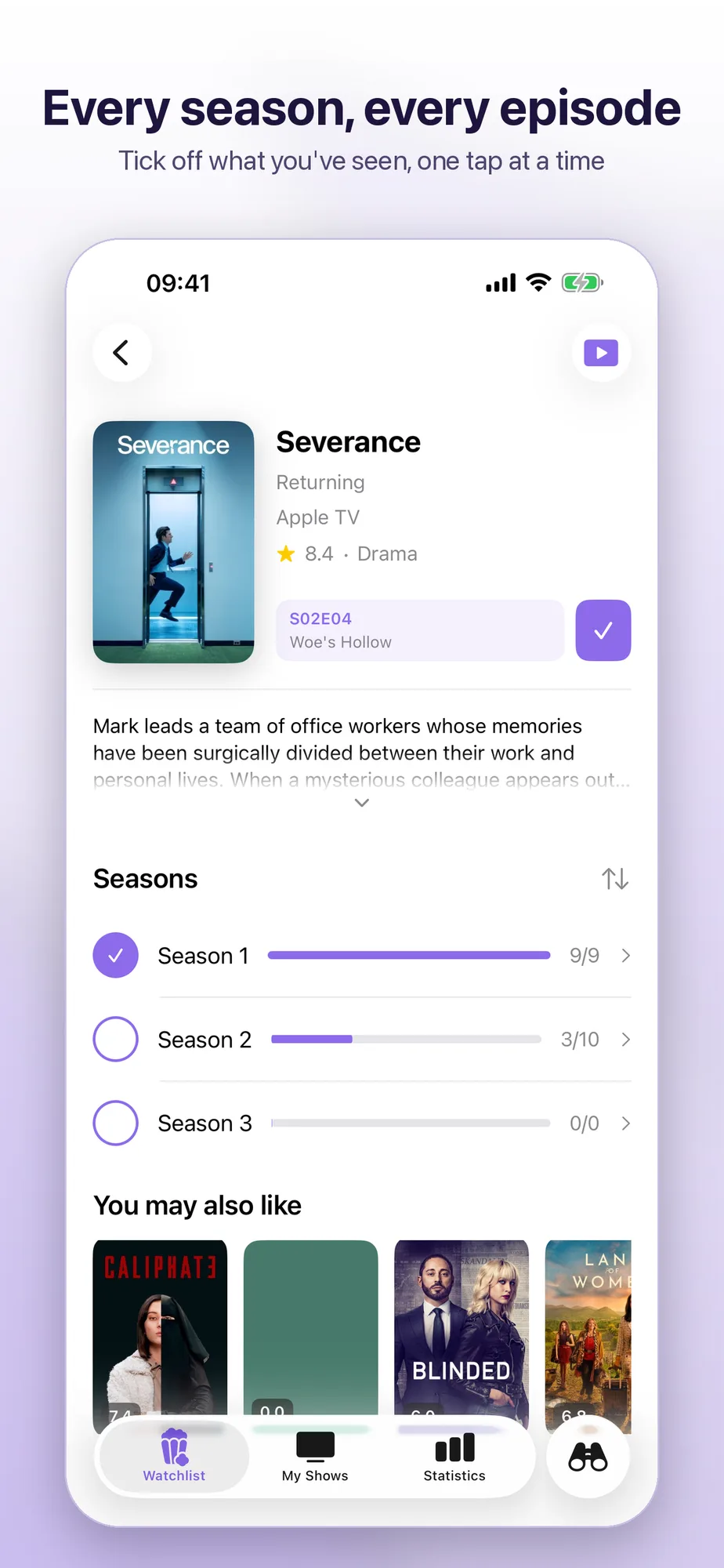
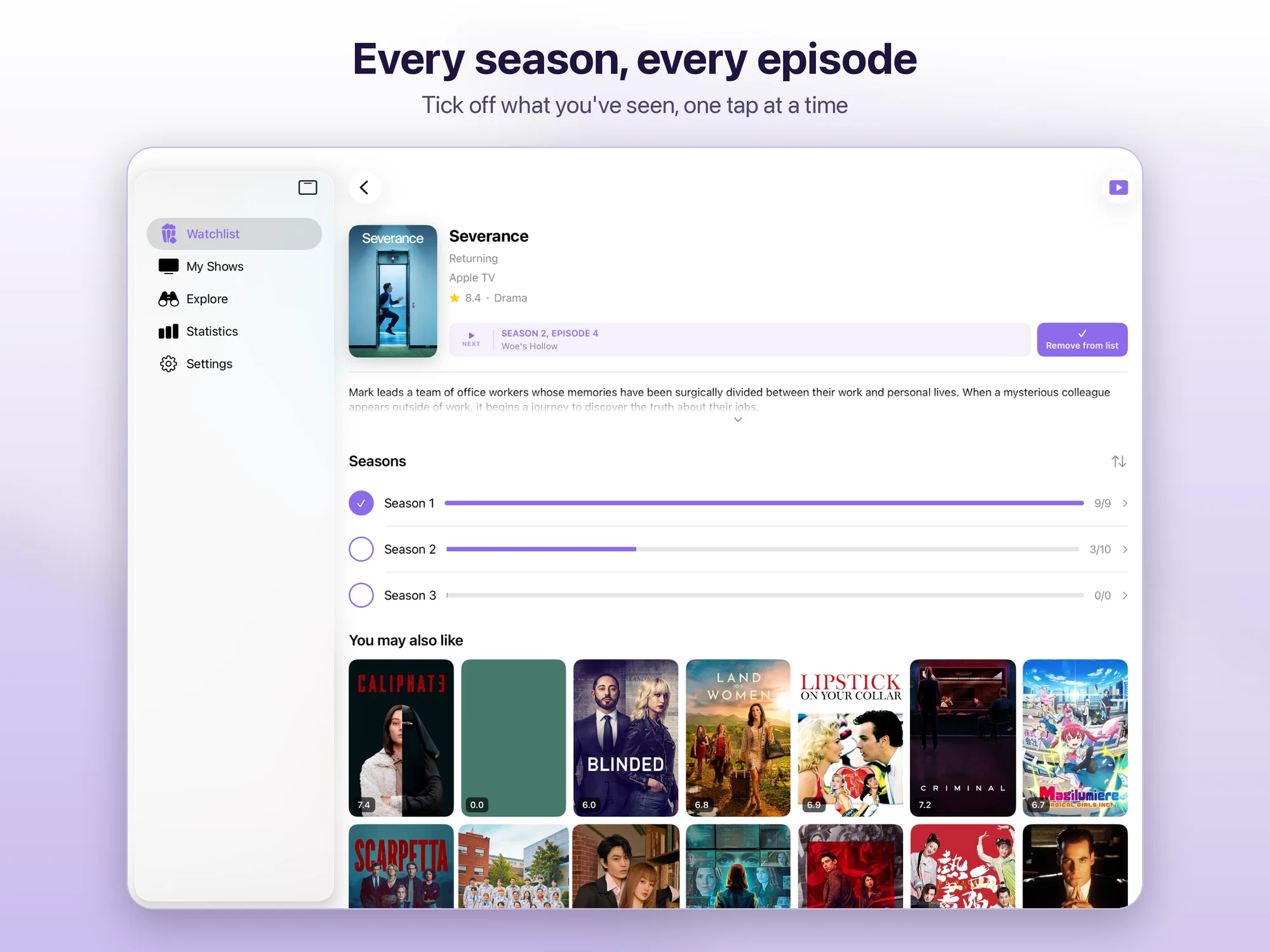
- Mark episodes your way — one at a time, a whole season or the entire show, as watched today or on their air date, with undo for the last episode you marked
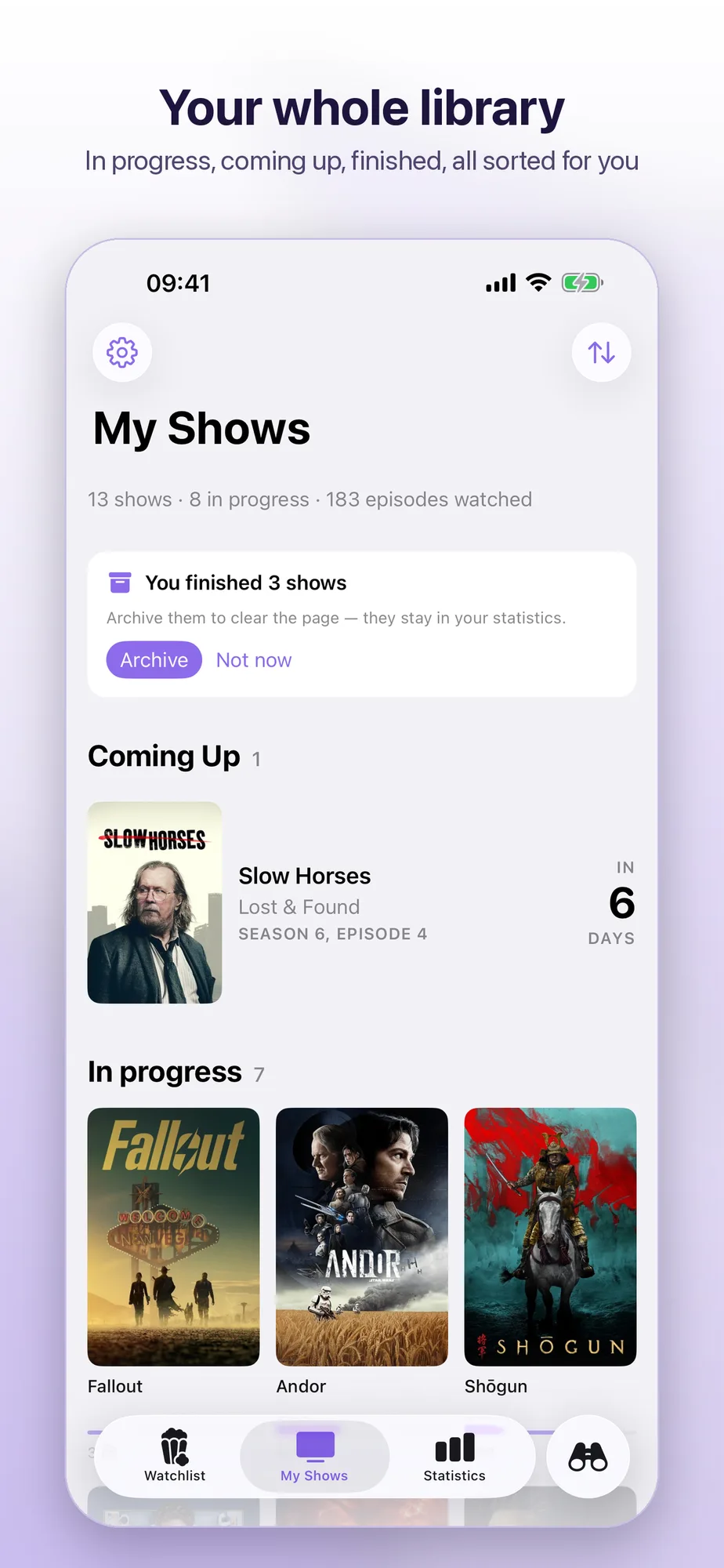
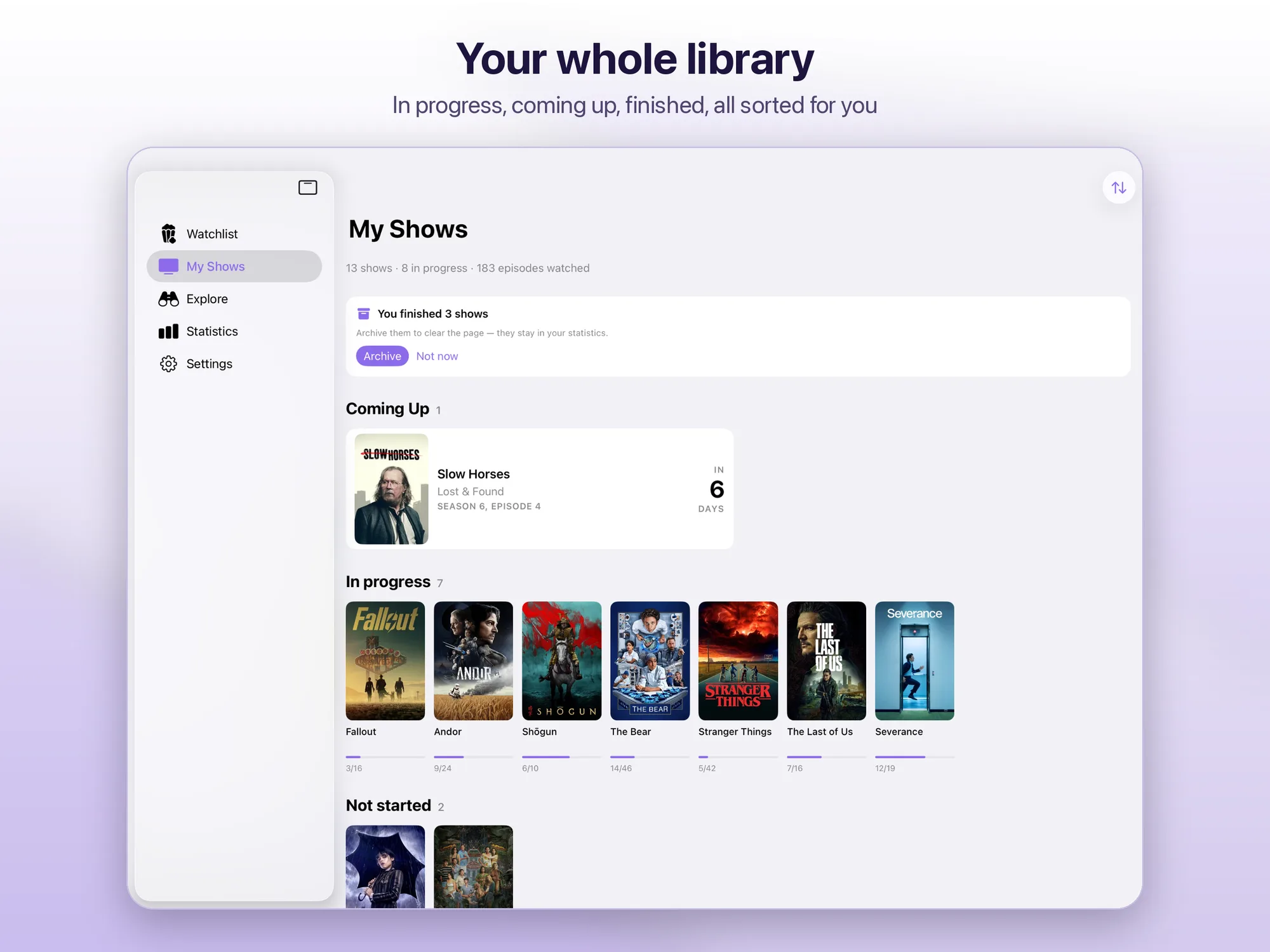
- My Shows — your library split into Coming Up, In progress, Not started and Completed, plus an archive for finished shows, which still count in your statistics
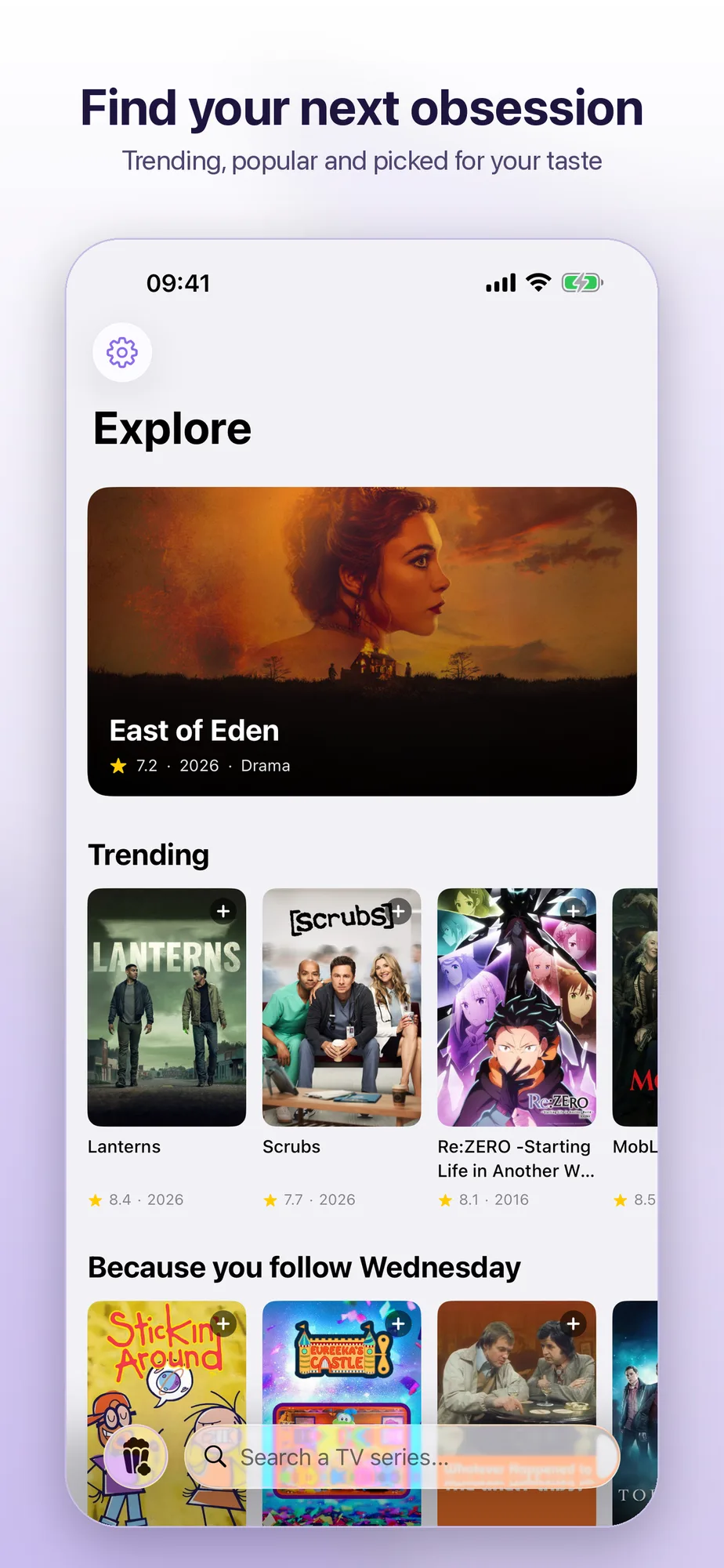
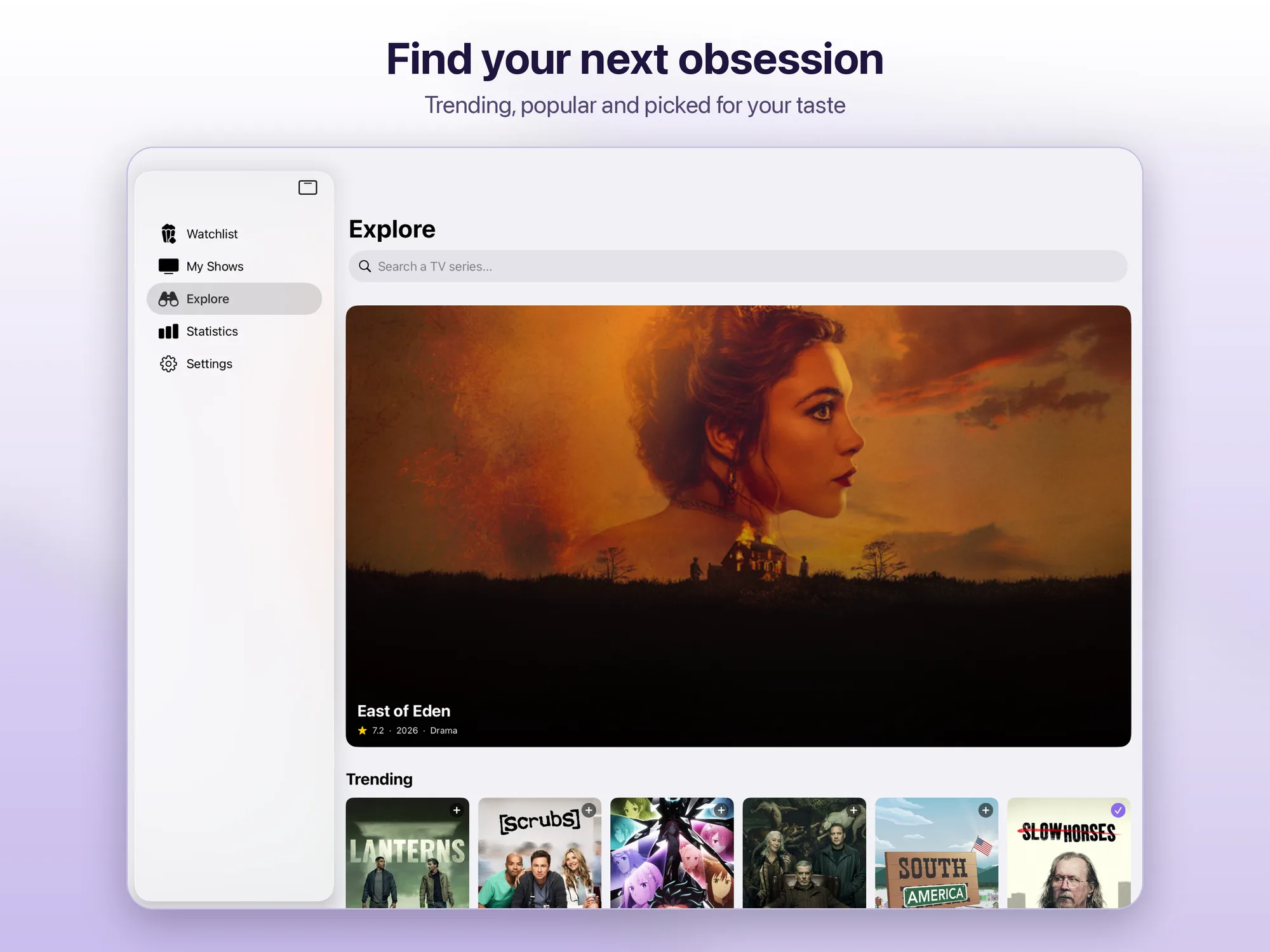
- Find something to watch — Trending, Popular, Top Rated and Airing Today, suggestions based on what you follow and search across the whole TMDB catalog, with trailers and similar titles
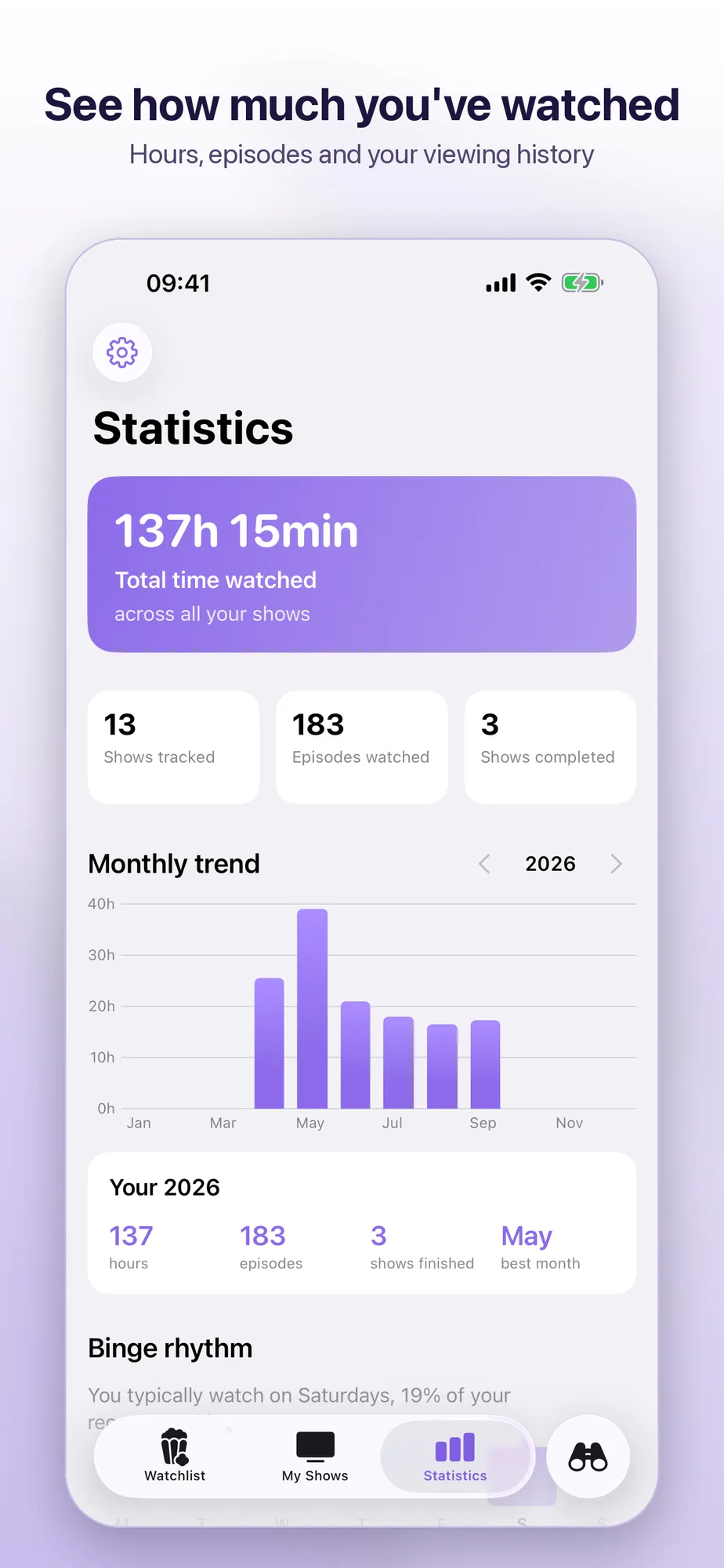
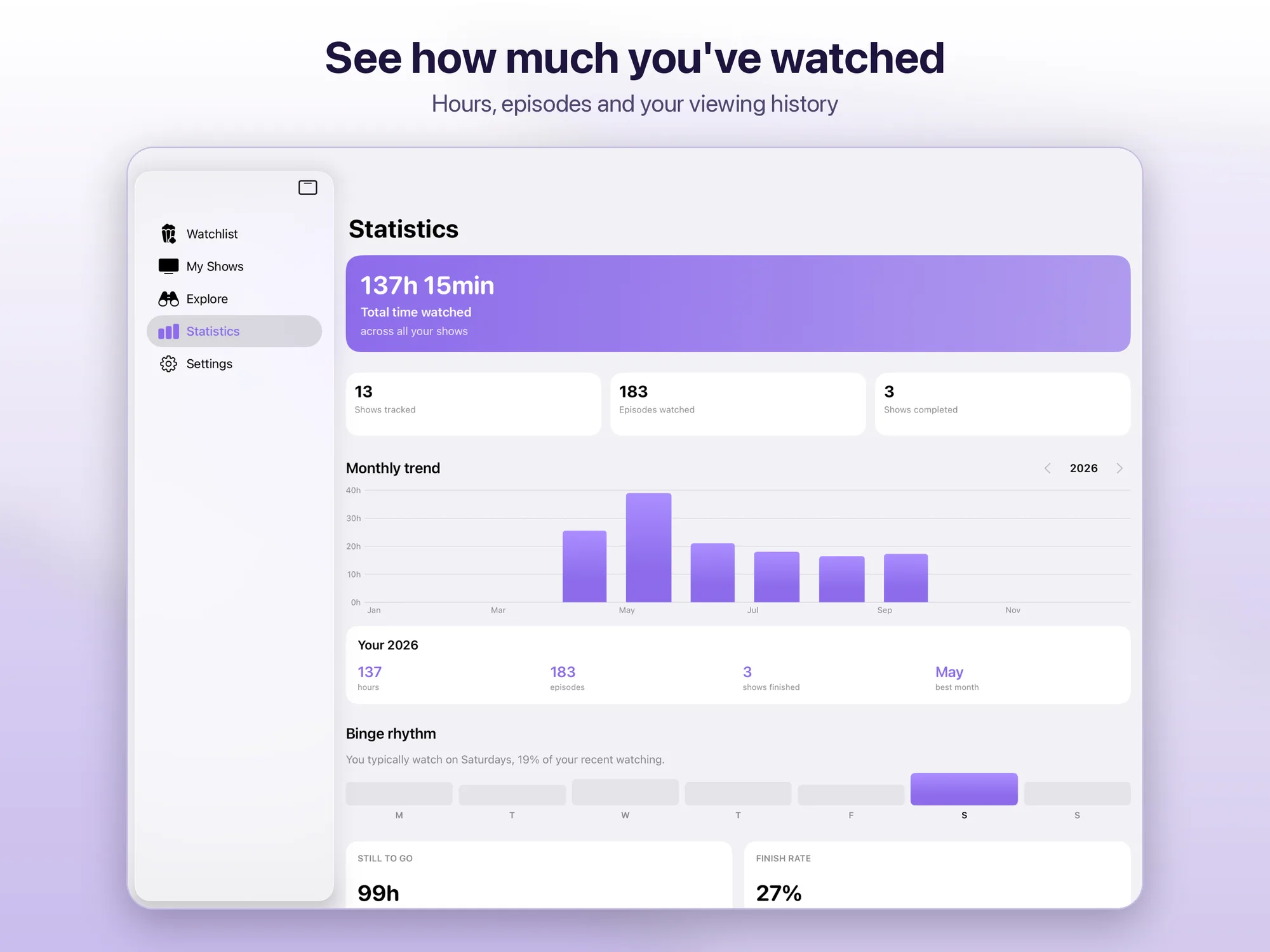
- Statistics — total time, episodes watched, completed shows, yearly recap, day streaks, favorite genres and a history of everything you’ve watched
- New-episode notifications — an alert on the day a new episode of your shows comes out
- Optional iCloud sync — your library and watched episodes kept in step between iPhone and iPad
- Your way — light, dark or system theme, six accent colors, seven languages
- No subscription — free, with no ads and no in-app purchases
Data provided by The Movie Database (TMDB). ShowNest uses the TMDB API but is not endorsed or certified by TMDB.
Platforms
Available on iPhone and iPad with iOS/iPadOS 17 or later.