What is rMux?
rMux is the essential video editor for your Mac: open a clip, trim what you don’t need, pick a format, and save. Whenever it can, it works without re-encoding, so it’s lightning fast and doesn’t lose a shred of quality. Everything happens right on your Mac, with no uploads and no account.
Key Features
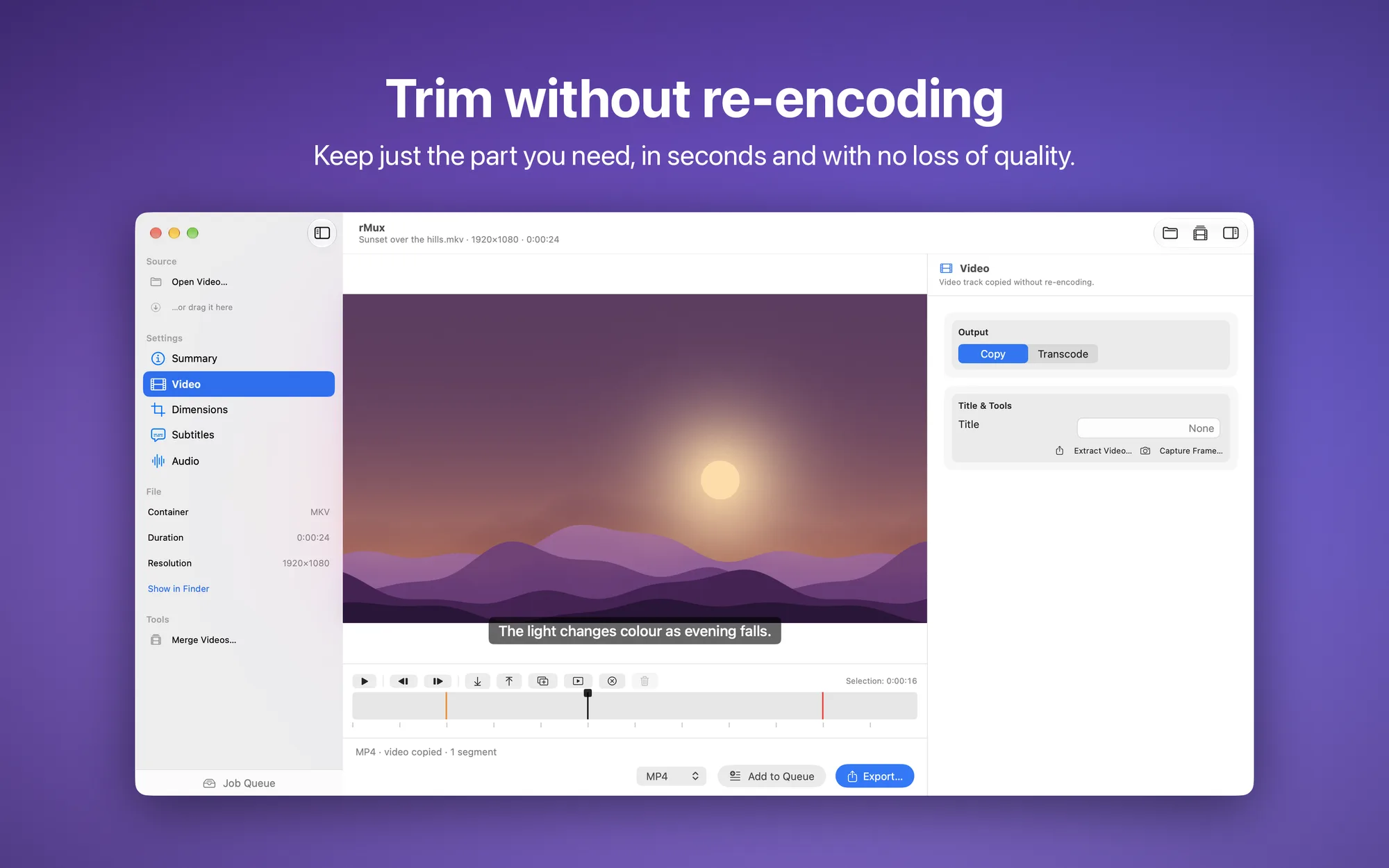
- Trim without losing quality: set a start and end point on the timeline, with keyframes marked, and save just the part you need in seconds, with no re-encoding
- Switch containers: MP4, MOV, MKV, WebM, and AVI, leaving video and audio untouched
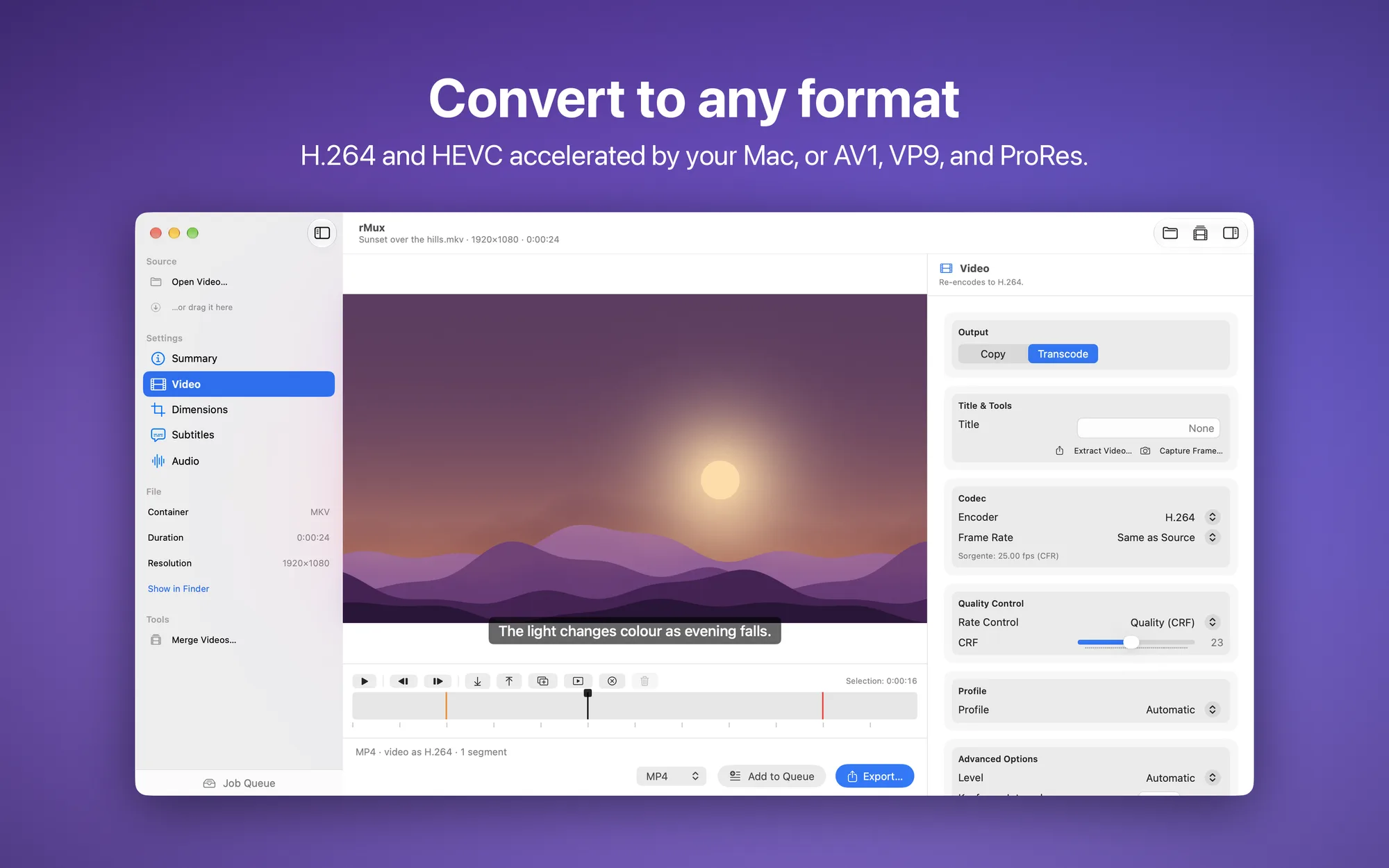
- Convert your way: H.264 and HEVC with your Mac’s hardware acceleration, or AV1, VP9, and ProRes, with constant quality, two-pass bitrate, or a target file size, plus advanced options for level, keyframe interval, and track title
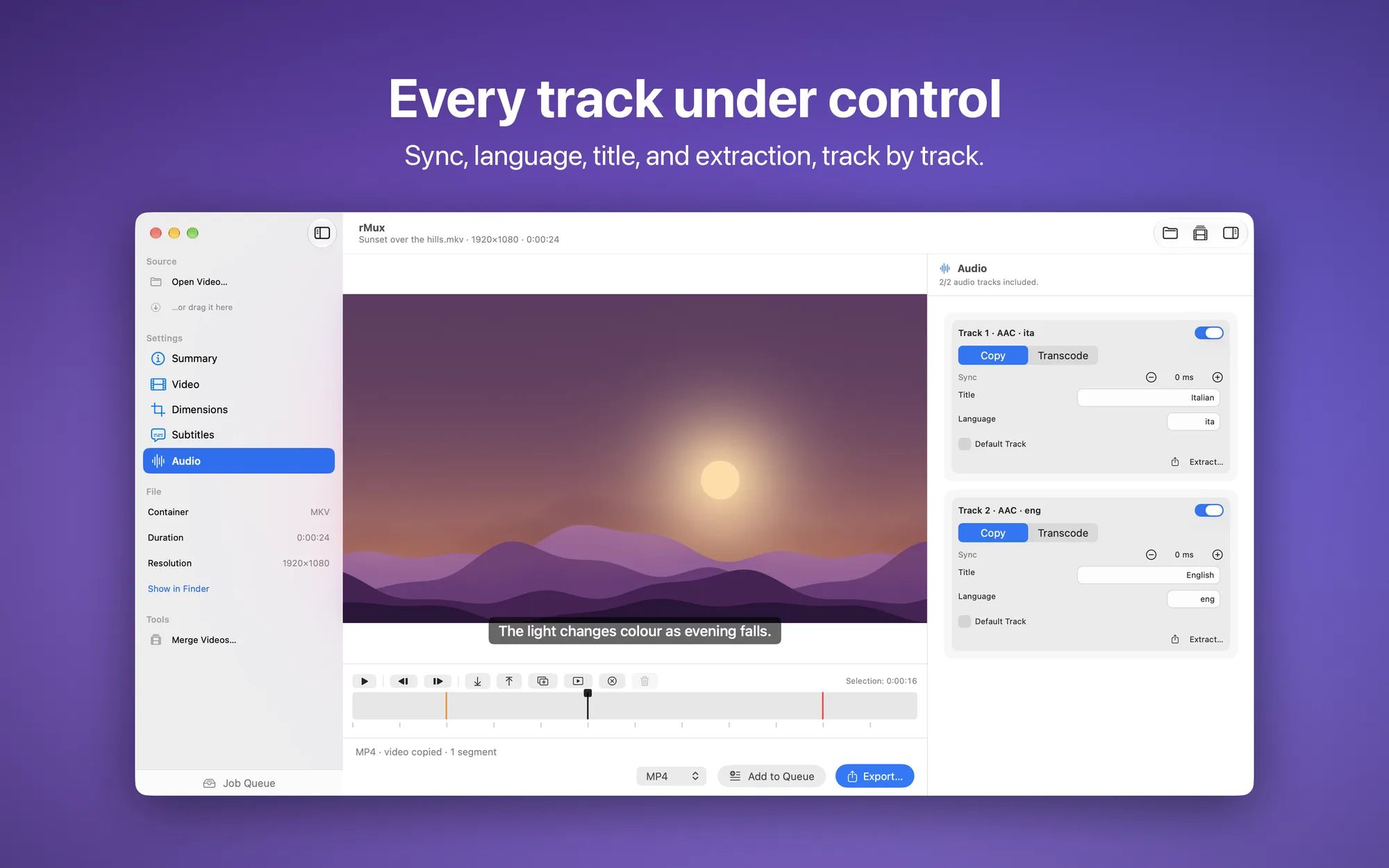
- Every track under control: for each audio track, choose to copy it, convert it (AAC, AC3, MP3, Opus, FLAC, PCM), or leave it out; adjust the volume in dB, fix audio/video delay even without re-encoding, edit the language, title, and default track, or extract a track to its own file
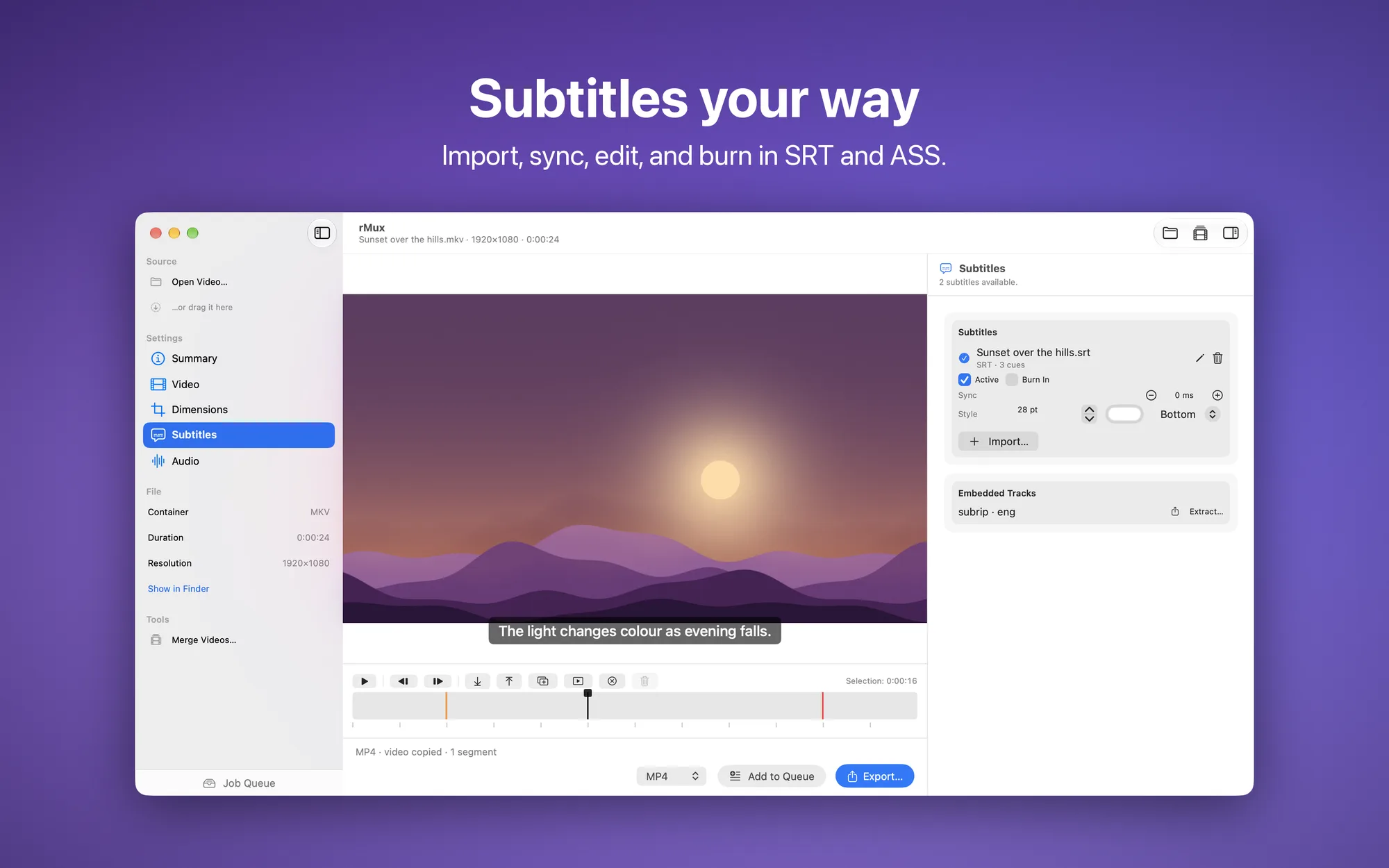
- Subtitles your way: import SRT and ASS/SSA files, even with legacy character encodings, add them as a track viewers can turn on or burn them into the picture with the size, color, and position you choose, shift the timing, edit individual lines, and save as SRT, or extract the subtitles already in the video
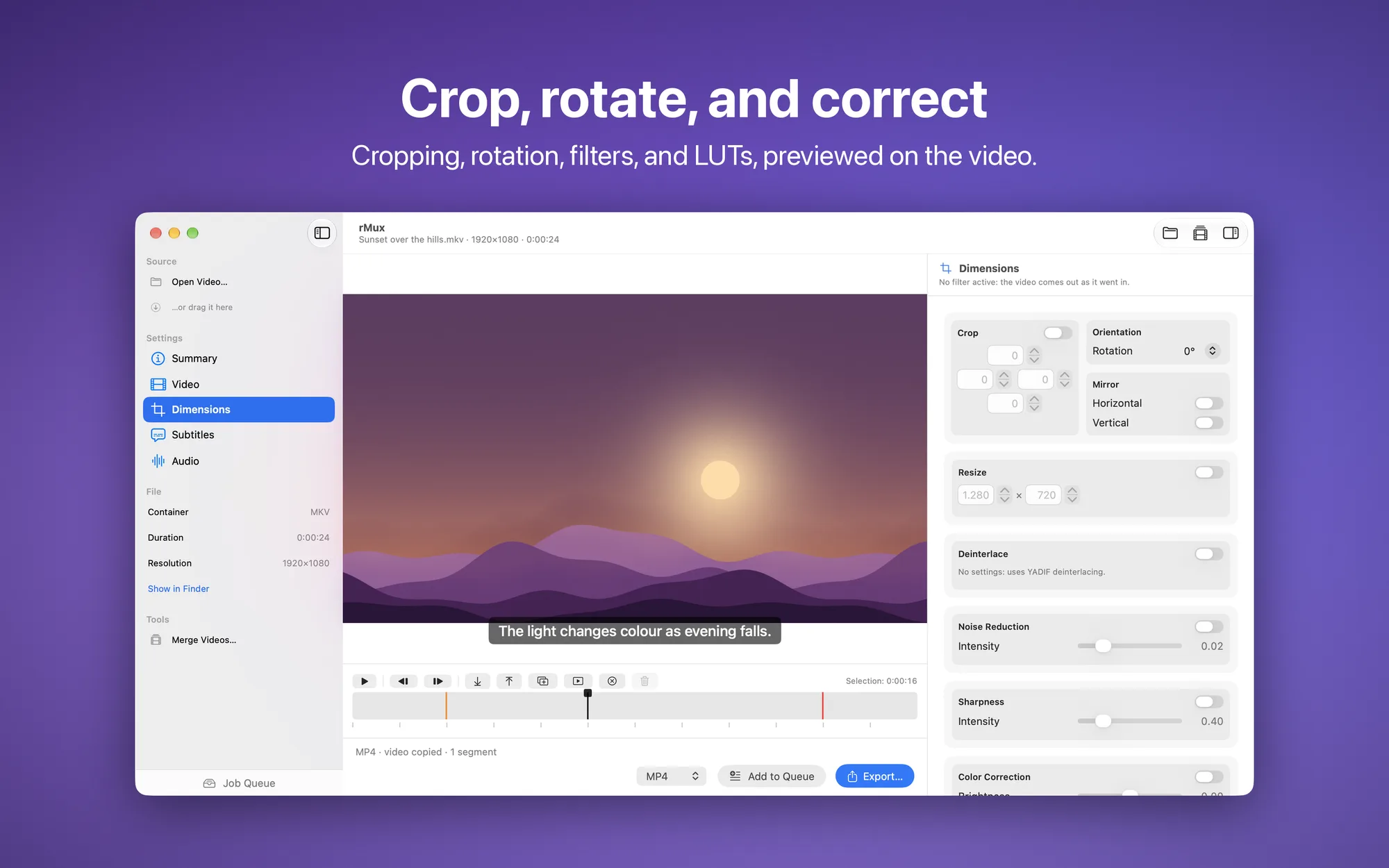
- Crop and correct: crop right on the preview, resize, rotate, and flip, deinterlace, denoise, sharpen, correct color, and apply .cube LUTs, with a before/after preview; save a frame as an image or extract the video without its audio
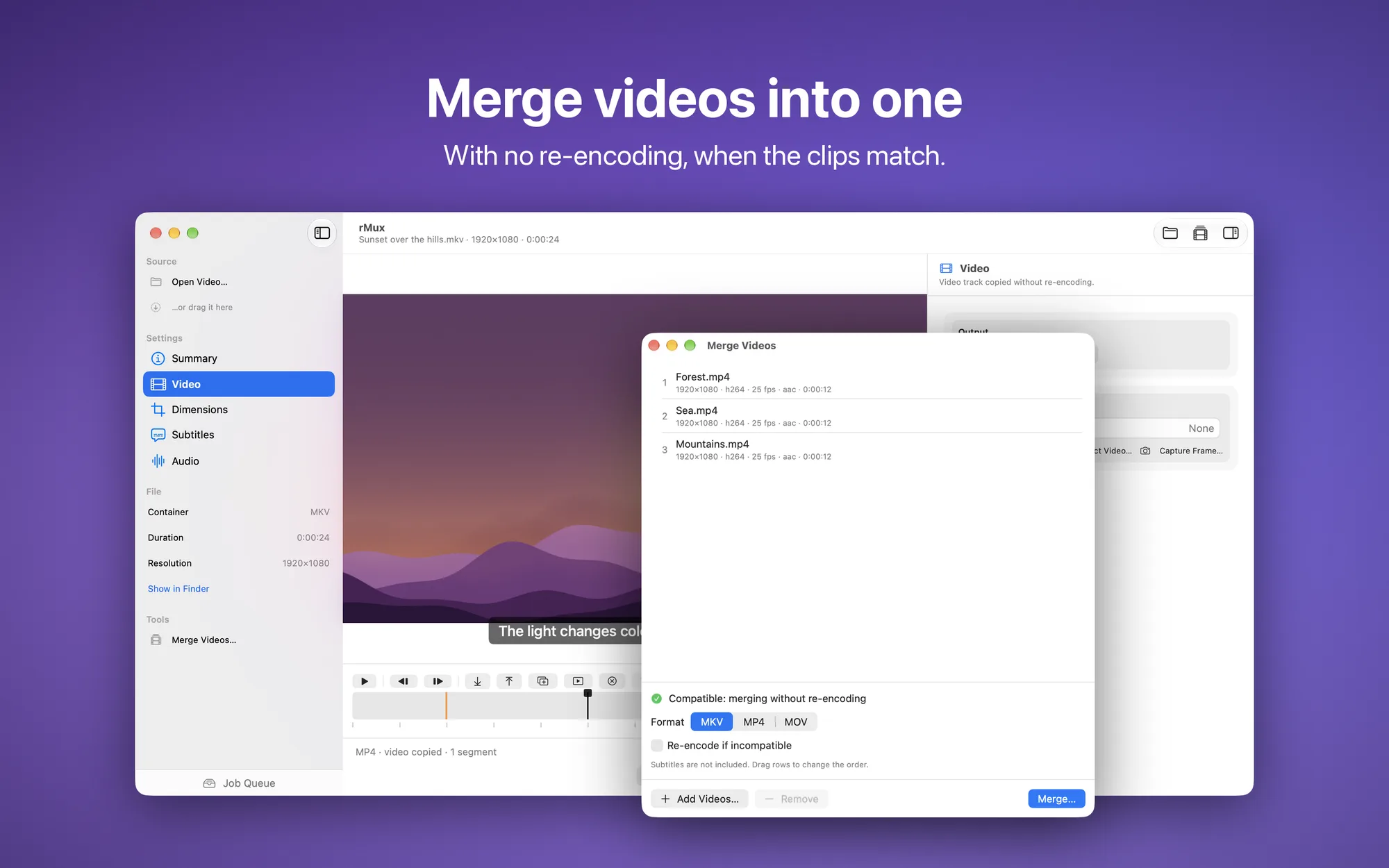
- Merge videos: line up several clips and join them into a single file, without re-encoding when they match; otherwise rMux conforms them to the first clip’s resolution and frame rate
- Work in the background: queue several exports and keep working — the queue carries on even if you close the window — with progress on the Dock icon and a notification when it’s done
- Originals stay safe: rMux always creates a new file and never modifies the original
- Built for macOS: drag into the window or onto the Dock icon, “Open With…” in Finder, customizable keyboard shortcuts
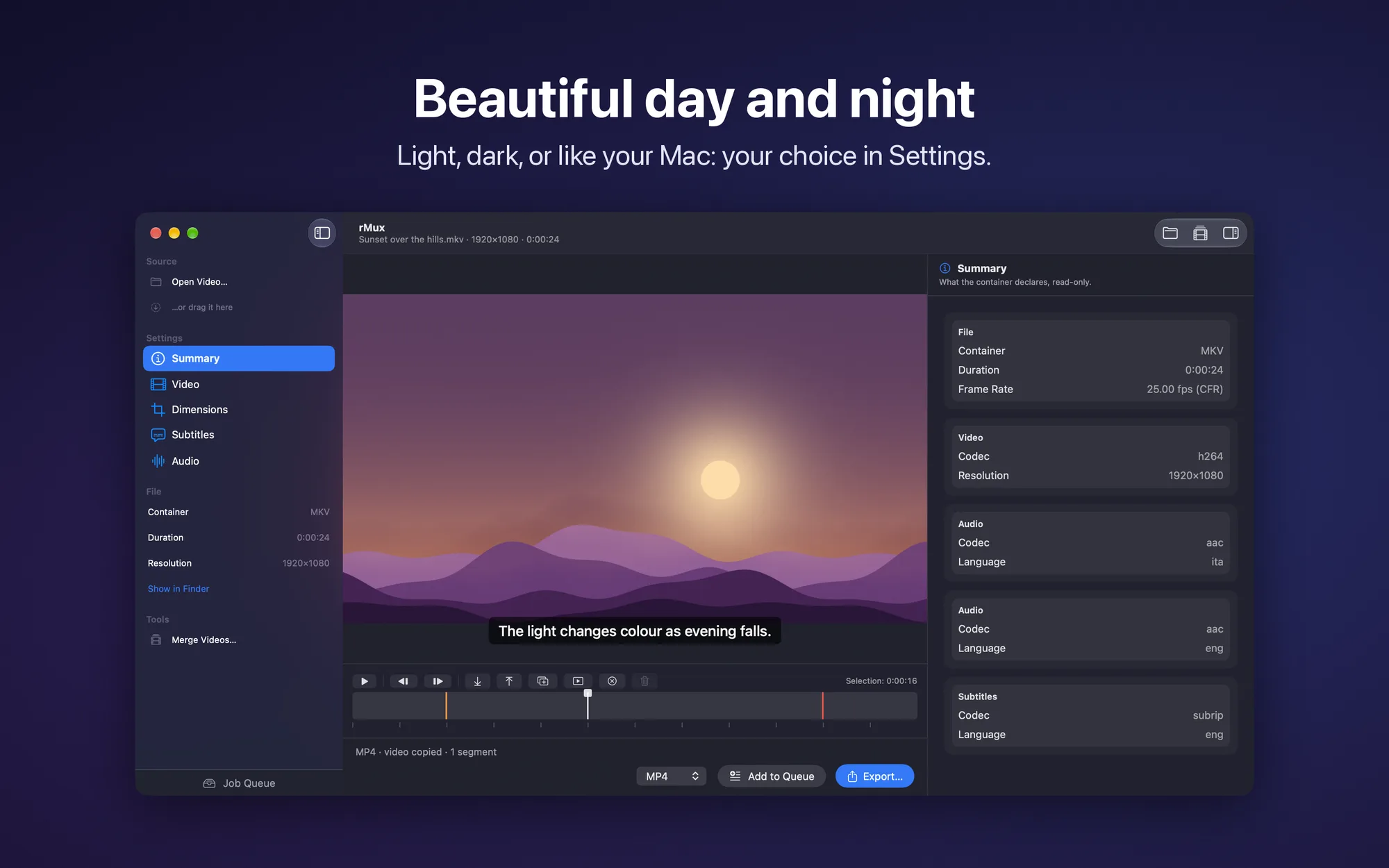
- Light, dark, or automatic appearance: interface in English and Italian
- No subscription: free, with no ads and no in-app purchases
Platforms
Available on macOS 14 Sonoma or later, for Macs with Apple silicon.