Skip to content

CodeVault

iPhone, iPad, and Mac app to save, organize, and find code snippets and technical notes. Syntax highlighting in 20 languages, iCloud sync, and biometric lock. Free, with no ads or in-app purchases, no account.

dimpemekug
Published date:

What is CodeVault?

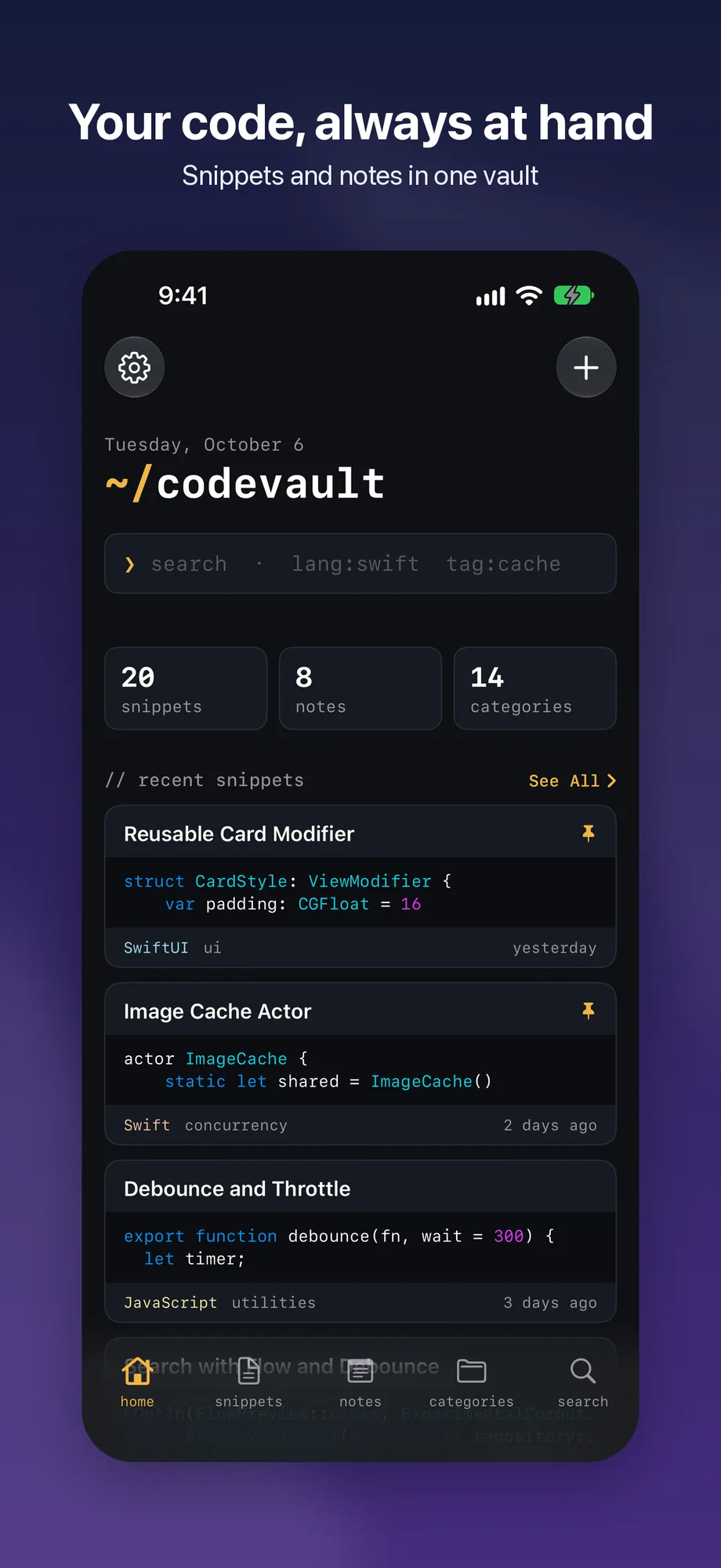
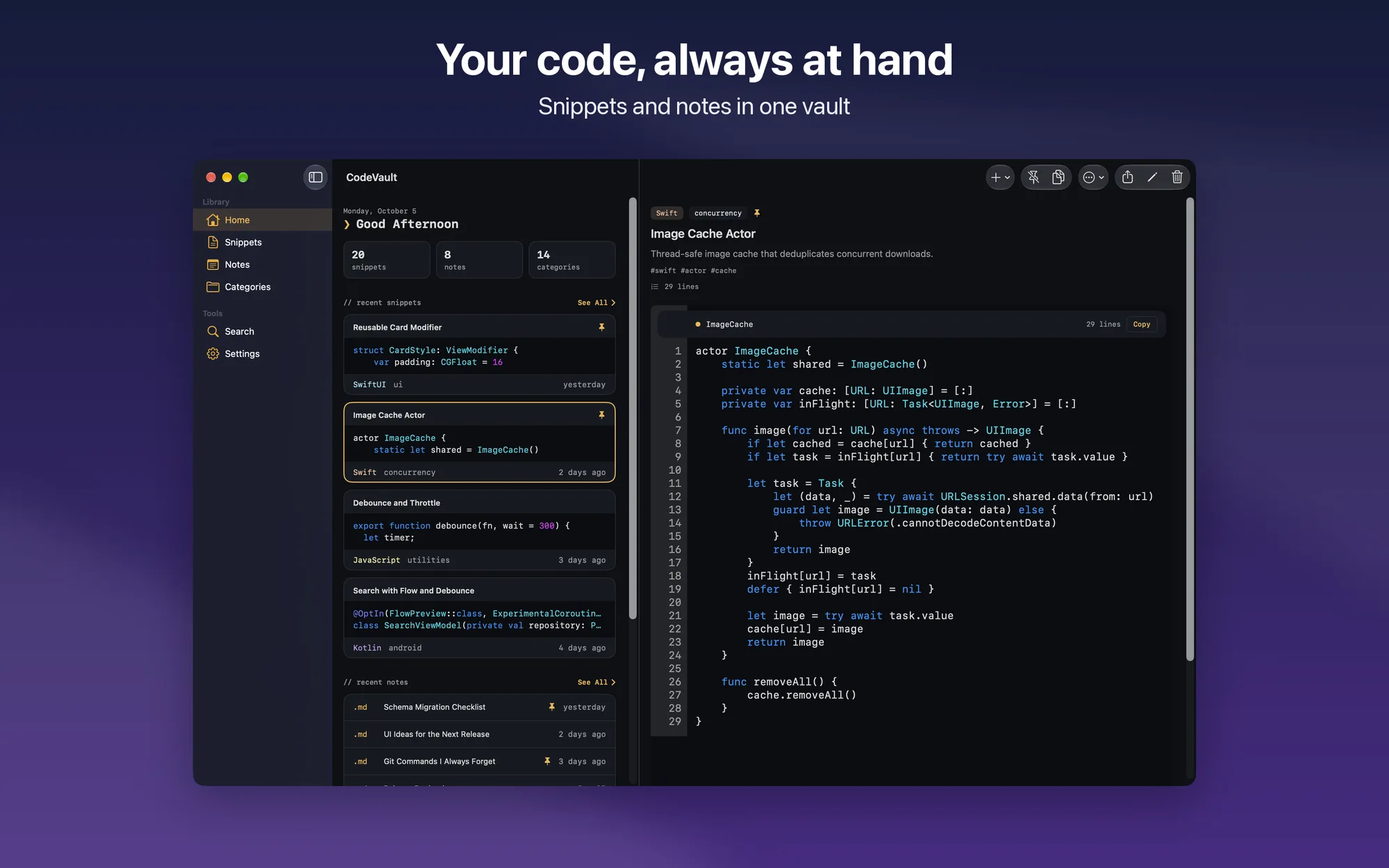
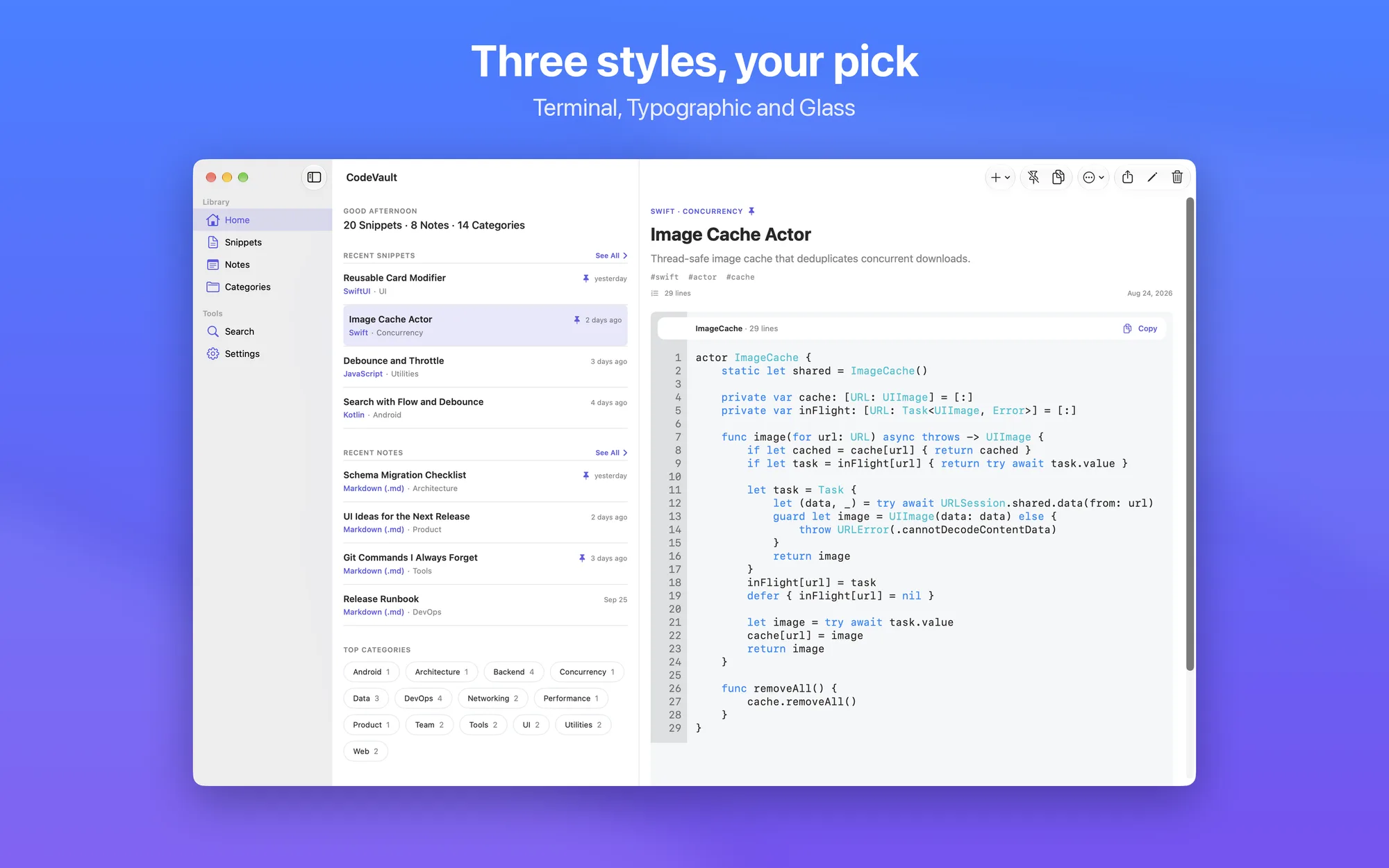
CodeVault is your personal archive for code snippets and technical notes, built for developers who want to find what they already wrote in seconds. Handy one-liners, configs, terminal commands, or project notes: everything stays organized, on iPhone, iPad, and Mac.

Key Features

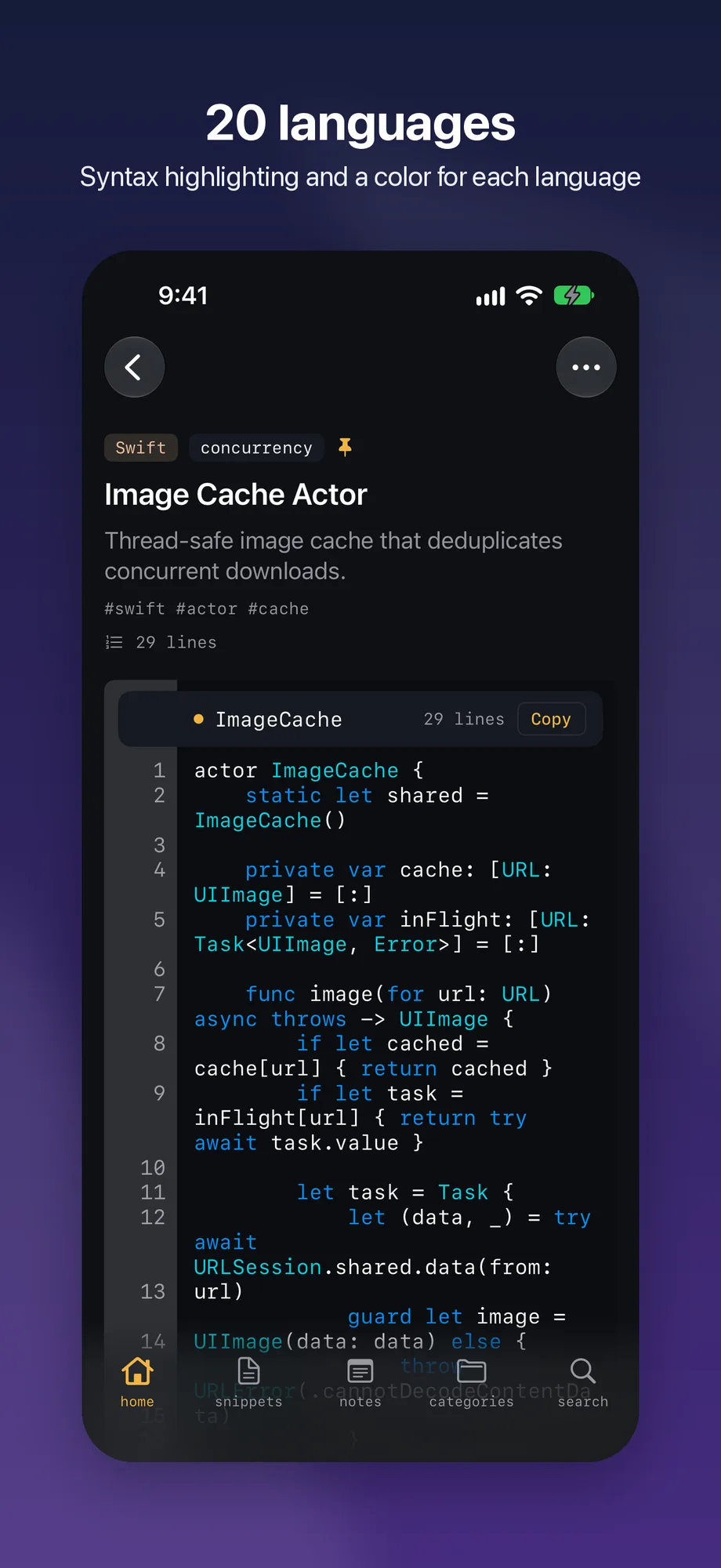
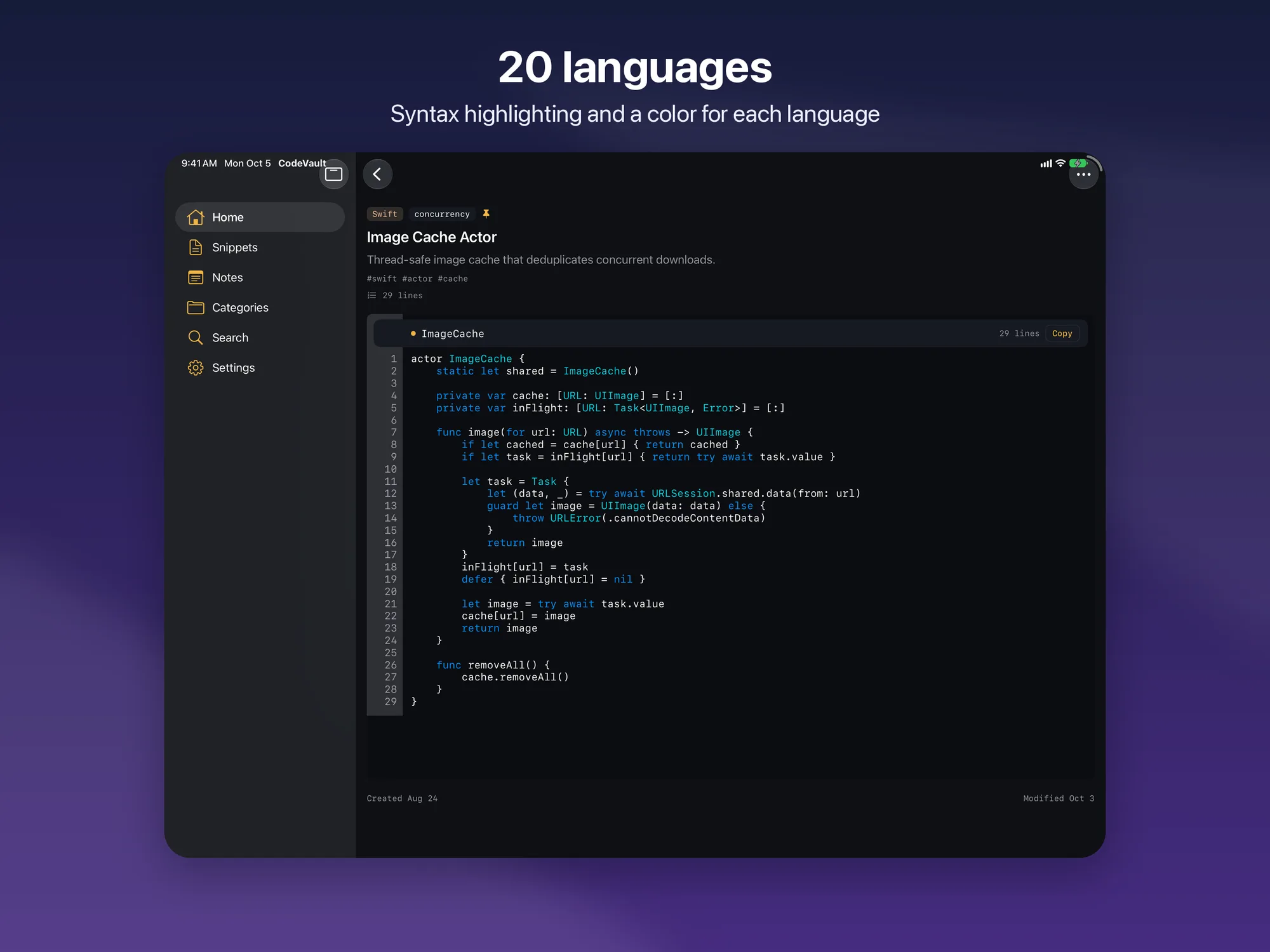
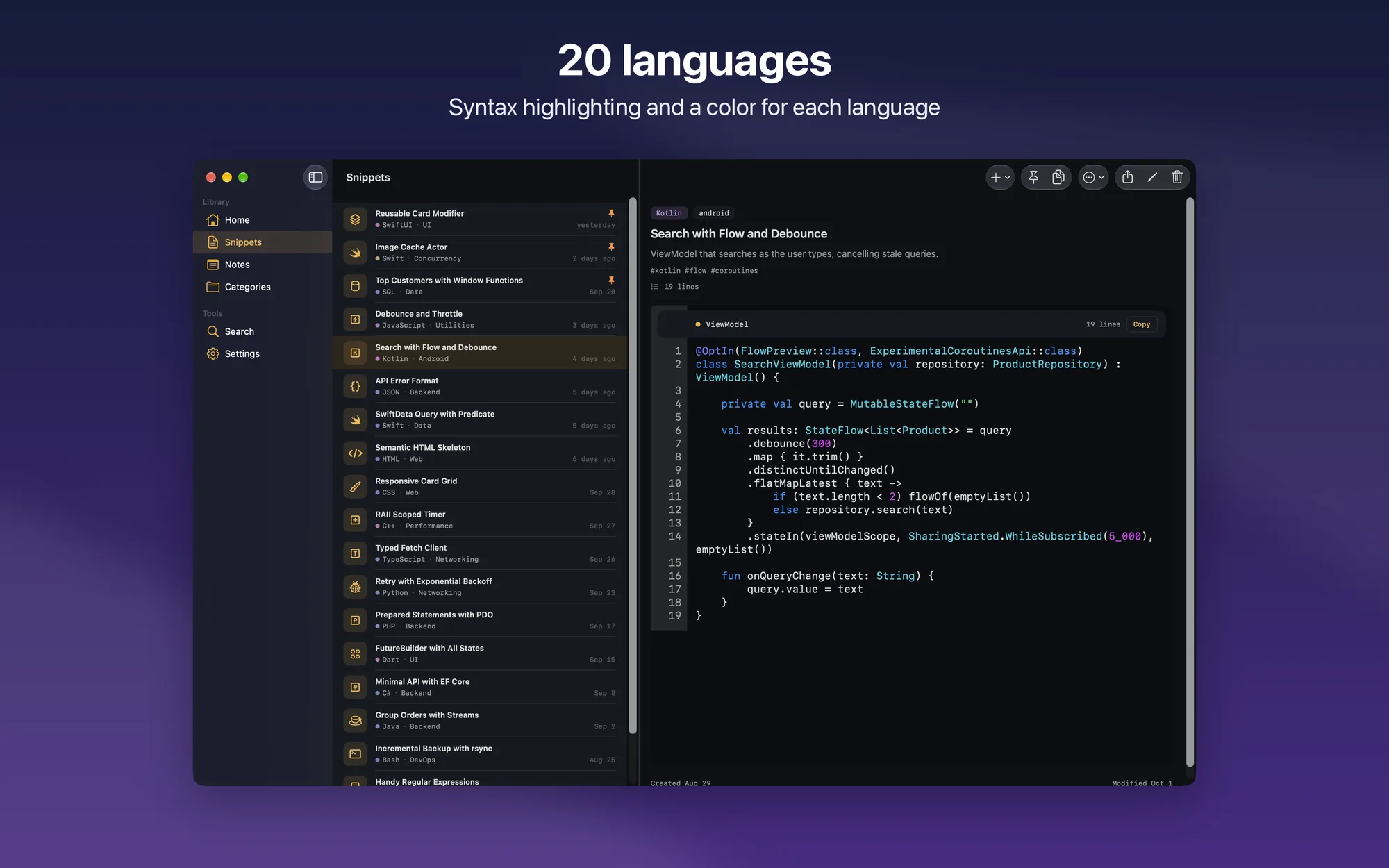
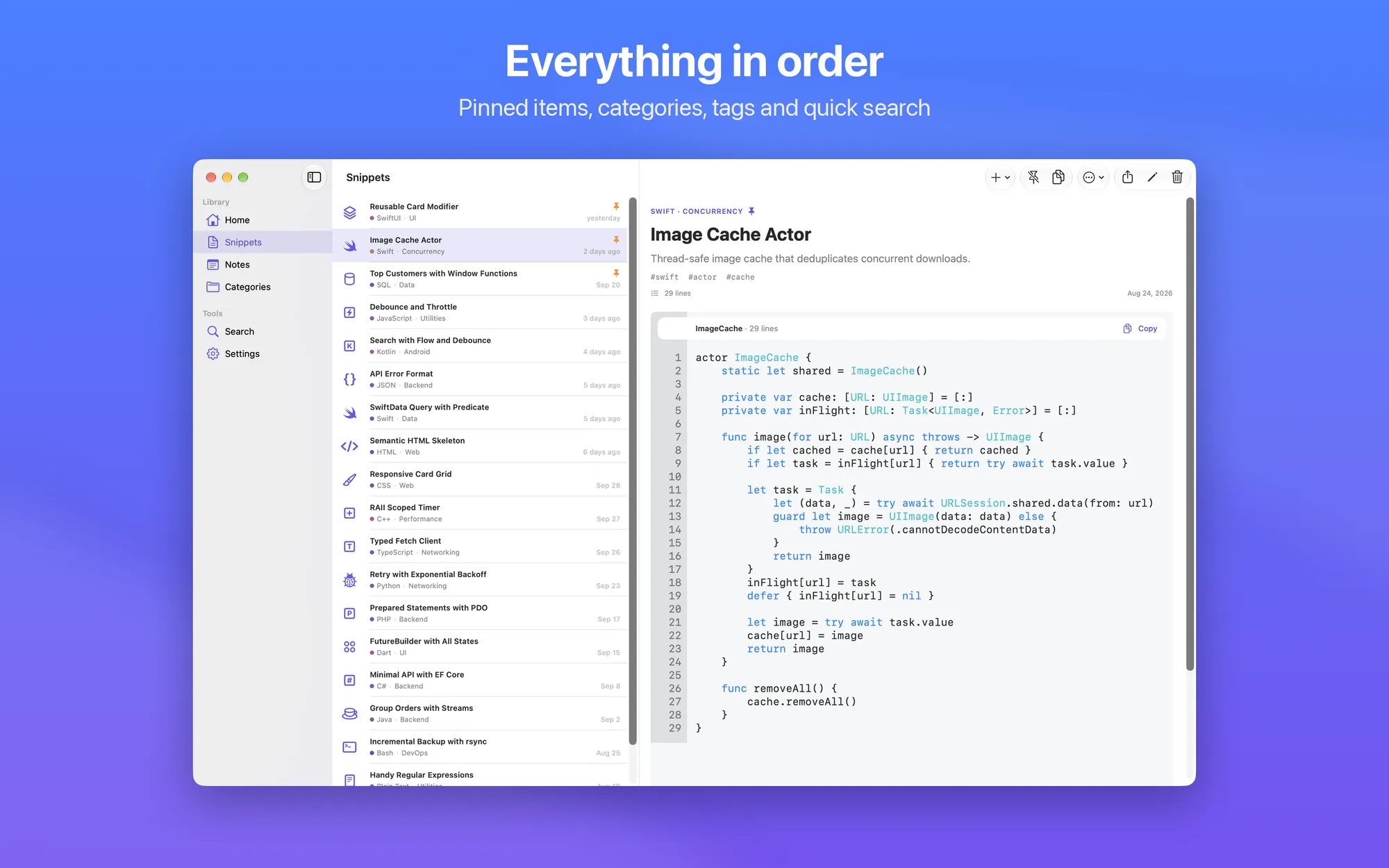
  • Snippets in 20 languages: Swift, SwiftUI, Python, JavaScript, TypeScript, Kotlin, Java, C, C++, C#, PHP, SQL, Bash, HTML, CSS, JSON, YAML, and more, with syntax highlighting and line numbers
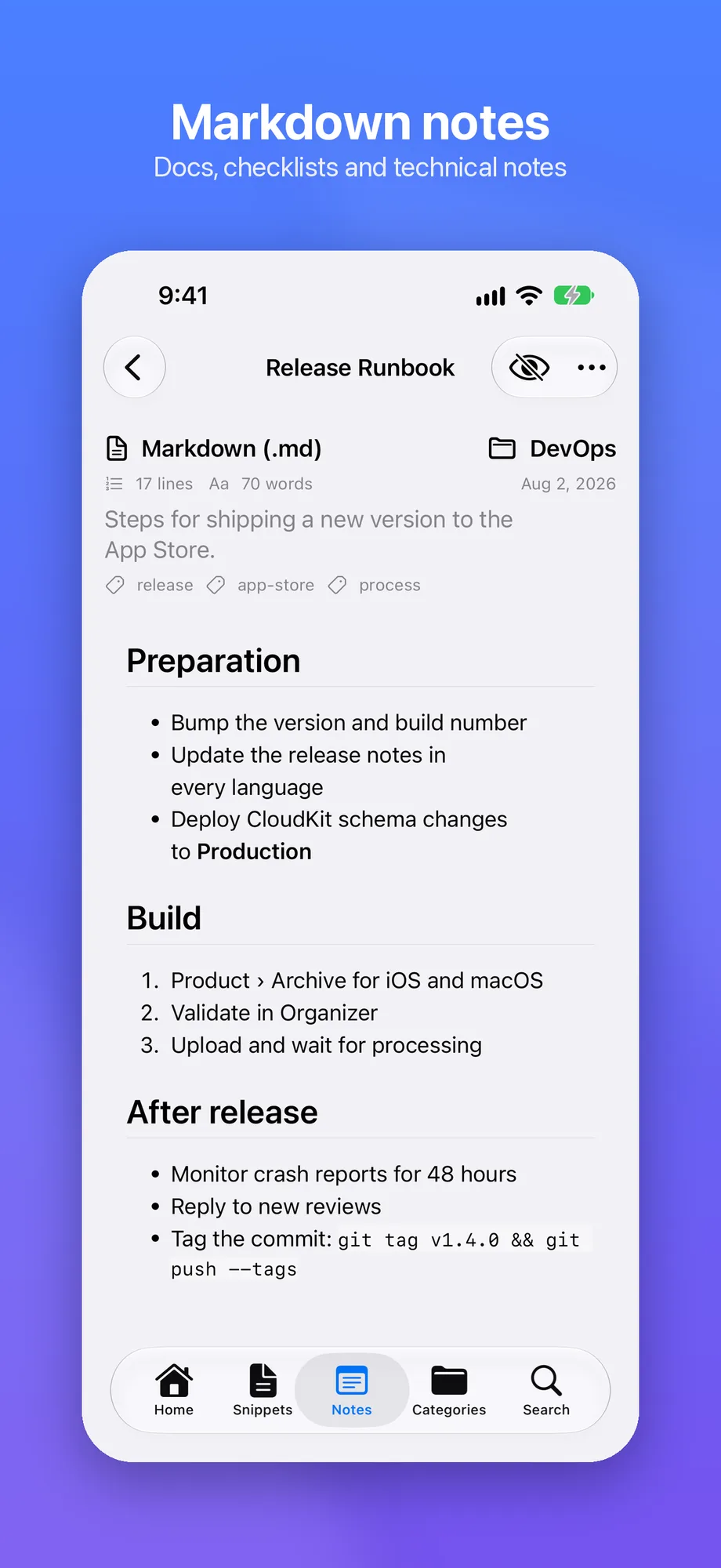
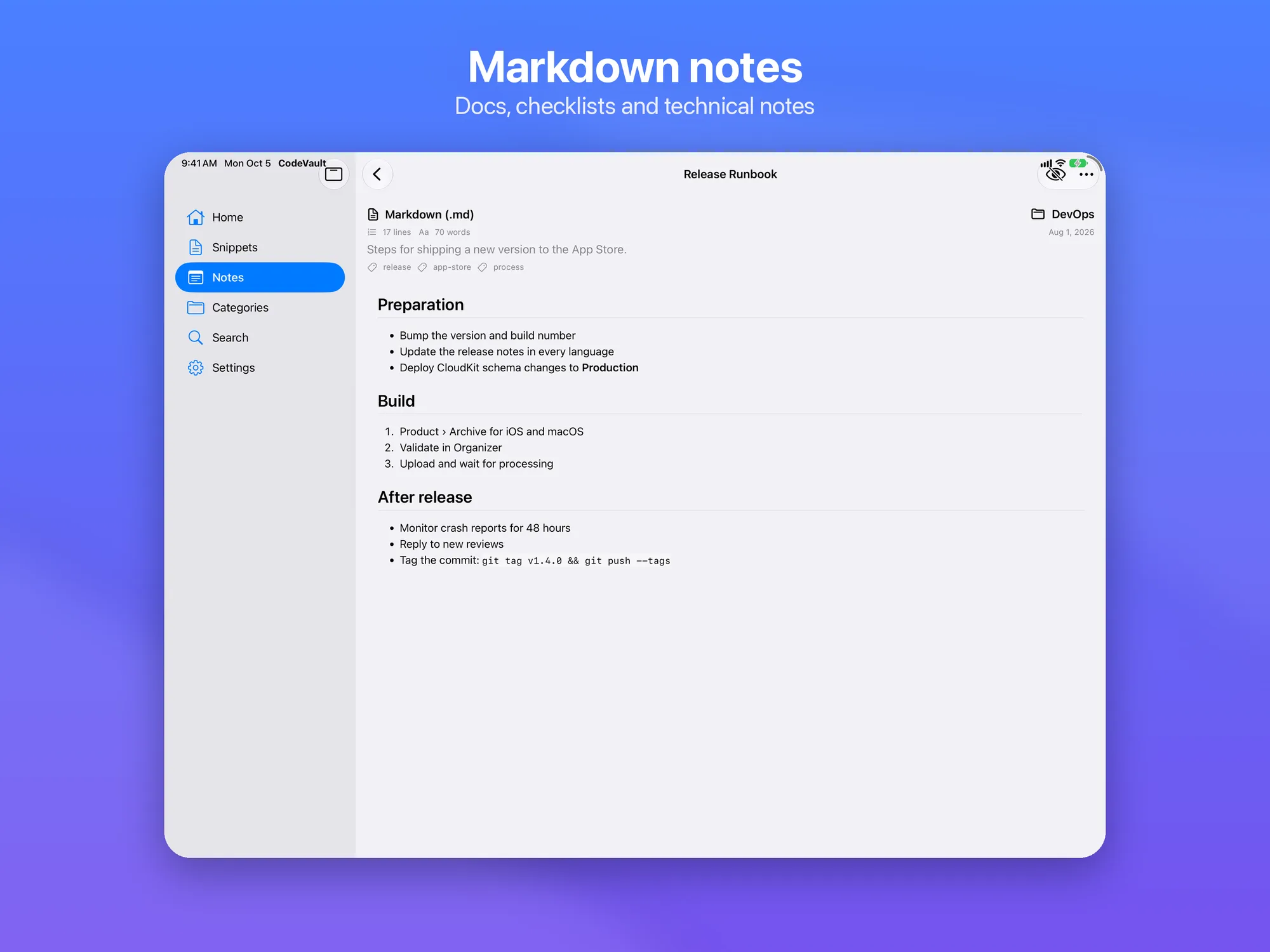
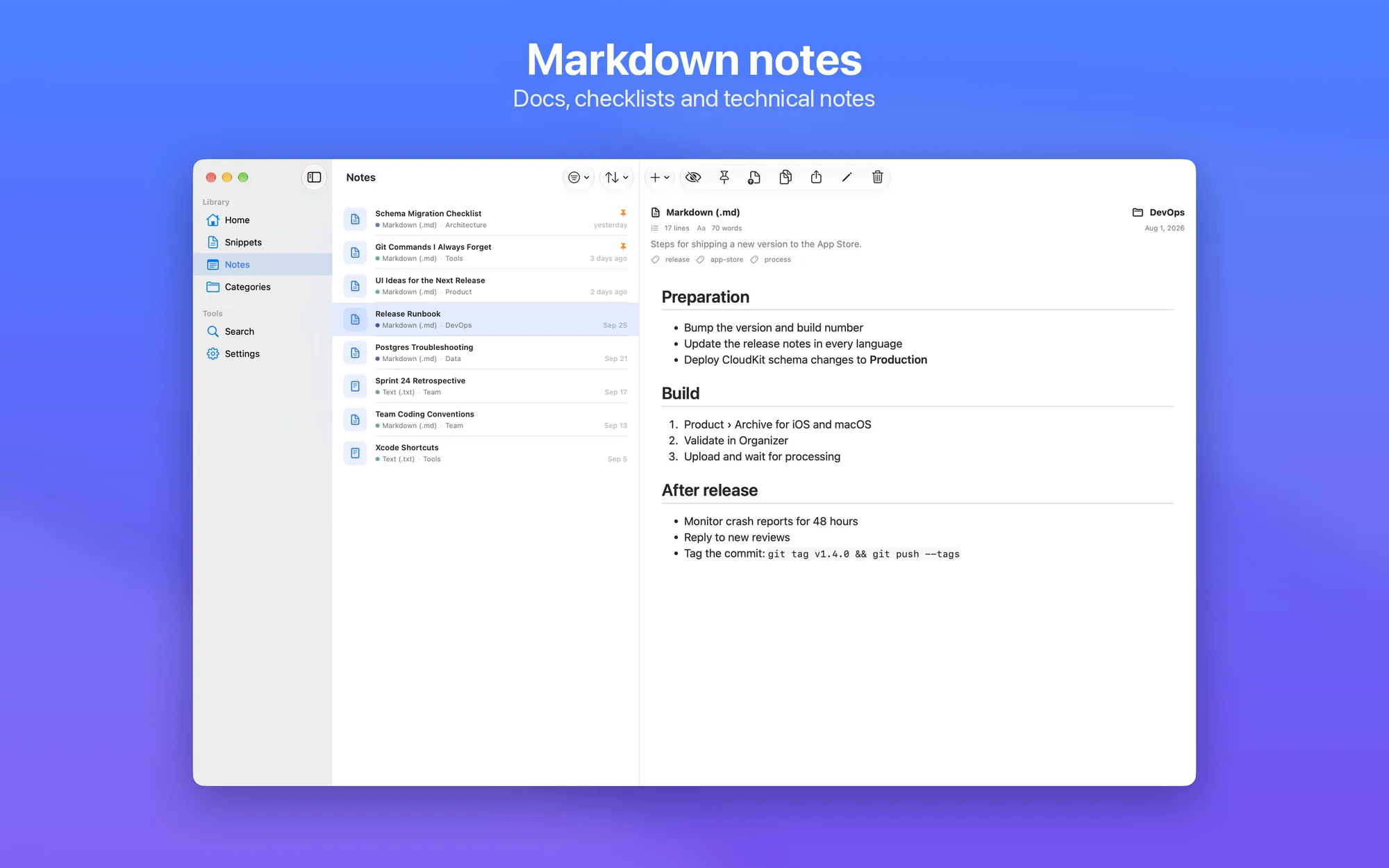
  • Plain-text or Markdown notes: for documentation, checklists, and technical write-ups
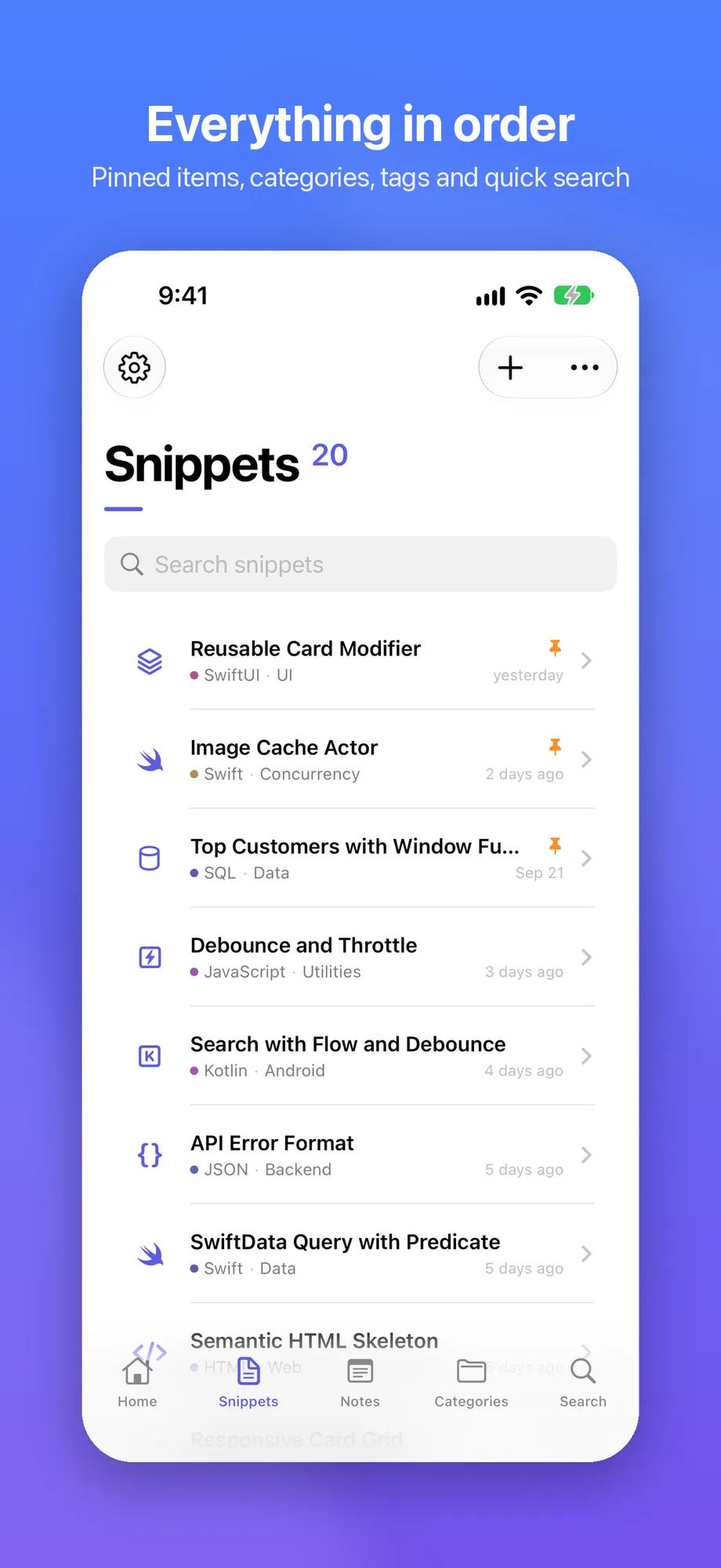
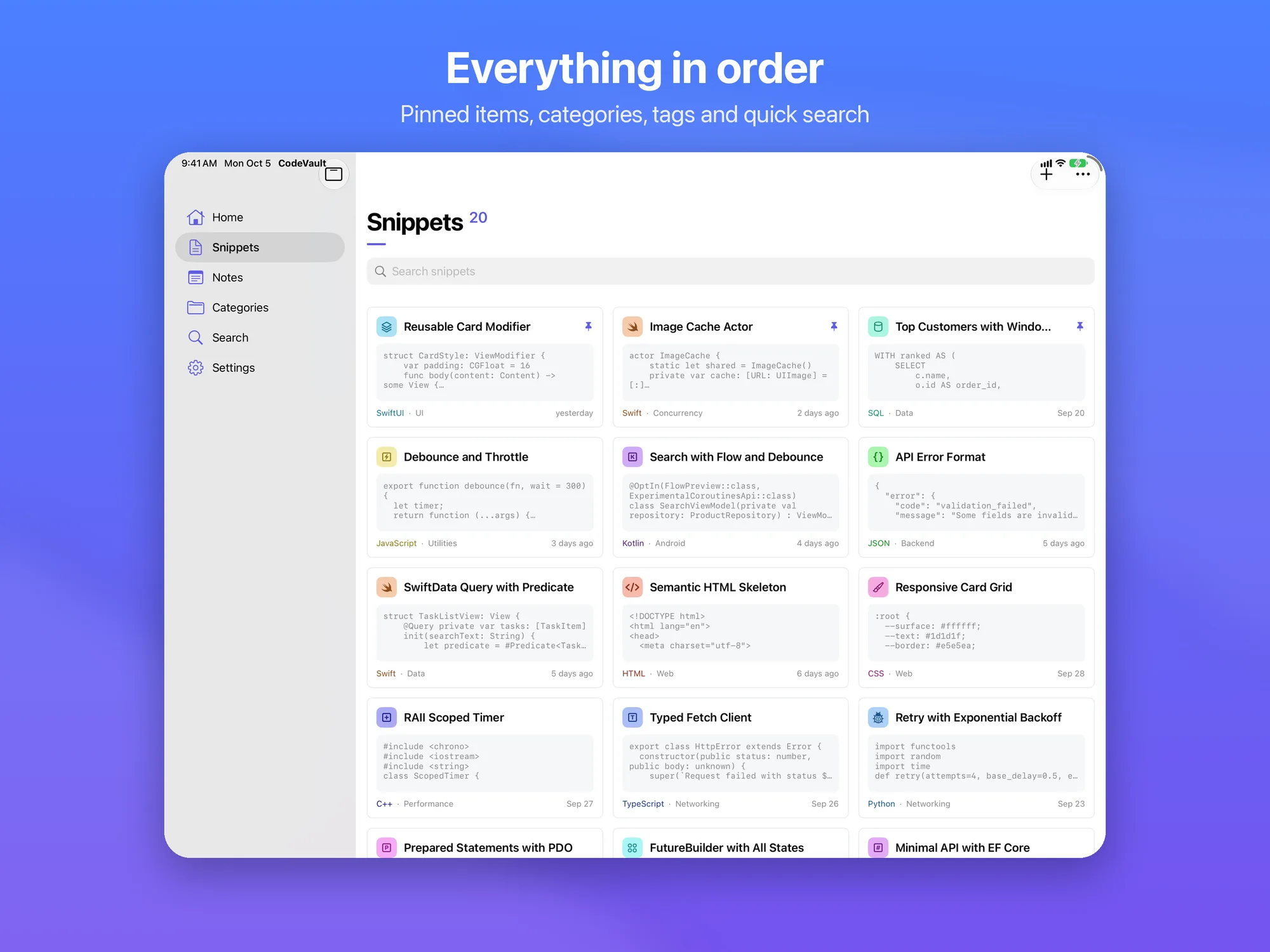
  • Find everything instantly: custom categories, color-coded tags, pinned items, and full-text search across titles, content, and categories
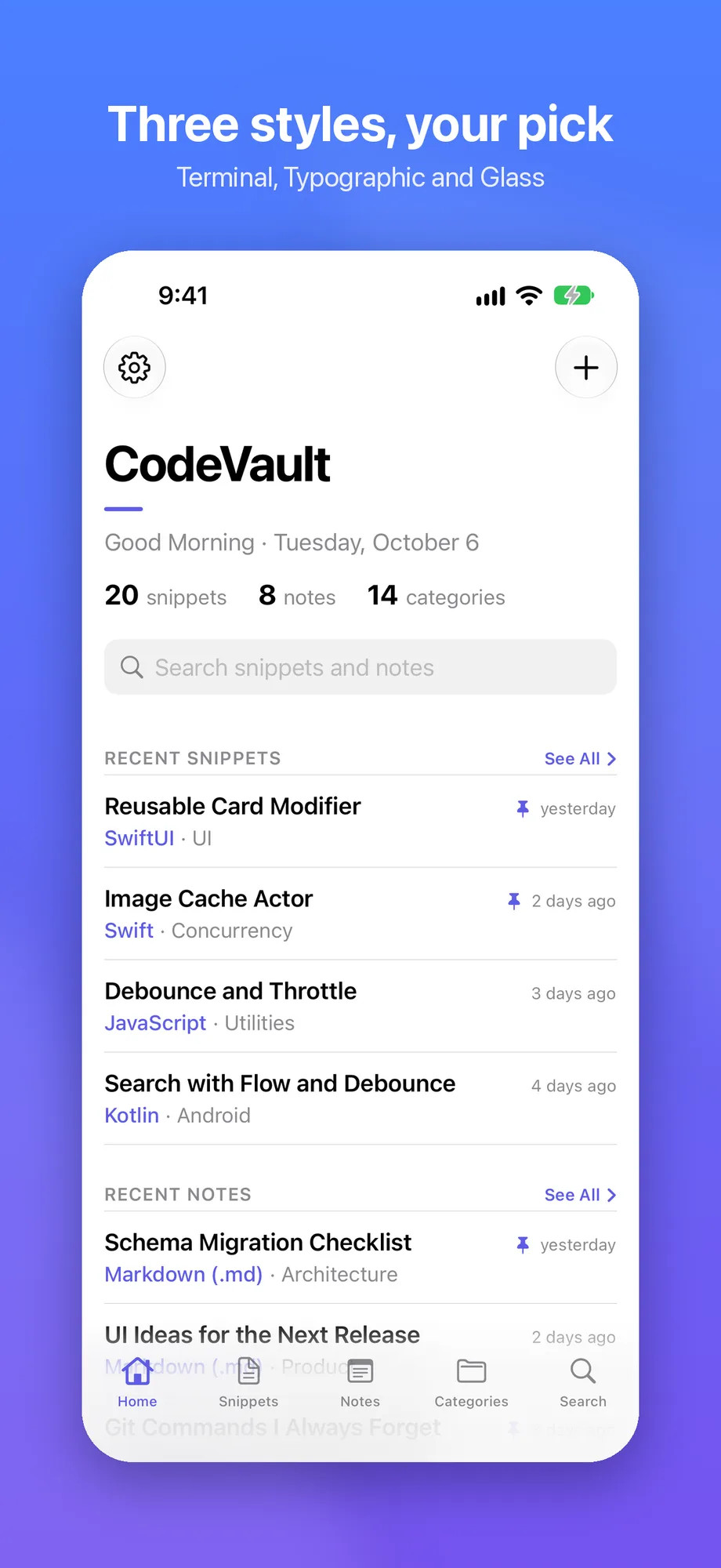
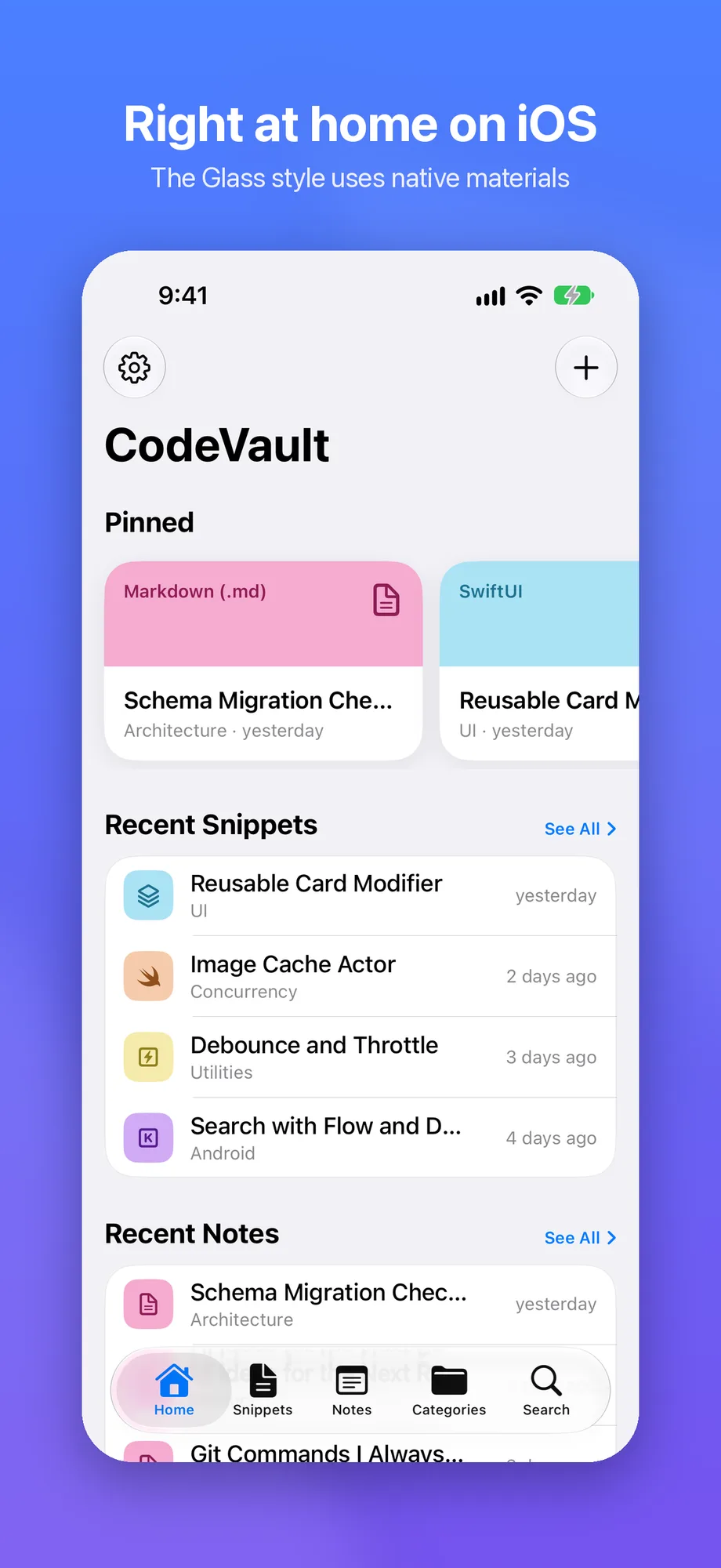
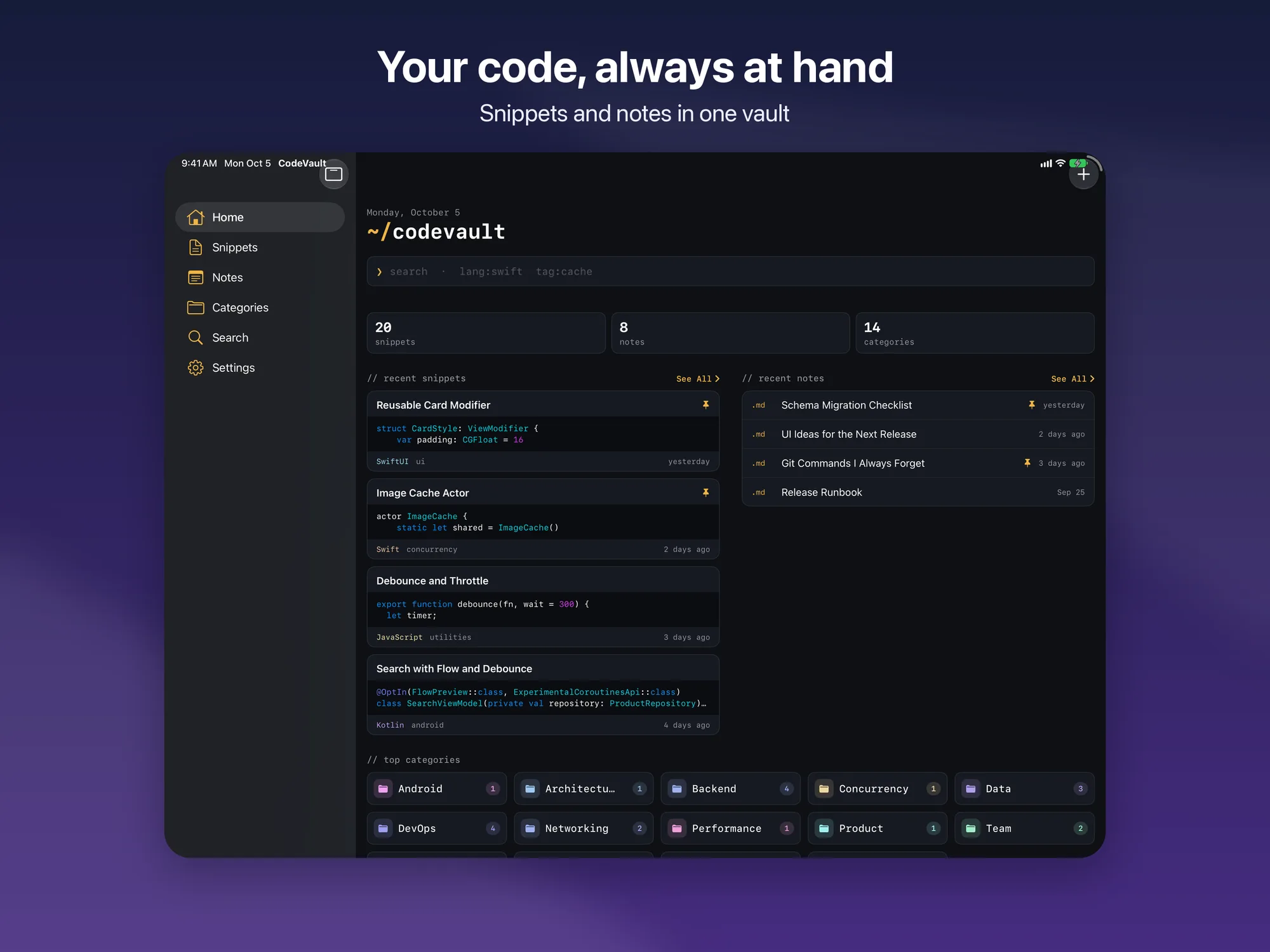
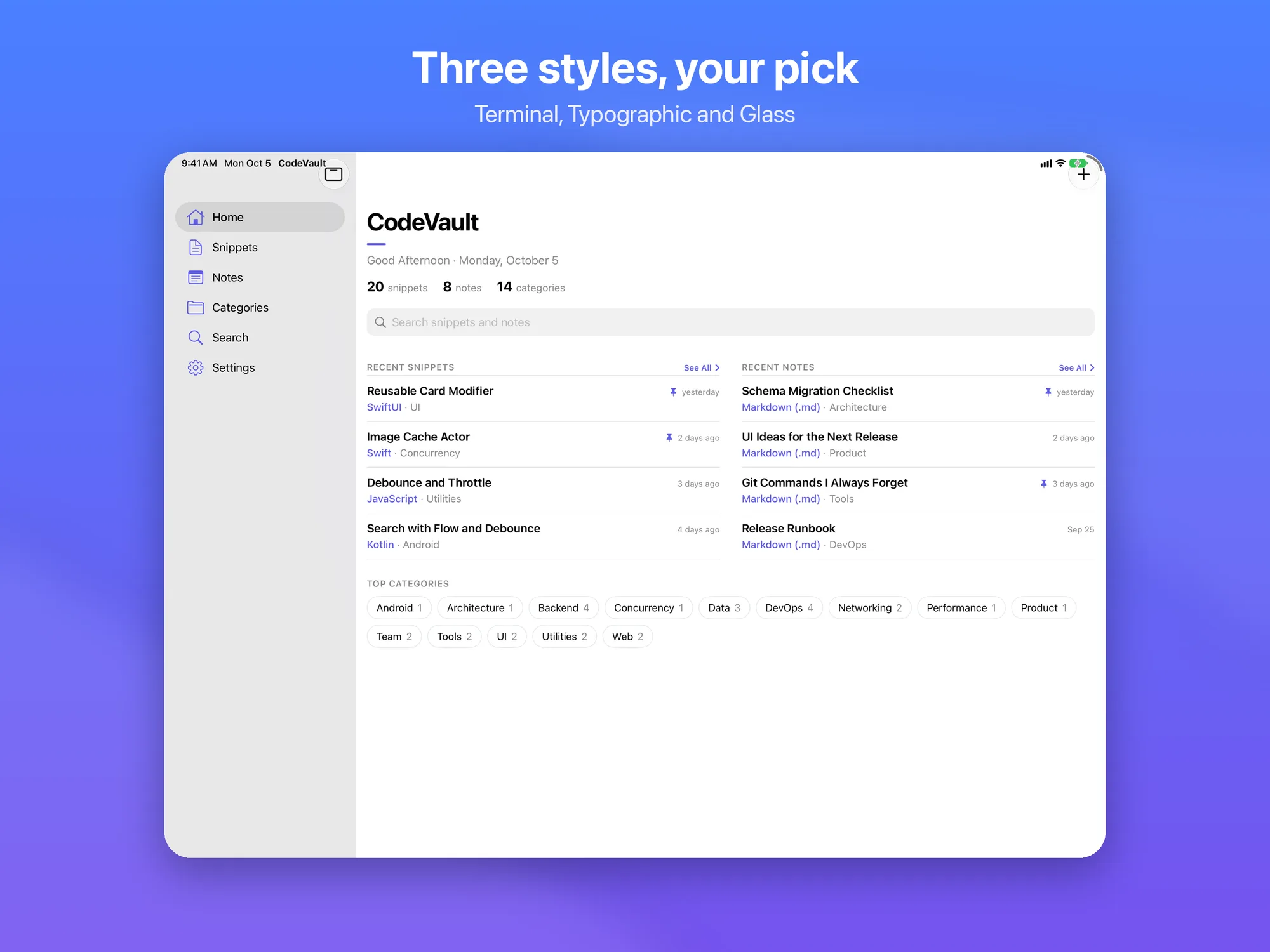
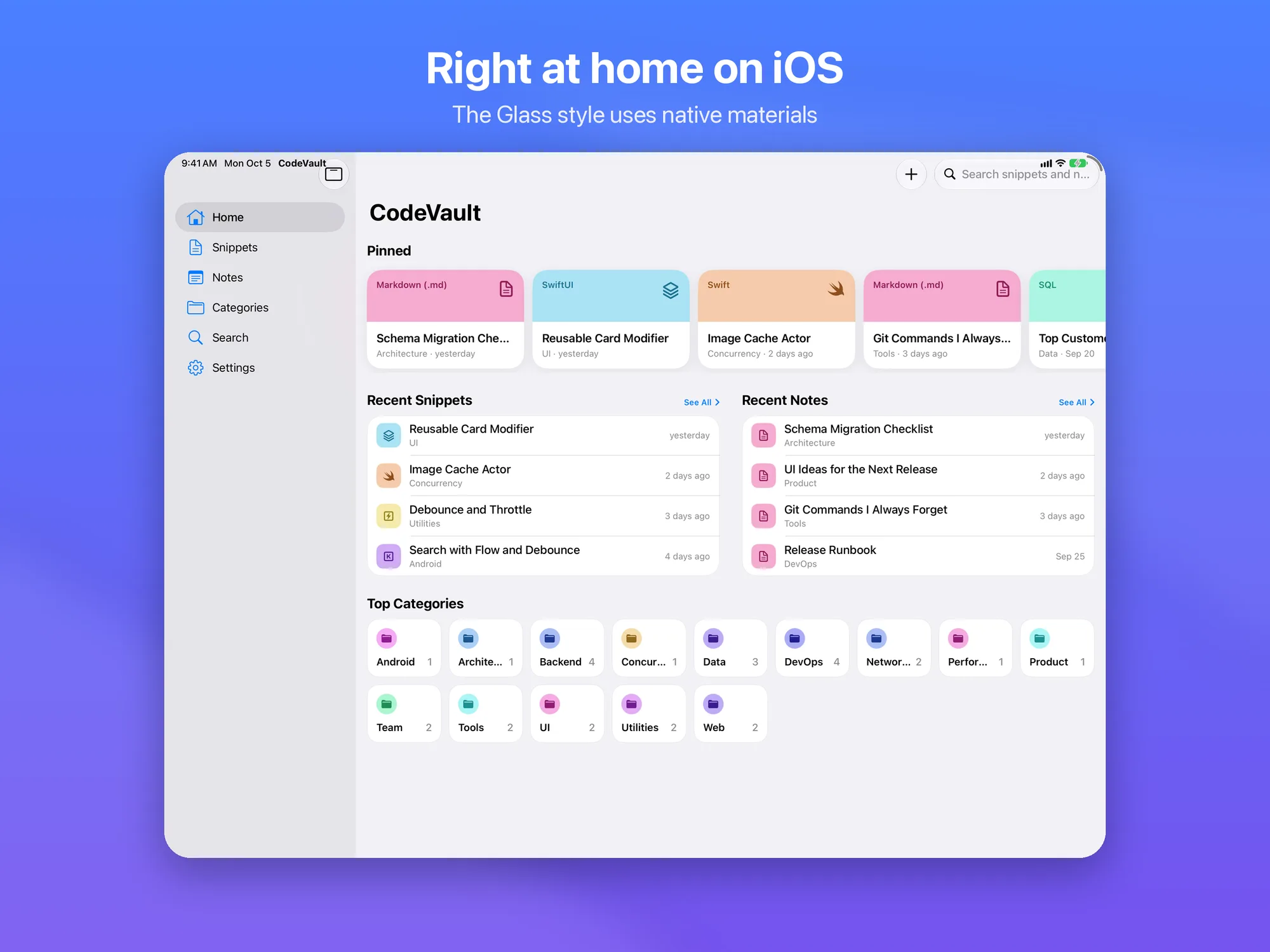
  • Home at a glance: your recent items and most-used categories, always up front
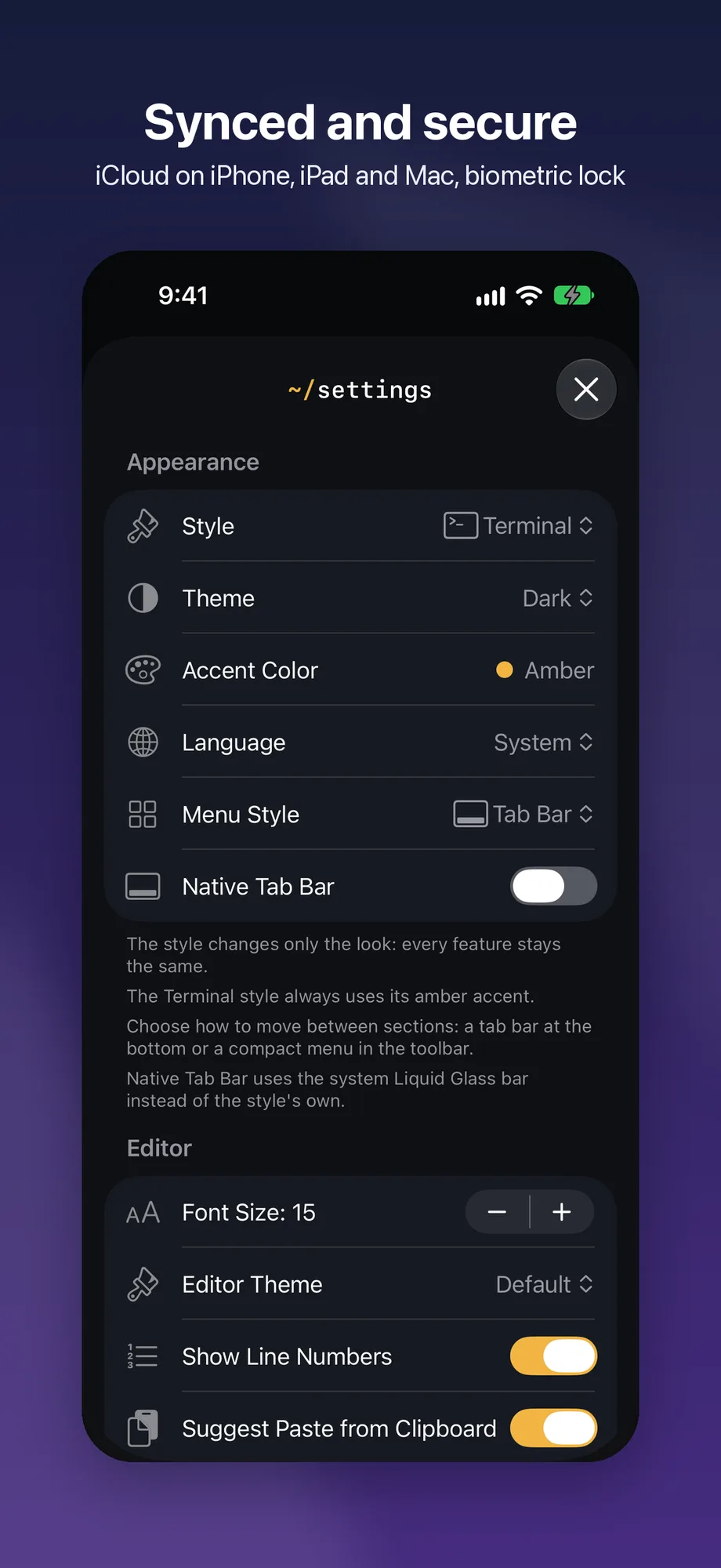
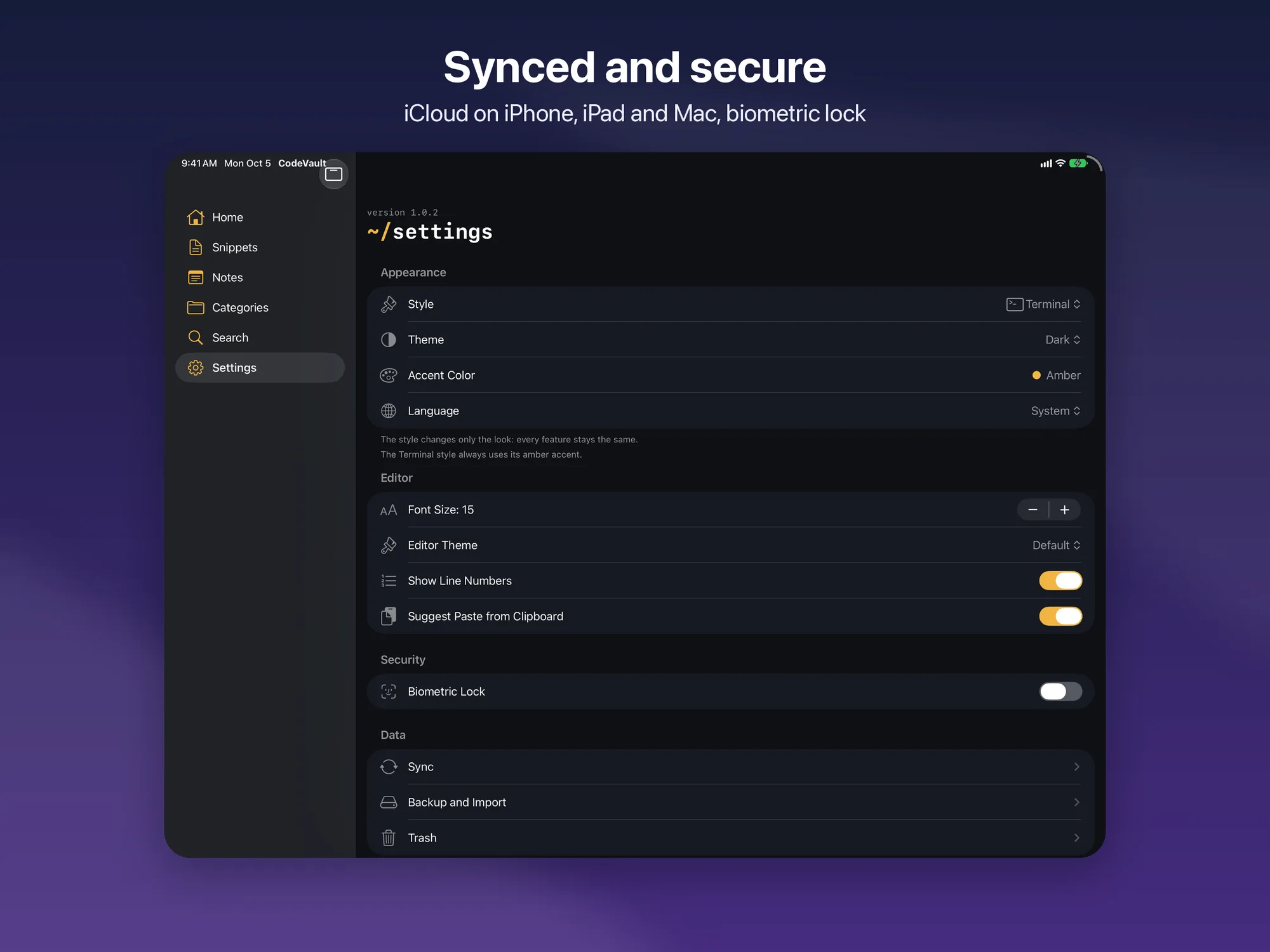
  • iCloud sync: automatic across iPhone, iPad, and Mac, with a local-only fallback if iCloud isn’t available
  • Face ID or Touch ID lock: optional, to protect access to the app
  • Restorable trash: deleted items can be recovered for 30 days
  • Export and share: backup and export to JSON, share as Markdown, export notes to PDF
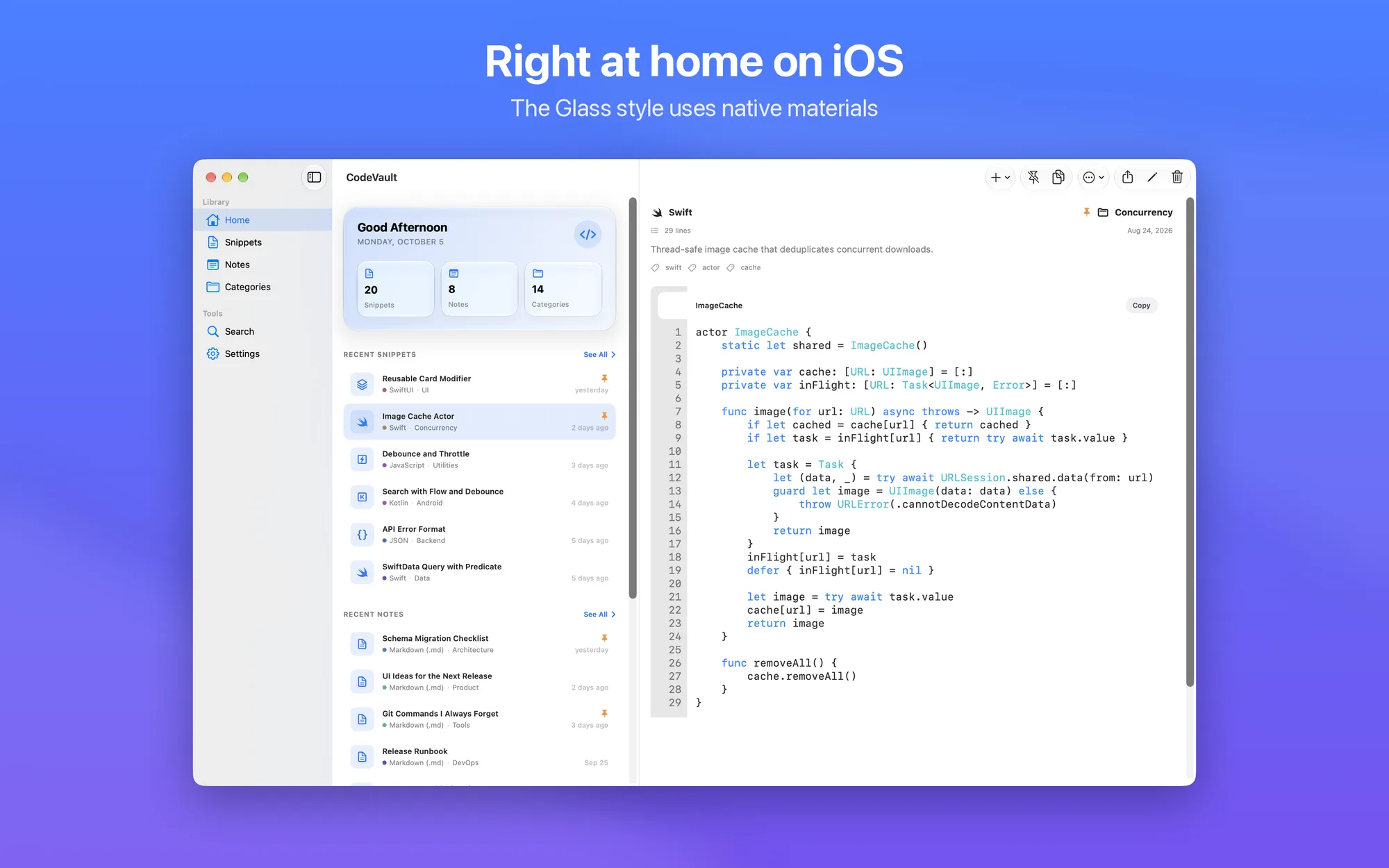
  • Native on every platform: sidebar and multi-column layout on Mac and iPad, compact navigation on iPhone, keyboard shortcuts on Mac
  • No subscription: free, with no ads and no in-app purchases
  • Available in 7 languages: English, Italian, German, Spanish, French, Portuguese, and Russian

Platforms

Available on iOS and iPadOS 18 or later and on macOS 15 Sequoia or later: one free app for all your devices.

Privacy Policy

Updated: September 12, 2026

Data Collected
The app processes information you enter directly: code snippets and notes you create or import (title, description, content, language, category, tags), items in the trash, and app preferences (theme, accent color, language, editor settings, biometric lock, iCloud sync). We do not collect sensitive data (health, payments, location, contacts, biometrics). No account or registration required.
Advertising & Tracking
No in-app advertising. No tracking or analytics — data is never sent to external servers for profiling.
Data Storage
All information stays on your device. With iCloud sync on (the default, and it can be turned off), snippets and notes are synced across your devices through the CloudKit private database of your iCloud account — they never pass through our servers. Without iCloud, the app works locally only.
Third-Party Sharing
We do not sell or share data with third parties.
Your Rights
You can access, modify, and delete your data directly within the app.
Read the full privacy policy

Support

Contact
For questions, bug reports, or feedback: dimpemekug.app@gmail.com — We'll get back to you as soon as possible.
Reporting a Bug
Please include: device model, OS version, and steps to reproduce the issue.
All projects